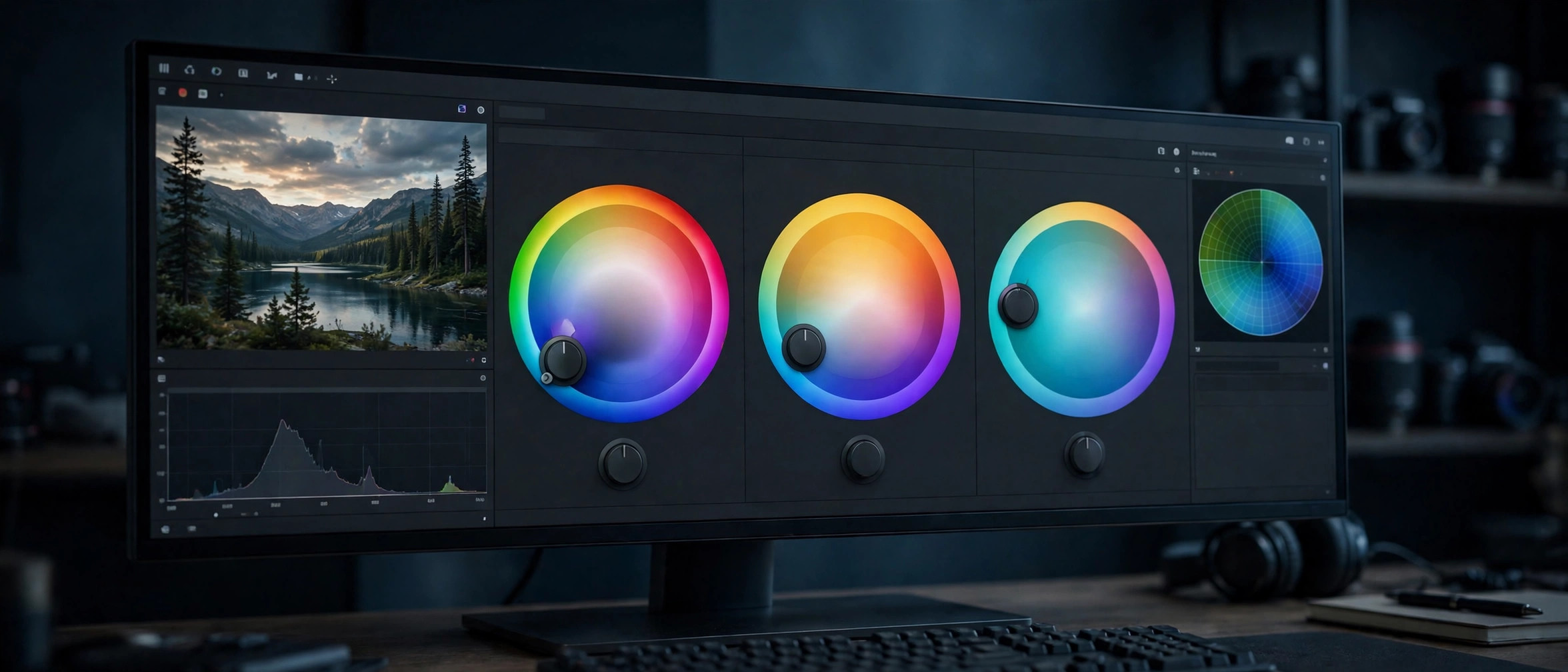
DaVinci Resolve Studio 21.2 for Mac
Mac VideoUpdated Nov 4, 2026
Mac Video • Updated Nov 4, 2026
DaVinci Resolve Studio 21.1.1 is Blackmagic Design's paid edition of its all-in-one post-production suite, combining editing, color grading, visual effects, motion graphics, and audio mixing in a single app. It builds on the genuinely free DaVinci Resolve with the Neural Engine AI tools, extra effects, and professional format support. Version 21.1.1 belongs to the Resolve 21 family released for Mac, Windows, and Linux.
Key Features
- Editing, color, VFX, motion graphics, and Fairlight audio in one application
- DaVinci Neural Engine tools like Magic Mask and smart reframing
- Over 100 extra Resolve FX, temporal noise reduction, and HDR grading in the Studio edition
- Support for 10-bit video, higher frame rates, and resolutions beyond 4K
- One-time purchase license — no subscription
How to Download
- Download from the official site — choose the DaVinci Resolve Studio installer for Mac from Blackmagic's download page.
- Studio needs an activation key, dongle, or assigned Cloud license. If you bought Studio on the Mac App Store, use the Store edition instead.
- Run the installer, enter your license details, and activate.
Is there a free version?
Yes. The standard DaVinci Resolve is free and genuinely capable. Studio is the paid one-time upgrade aimed at professionals.
Is Studio a subscription?
No. DaVinci Resolve Studio is sold as a one-time purchase license.







Leave a Reply