MiniMeters 1.0.30 for Mac
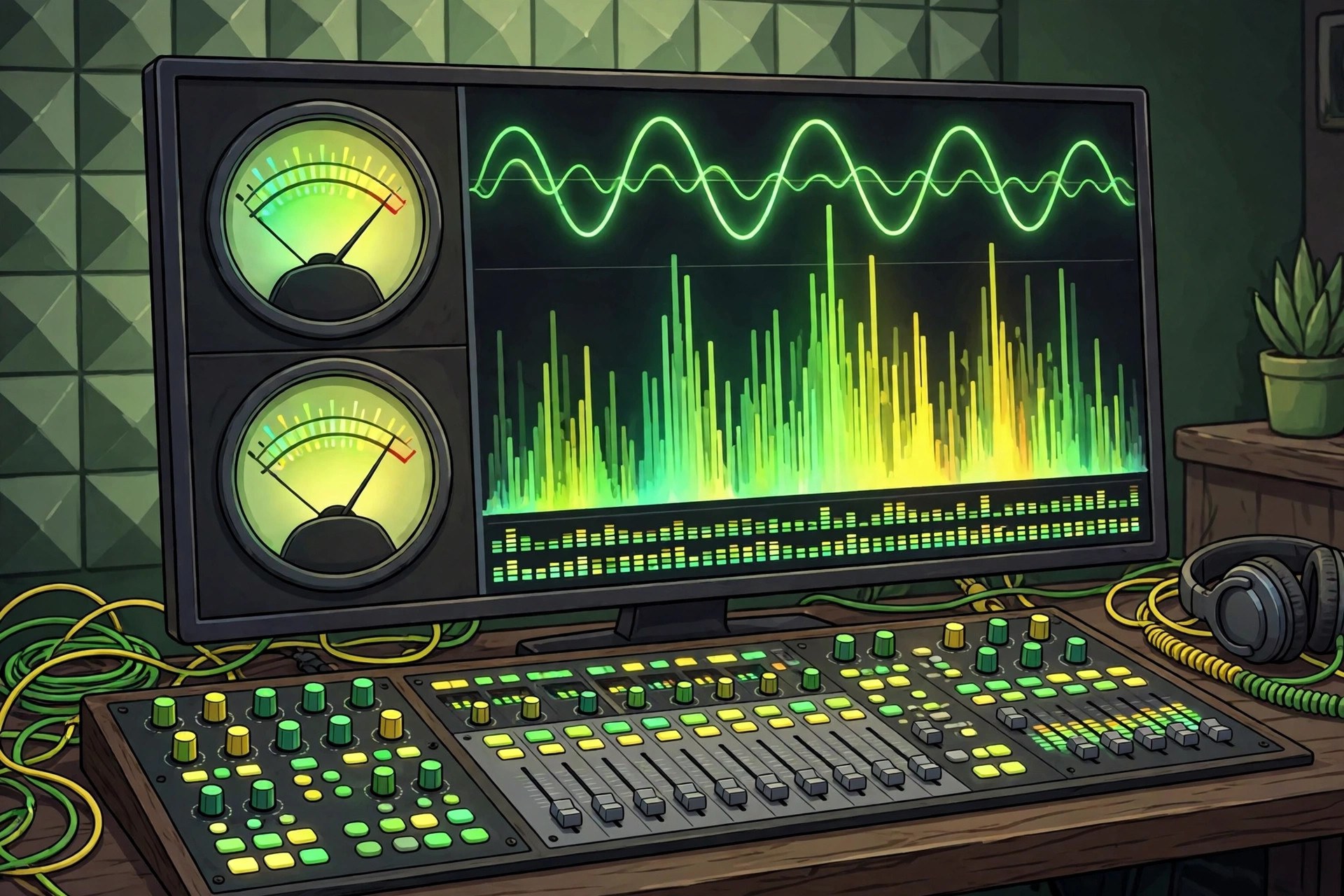
Mac UtilitiesMiniMeters is an audio metering app and plug in suite that gives producers and engineers a clear visual read on their sound without taking over the screen. It runs as a small standalone app that can sit above your DAW, and as plug ins inside your sessions, showing meters such as an oscilloscope, spectrogram, spectrum, loudness, stereometer, VU and waveform views. An Audio Server plug in feeds sound from your DAW into the standalone app, and layouts and themes let you arrange the meters the way you like them. Updated Aug 23, 2026.
Key Features
- Oscilloscope, spectrogram and spectrum meters
- Loudness, stereometer, VU and waveform views
- Standalone app plus VST3, Audio Unit and CLAP plug ins
- Audio Server plug in feeds your DAW into the app
- Horizontal and Quad layouts with custom themes
- Clipping capture saves recent audio for a closer look
How to Download
- Try the demo first to see how the meters fit your setup.
- Go to Download from the official site and buy MiniMeters.
- Download the Mac build and install the app and plug ins.
- Open the standalone app or load a meter inside your DAW.
System Requirements
MiniMeters runs on Macs with a recent macOS; capturing system output uses the built in capture support on macOS 14.2 and later. Plug in use needs a DAW that hosts VST3, Audio Unit or CLAP plug ins.
FAQs
Can MiniMeters sit above my DAW?
Yes. The standalone app is made to float over your session, and the Audio Server plug in sends it your DAW sound.
Is there copy protection?
No. The developer sells it without copy protection; you simply download and install after buying.







Leave a Reply