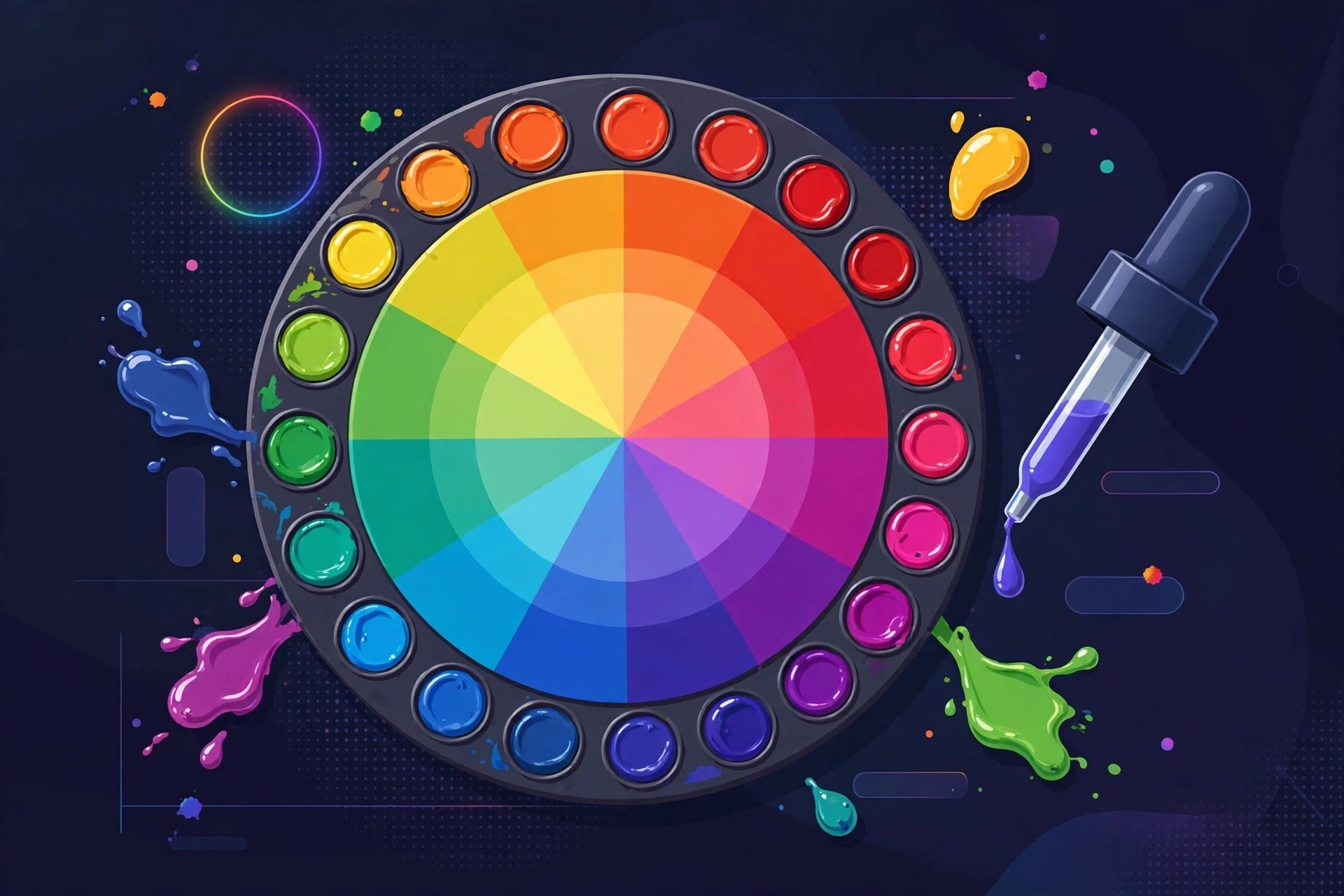
Color Wheel 9.2 for Mac
Mac UtilitiesColor Wheel is a color selection and palette tool for macOS, made for painters and designers who want more than a single fixed picker. It brings together a Digital color wheel, a Classic color wheel, and an Abstract color wheel for painting. You also get professional palettes, mood based swatches and a tool that pulls colors from an image. Updated Aug 21, 2026.
Key Features
- Digital, Classic and Abstract color wheels in one app
- Professional color palettes for design and painting work
- Mood based swatches to explore combinations quickly
- Image color extractor that builds a palette from a picture
- Value Breaker tool that splits an image into tonal values
- Works on Apple Silicon and Intel Macs
How to Download
- Check that your Mac runs macOS 11.0 or later.
- Open the Mac App Store and search for Color Wheel by Roman Sevastyanov.
- Buy the app and wait for the download to finish.
- Launch Color Wheel and pick a wheel type to start building a palette.
System Requirements
You need a Mac running macOS 11.0 or later. It runs on Apple Silicon and Intel processors and is a small download, so it works well on older Macs too.
FAQs
Is Color Wheel only for professional designers?
No. Beginners can learn with the Abstract wheel and Value Breaker tool, while professionals can use the Digital wheel for client work.
Can I extract colors from a photo?
Yes. The image color extractor reads the colors in a picture and turns them into a palette you can save and reuse.
Does it work on Apple Silicon Macs?
Yes. The app supports both Apple Silicon and Intel processors, so it runs natively on current Macs.







Leave a Reply