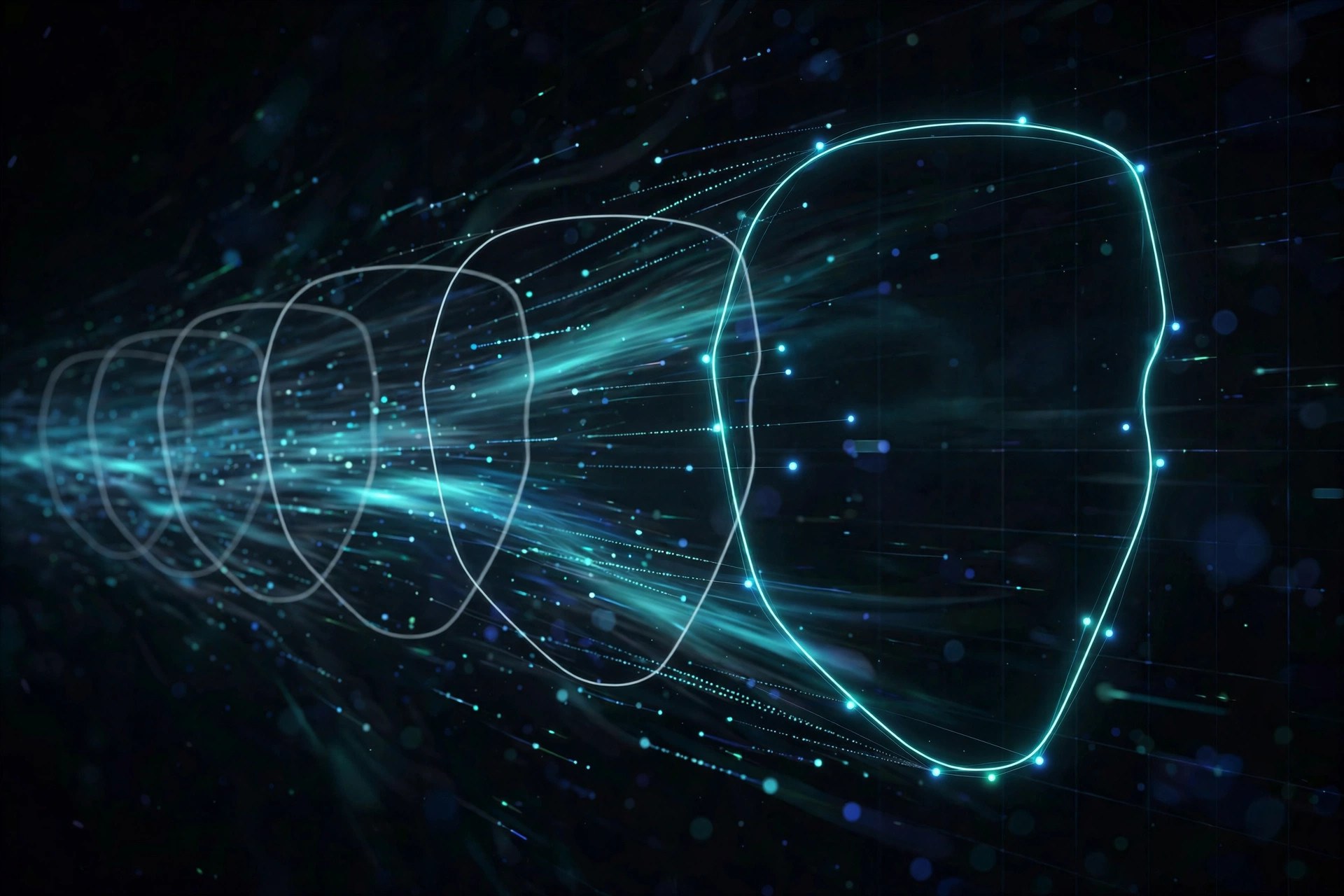
MaskMotion 1.0 for Mac
Mac UtilitiesMaskMotion is an After Effects tool that brings masks to life, letting a mask shape move, grow and change across a composition. Masks are often used to hide or reveal parts of a layer, and MaskMotion makes that motion easy to shape with clear controls instead of a long list of manual keyframes. It suits title reveals, wipe transitions and product highlights where the visible area needs to travel with purpose. Updated Aug 21, 2026.
Key Features
- Animates mask shapes across a composition with smooth motion
- Creates reveals, wipes and travelling highlights from masks
- Clear controls that reduce the need for manual keyframes
- Works with masks on footage, shapes and text layers
- Keeps the mask editable so you can refine the result later
How to Download
- Open After Effects on your Mac and save your current project first.
- Install the tool through the aescripts manager or copy it into the Scripts folder, then restart After Effects.
- Draw a mask on a layer, open the MaskMotion panel and choose the motion you want.
- Preview the animation, adjust the timing and render when it looks right.
System Requirements
MaskMotion needs a Mac with a recent version of macOS and a supported version of Adobe After Effects. It runs inside After Effects as a script, so it shares the memory and processor of your Mac with your project. Larger compositions benefit from a faster Mac.
FAQs
Do I need to know expressions to use MaskMotion?
No, the tool uses simple panel controls, so you can shape mask motion without writing expressions.
Can I still edit the mask after animating it?
Yes, the mask stays editable in your composition, so you can change its shape or timing at any point in the project.







Leave a Reply