AIR Music Technology Mini D 1.2.1.14 for Mac
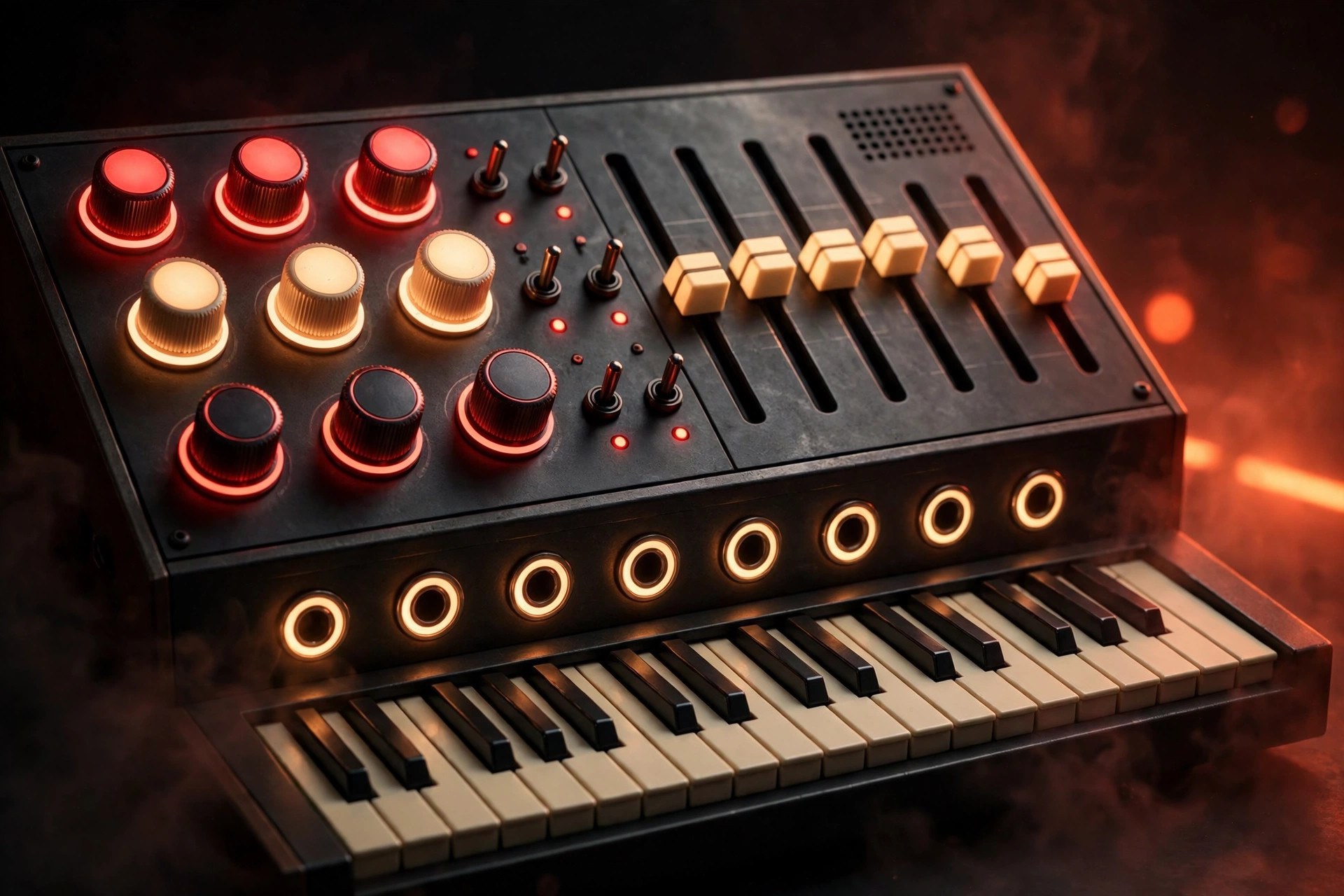
Mac UtilitiesMini D from AIR Music Technology is a plugin synth inspired by a famous American analog synthesizer from the seventies. It keeps the warm, punchy character of that era, then adds modern touches the original never had, such as four voice polyphony, built in effects and a large preset library. Updated Aug 20, 2026.
Key Features
- A four voice poly synth based on a classic American synthesizer design
- Three oscillators per voice with eight modelled oscillator shapes
- The classic ladder filter sound for warm and punchy tones
- Hundreds of presets across bass, lead, percussion and synth effect groups
- Built in effects rack with EQ, chorus and delay style tools
- Works in your DAW and can also unlock on Akai MPC and Force hardware
How to Download
- Open the official AIR Music Technology page for Mini D.
- Use this link to get the installer: Download from the official site and save the file to your Mac.
- Run the installer and follow the vendor steps to authorise the plugin.
- Open your DAW, rescan plugins, and load Mini D on an instrument track.
System Requirements
Mini D needs a recent Mac as listed on the vendor page, with a DAW that hosts AU, VST or AAX plugins. An internet connection is required to authorise the software, and you may need the MPC desktop software for use with Akai hardware.
FAQs
Is Mini D only for vintage style music?
No. The preset library covers modern and retro sounds, and the synth controls let you shape basses, leads and effects for many current styles of production.
Can I use Mini D without a DAW?
On Akai MPC and Force hardware it can run in standalone form when supported. On a Mac it is mainly used as a plugin inside a compatible host app.







Leave a Reply