Fission 2.9.5 for Mac
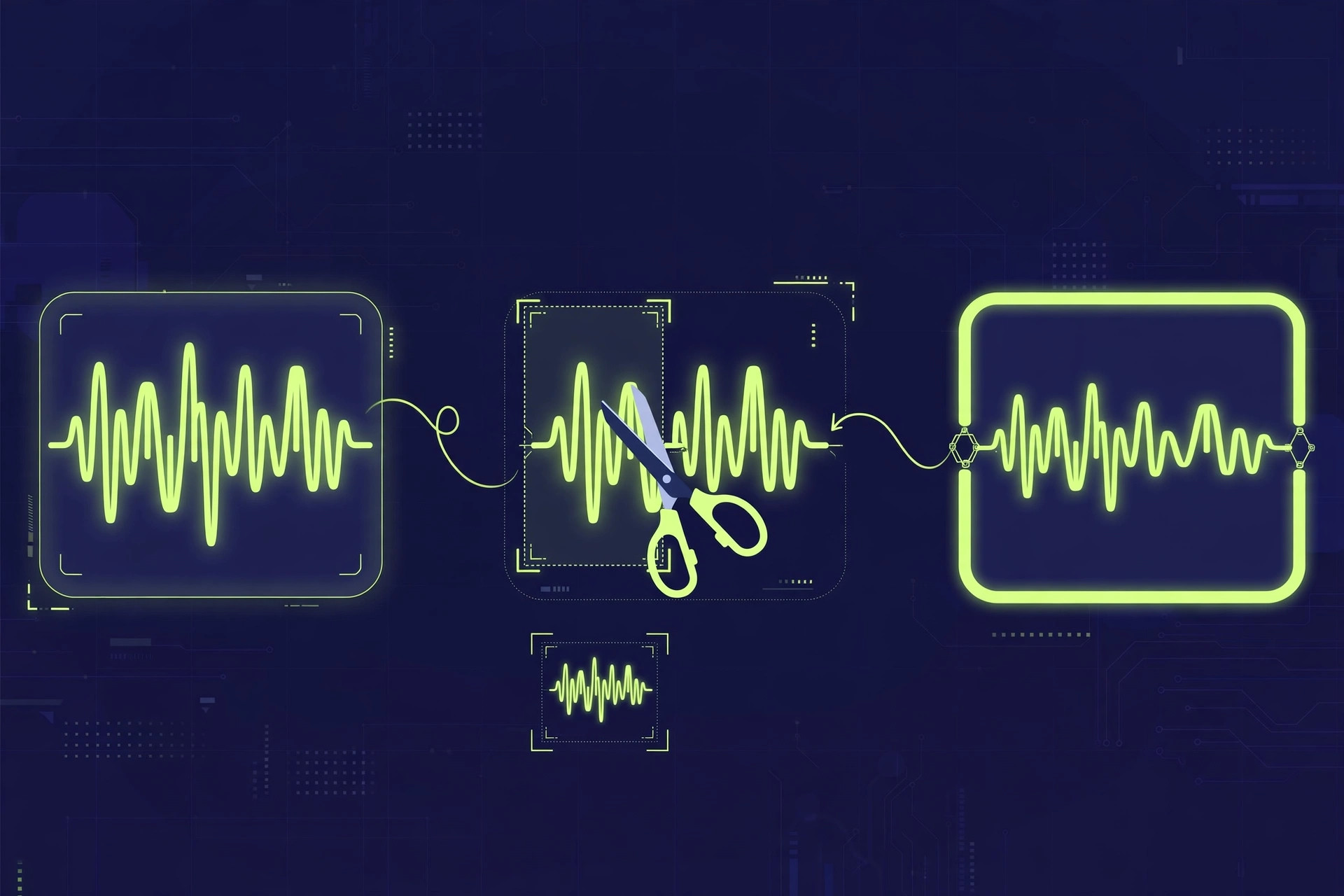
Mac UtilitiesFission from Rogue Amoeba is a fast audio editor for Mac that focuses on the jobs people do most often. You can trim the ends of a recording, cut out a section in the middle, split a long file into parts, or join clips together, all without decoding and encoding the audio again. That keeps the original quality intact and makes saving almost instant, even on long recordings. Updated Aug 20, 2026.
Key Features
- Lossless editing for popular audio formats such as MP3 and AAC
- Trim, split and join audio with simple selections
- Batch converter changes many files in one pass
- Chapter tools suit podcasts and long spoken recordings
- Clear waveform view makes precise cuts easy to place
How to Download
- Open the Rogue Amoeba website in your browser.
- Download from the official site from the Fission product page.
- Open the download and launch Fission on your Mac.
- Drop in an audio file and try a simple trim to learn the flow.
System Requirements
Fission runs on recent versions of macOS, and the current release lists macOS 14 or higher. It works on Macs with Apple silicon and Intel chips. Disk needs are modest, though large audio projects will need free space for copies and exports.
FAQs
Does editing reduce sound quality?
For supported formats, Fission edits without decoding the audio, so the sound stays as it was in the original file.
Can Fission convert file formats?
Yes. It can save audio in other formats, and the batch converter handles folders of files in one go.







Leave a Reply