Pixelorama 1.2.4 for Mac
Mac UtilitiesUpdated Aug 19, 2026
Mac Utilities • Updated Aug 19, 2026
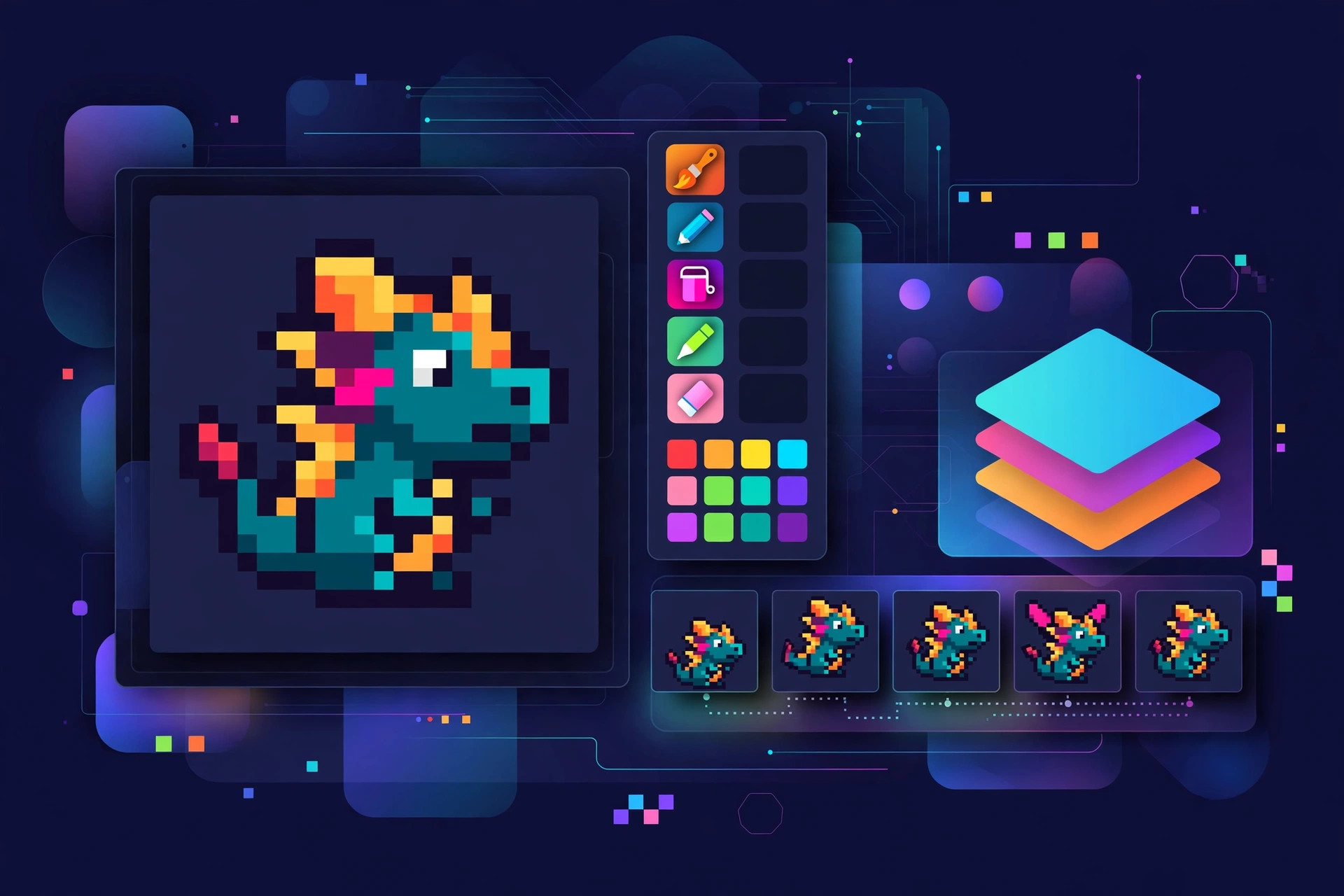
Pixelorama from Orama Interactive is a free editor made purely for pixel art. Whether you draw game sprites, icons or small animations, it gives you a canvas that respects the pixel grid, plus layers and a timeline for frame based work. It began as a small open source project and keeps growing through community effort, with updates shared openly on its blog. Updated Aug 19, 2026.
Key Features
- Drawing tools shaped for pixel work, including pen, fill, shapes and selection tools
- Layers and a timeline, so still images and animations live in one project
- Palettes you can build, save and reuse across your artwork
- Onion skinning and preview tools that help animation stay smooth
- Export to common image formats, plus sprite sheets for game projects
- Free and open source, and available on Mac, Windows and Linux
How to Download
- Read the latest release notes on the project blog first.
- Download from the official site and follow the links to the current Mac build.
- Open the download and move Pixelorama into your Applications folder.
- Launch it, start a new canvas at your chosen size, and begin drawing.
System Requirements
- A Mac running a recent version of macOS
- An Apple silicon or Intel processor
- A modest amount of free disk space for the app and your artwork
- A mouse or graphics tablet, whichever you draw with best
FAQs
Is Pixelorama really free?
Yes. It is free and open source. The team accepts support from people who wish to give it, and paid store copies exist for those who prefer that route.
Can Pixelorama make animations, or only still art?
It does both. The timeline, layers and onion skinning are there for frame by frame animation, and you can export the result for use in games and other projects.







Leave a Reply