Auto Rig Pro 3.79.17 for Mac
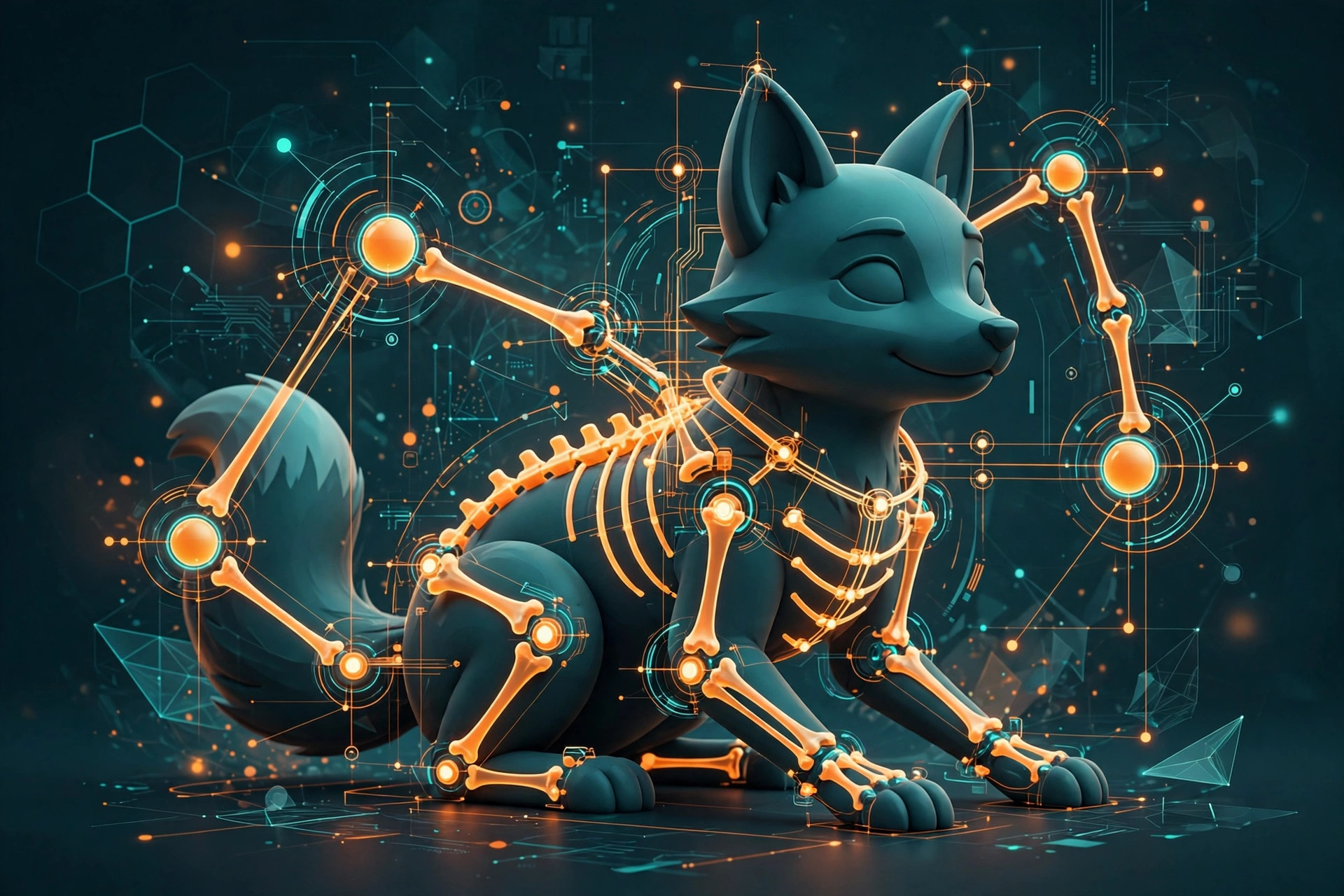
Mac UtilitiesRigging a character by hand in Blender can take hours before any animation begins. Auto Rig Pro shortens that work a great deal. You place a set of markers on your character, and its smart tools build a full rig with controllers that are ready to animate. The package also brings tools for retargeting motion onto your rig and export presets aimed at game engines, so a character can move from Blender into a project with far less manual fixing. Updated Aug 18, 2026.
Key Features
- Smart placement builds a full character rig from markers
- Controllers for body face fingers and custom limbs
- Retargeting tools bring motion from other rigs onto yours
- Export presets for Unity Unreal Engine and Godot
How to Download
- Open the marketplace listing and use the Download from the official site link to buy the version you need.
- Download the zip file from your account orders page after purchase.
- In Blender, open preferences and install the addon from that zip file without unzipping it.
System Requirements
You need Blender installed on your Mac, in a version the addon supports. In general a recent Mac with Apple silicon or an Intel chip and a few gigabytes of free disk space is plenty, since the addon itself is small and Blender does the heavy work.
FAQs
What does Auto Rig Pro do?
It builds animation ready rigs for characters in Blender. You guide it with markers and it creates the bones, controllers and skinning setup for you.
Can it export to game engines?
Yes. The full version includes export tools with presets for Unity, Unreal Engine and Godot, using FBX and glTF formats.







Leave a Reply