GrandPerspective 3.8.1 for Mac
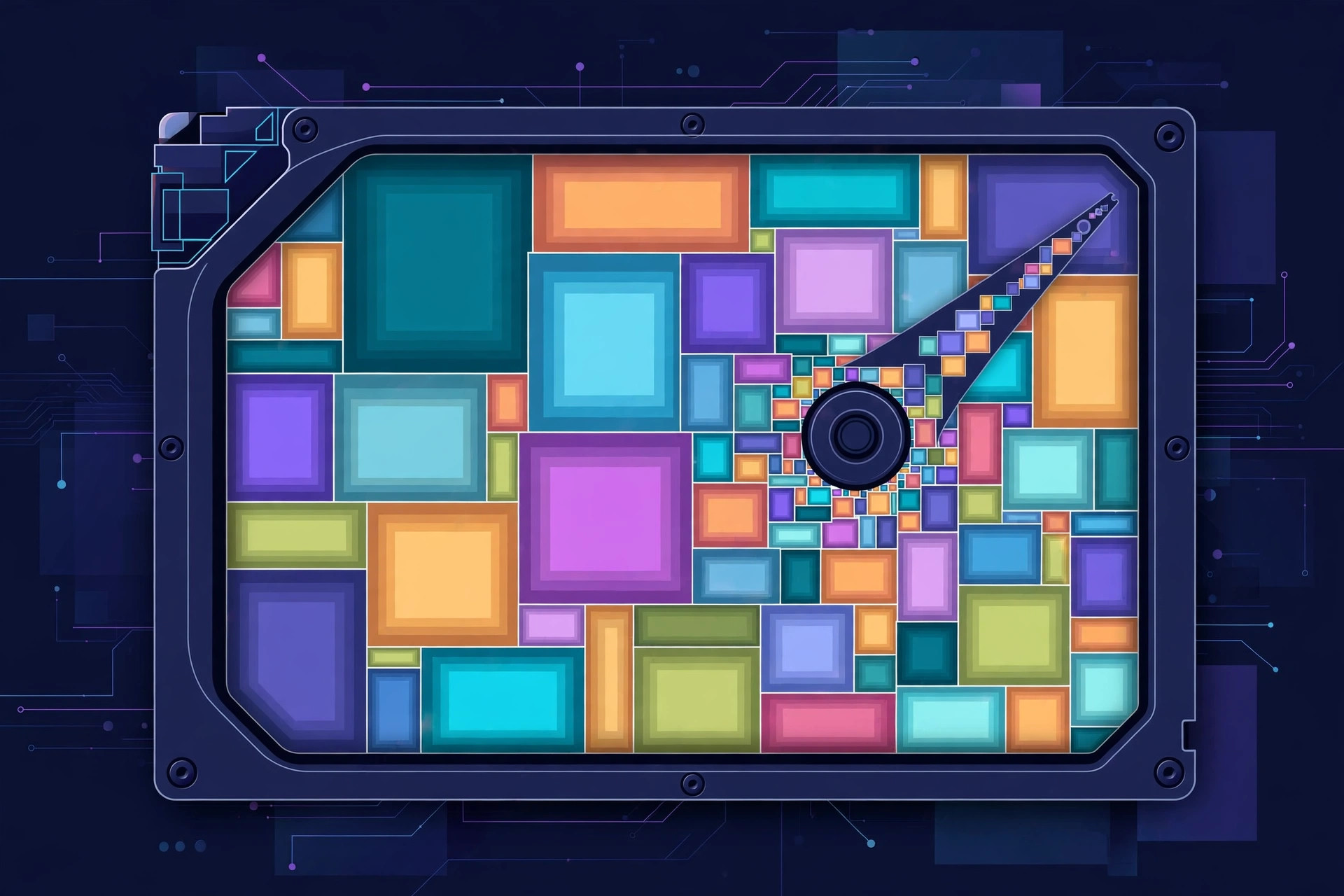
Mac UtilitiesWhen a Mac disk fills up, the culprit is rarely obvious from a list of folders. GrandPerspective takes a visual route. It scans a drive or folder and draws a map where every file is a rectangle and the size of each rectangle matches the size of the file. Big blocks mean big files, so the downloads, videos and old disk images that eat your space stand out at once. The app is open source and has been maintained for many years. Updated Aug 18, 2026.
Key Features
- Draws disk use as a clear visual map
- Rectangle size matches file size for instant spotting
- Colours files by type folder or age to suit your hunt
- Zoom and focus tools explore large folders in detail
How to Download
- Go to the project home and use the Download from the official site link to reach the download area.
- Download the disk image for the current release and open it.
- Move the app into your Applications folder and launch it.
System Requirements
The current release needs a recent version of macOS, and the project keeps older builds for older systems. It runs on Apple silicon and Intel Macs and needs very little free disk space, since it only reads your files and draws a picture of them.
FAQs
Is GrandPerspective free?
Yes. The download from the project site is free and the app is open source. A paid copy on the Mac App Store is also offered as a way to support development.
Does it delete files for me?
It shows you where space is used and can reveal files in Finder. Deleting stays your decision, which keeps the cleanup safe and deliberate.







Leave a Reply