Bitwig Studio 6.1.4 for Mac
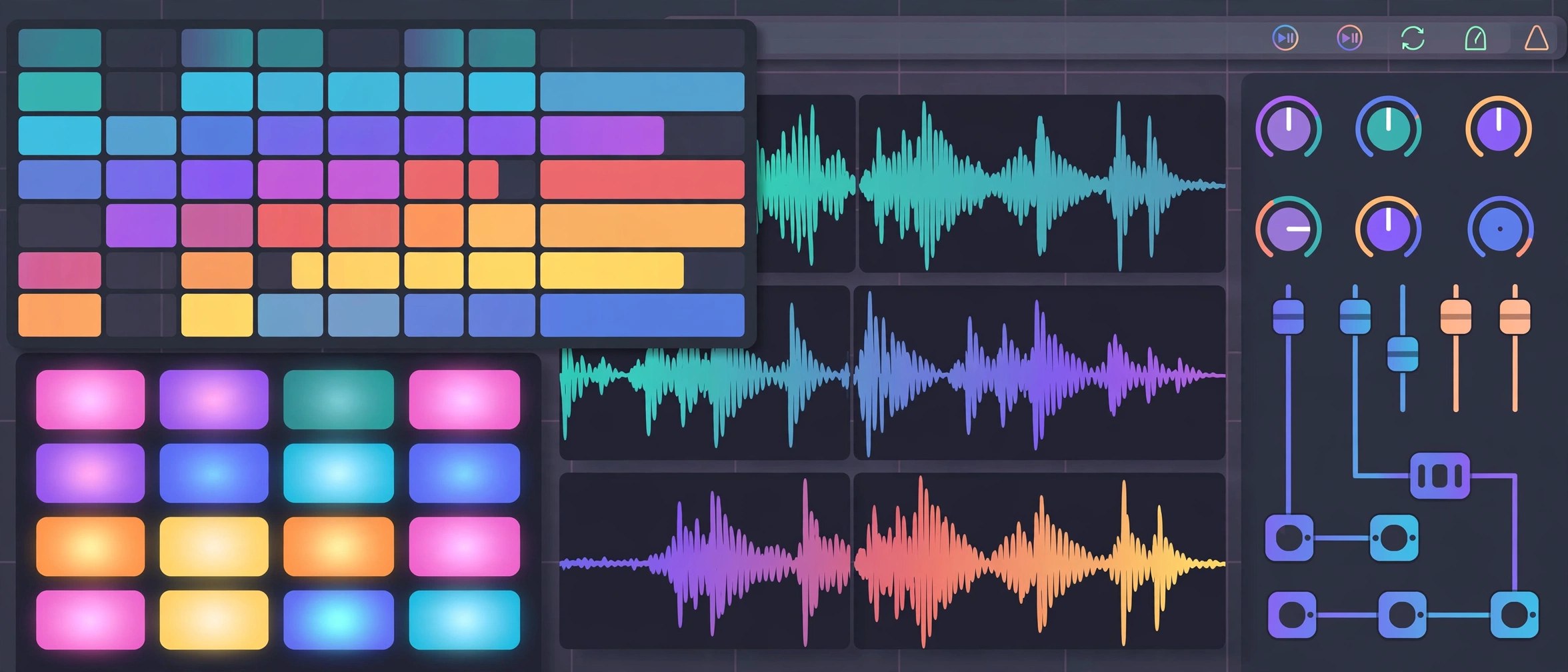
Mac UtilitiesBitwig Studio is a complete digital audio workstation for writing, recording and performing music, built by Bitwig in Berlin. It pairs an arranger timeline with a clip launcher for trying ideas live, and underneath sits one of the deepest modulation systems in any music app. Version 6.1 brings a radically updated Sampler, and the current 6.1.4 release can even read a rekordbox library.
Key Features
- Combines an arranger timeline with a clip launcher for live idea building
- Includes the Grid, a modular environment for building instruments and effects
- Lets modulators animate almost any parameter at audio rate
- Ships a renewed Sampler with slicing and expanded play modes in 6.1
- Reads rekordbox libraries and track analysis data from version 6.1.4
How to Download
- Start with the trial or an edition from Download from the official site.
- Run the macOS installer and sign in with your Bitwig account.
- Install the sound packages you want from the Packages tab in the dashboard.
System Requirements
Bitwig lists macOS 12 Monterey or above for the current version, on Intel or Apple Silicon Macs. Allow generous free disk space if you install the full sound content, and use a low latency audio interface for live recording.
FAQs
Can I try Bitwig Studio before buying?
Yes. The official trial runs the full version free for 30 days. After the trial, the app opens in demo mode where saving and exporting are switched off.
What is the Grid?
It is a patching environment inside Bitwig where you connect modules to build your own synths, effects and note processors, then save them as devices in your tracks.
How do updates work after I buy?
Each purchase includes 12 months of updates at no extra cost. Your licence keeps working after that period with the last version you received.







Leave a Reply