Krisp 3.18.3 for Mac
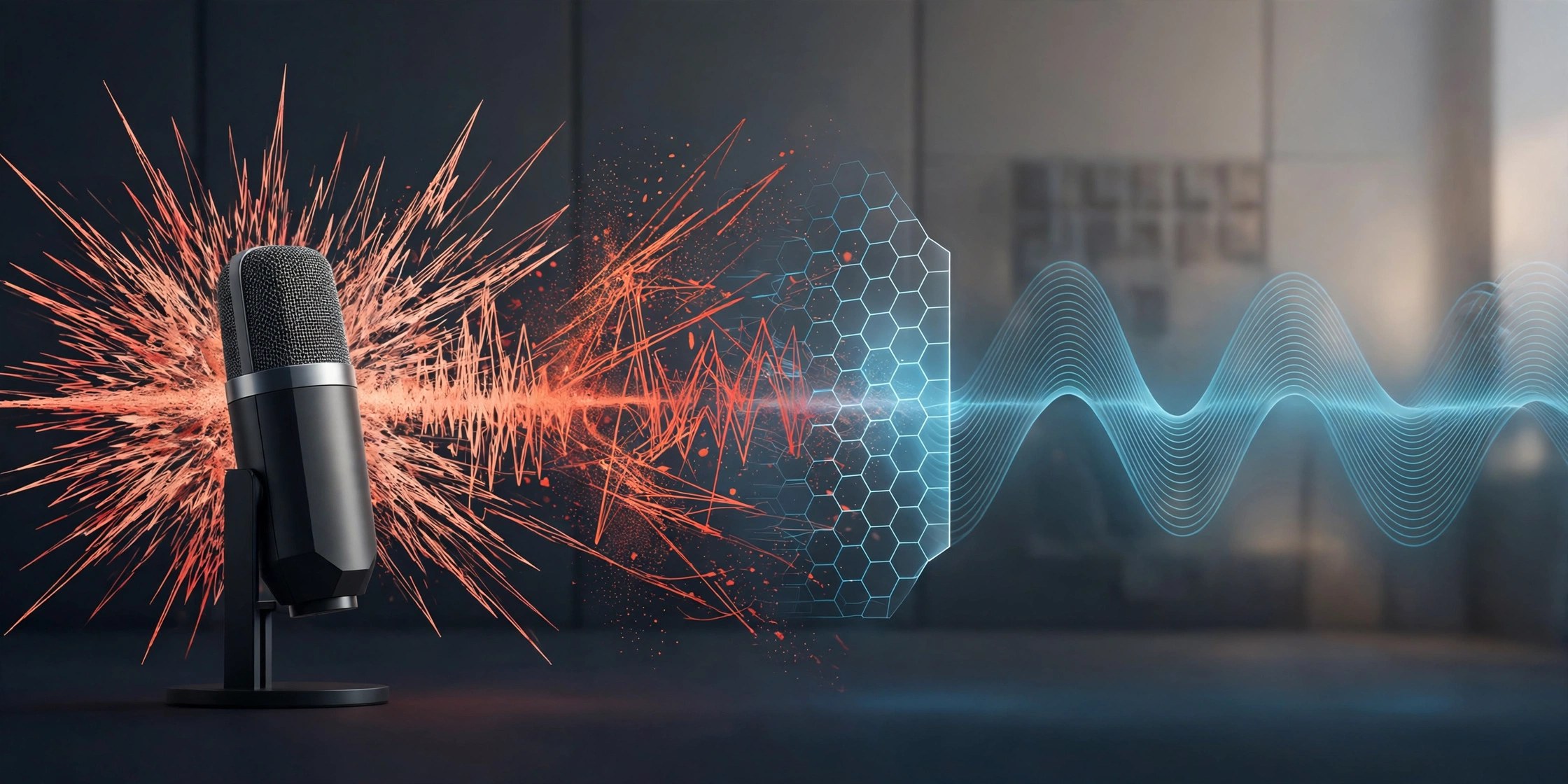
Mac UtilitiesDogs barking, traffic outside, a keyboard clattering through a client call. Krisp sits between your microphone and your meeting apps and cleans the sound before anyone hears it. Its AI removes background noise and voices around you, and the current app goes well beyond that first job, adding live transcription, automatic meeting notes, call recording and accent conversion in one small Mac app.
Key Features
- Removes background noise from your voice in real time during calls
- Cleans incoming audio too, so other people sound clearer to you
- Transcribes meetings live and turns them into structured AI notes
- Offers accent conversion to help every listener follow the conversation
- Works at the audio level with Zoom, Teams, Meet and many other apps
How to Download
- Create your account and get the Mac app from Download from the official site.
- Run the installer, choosing the build that matches your Intel or Apple Silicon Mac.
- Open your meeting app and select Krisp Microphone and Krisp Speaker in its audio settings.
System Requirements
Krisp lists macOS 14 Sonoma or later for the current desktop app, with an Intel Core i5 or Apple Silicon processor and 8 GB of memory recommended. You also need a Krisp account, as the desktop app works while you are signed in.
FAQs
Does Krisp work with my meeting app?
Very likely yes. Krisp works at the system audio level rather than as a plugin, so it pairs with Zoom, Teams, Meet, Slack and many other calling apps.
Where does the noise removal happen?
Noise cancellation runs on your own device, so your voice is cleaned locally before it reaches the call. Some newer features, such as accent conversion, need the app online and signed in.
Can Krisp take notes for me?
Yes. Turn on the Note Taker before a meeting and Krisp records, transcribes and summarises the conversation, with action items drawn out for you afterwards.







Leave a Reply