KO BandFill 1.0.1 for Mac
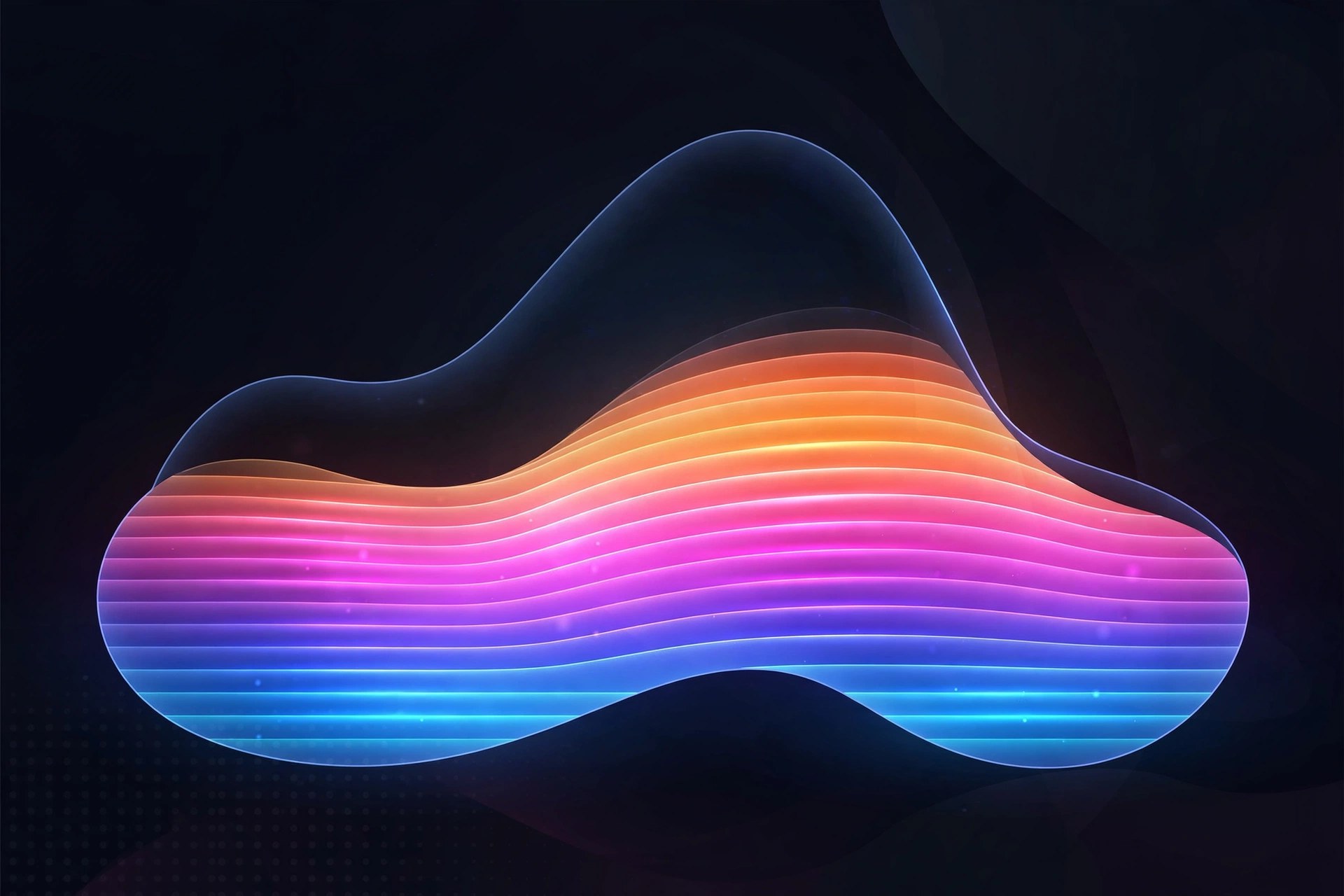
Mac UtilitiesDrawing neat band patterns by hand in After Effects takes patience, and a small change can mean rebuilding the whole stack. KO BandFill takes a procedural route instead. It is a native plugin that generates band patterns from a single set of controls, so you shape the pattern with sliders rather than layers. From the same logic you can build backgrounds, transitions, gradients and bold graphic shapes that stay easy to adjust later.
Key Features
- Procedural band patterns generated from one control set
- Twenty geometries share the same logic for fast exploration
- Variation controls break up repetition and add organic feel
- Distortion controls bend and warp patterns for fresh looks
- Native plugin performance keeps previews responsive while you work
How to Download
- Head to the product page and Download from the official site to buy or try the plugin.
- Run the installer or place the plugin as the vendor directs for macOS.
- Restart After Effects, add the effect to a layer and shape your first pattern.
System Requirements
You need a Mac with a recent version of macOS and Adobe After Effects installed. The vendor lists support for recent After Effects releases, so check the product page for the exact range before you install.
FAQs
What is KO BandFill used for?
It builds patterned fills made of bands. Motion designers use it for animated backgrounds, transitions and graphic shapes without drawing each stripe by hand.
Do I need to draw masks to use it?
No. The patterns are procedural and driven by parameters. You pick a geometry and then tune spacing, variation and distortion until the pattern fits your design.
Is it a separate app?
No. It is a plugin that lives inside After Effects. You apply it as an effect and animate its controls with keyframes.







Leave a Reply