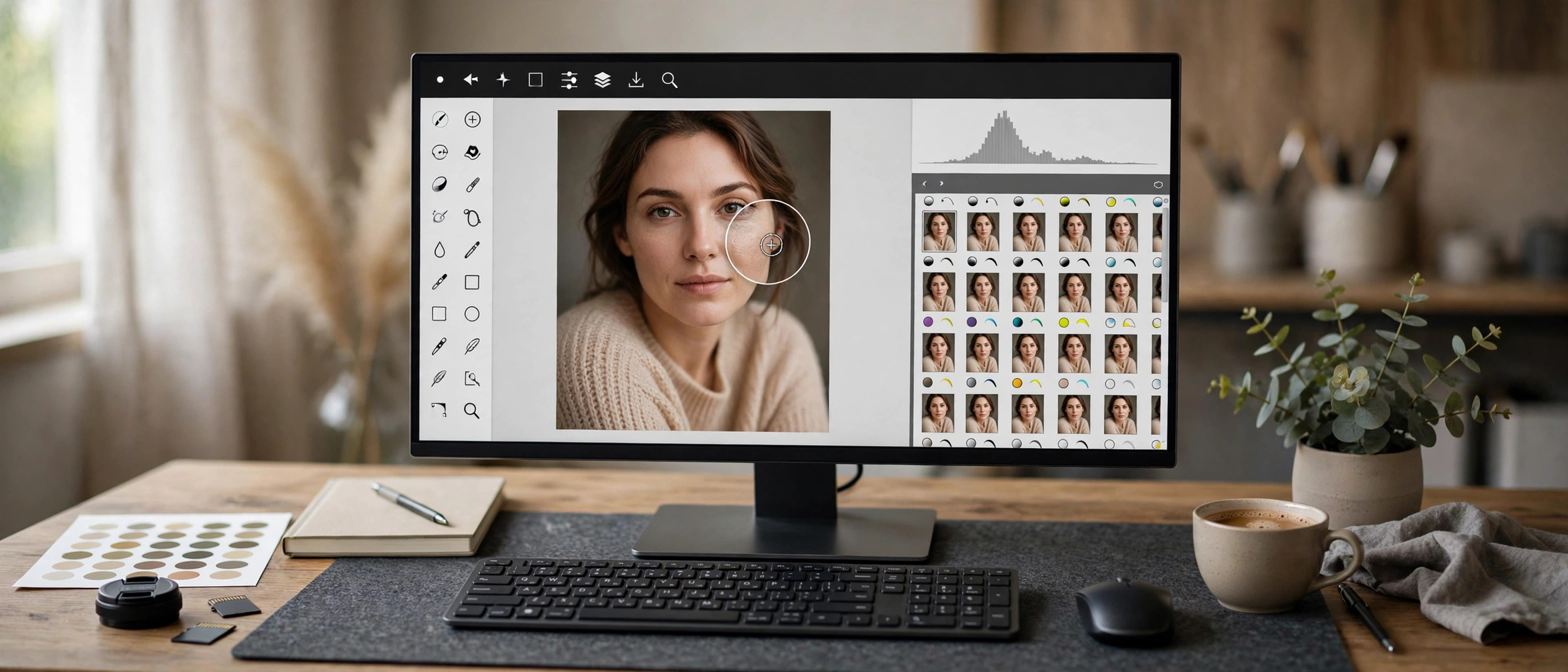
Adobe Photoshop 2026 27.11 for Mac
Mac Photo & DesignUpdated Nov 4, 2026
Mac Photo & Design • Updated Nov 4, 2026
Adobe Photoshop 2026 (version 27.11) is the latest release of the image editor that photographers, designers, and digital artists have relied on for decades. On the Mac it runs natively on Apple silicon, so retouching, compositing, and large-canvas work stay smooth even on complex projects. The 2026 release keeps the familiar layered workflow while building on the AI-assisted tools for faster selections, fills, and cleanups.
Key Features
- Layered editing with non-destructive adjustment layers and smart objects
- Generative Fill and the Remove tool for AI-assisted object replacement and cleanup
- Camera Raw for professional raw photo development and color work
- Deep integration with Creative Cloud apps, libraries, and cloud documents
- Native performance on Apple silicon and support for recent macOS releases
How to Download
- Create a free Adobe account if you don't have one, then Download from the official site — Adobe offers a 7-day free trial of the full app.
- The page installs the Creative Cloud desktop app, which then downloads and installs Photoshop on your Mac.
- Sign in with your Adobe account to activate. After the trial ends, a paid Creative Cloud plan is required to keep using Photoshop.
Is Photoshop 2026 free on Mac?
No. Photoshop is subscription software, but Adobe offers a 7-day free trial of the full app from its own site.
Will it run on an Apple silicon Mac?
Yes. Photoshop is native on Apple silicon. Check Adobe's system requirements page for the exact macOS version your machine needs.







Leave a Reply