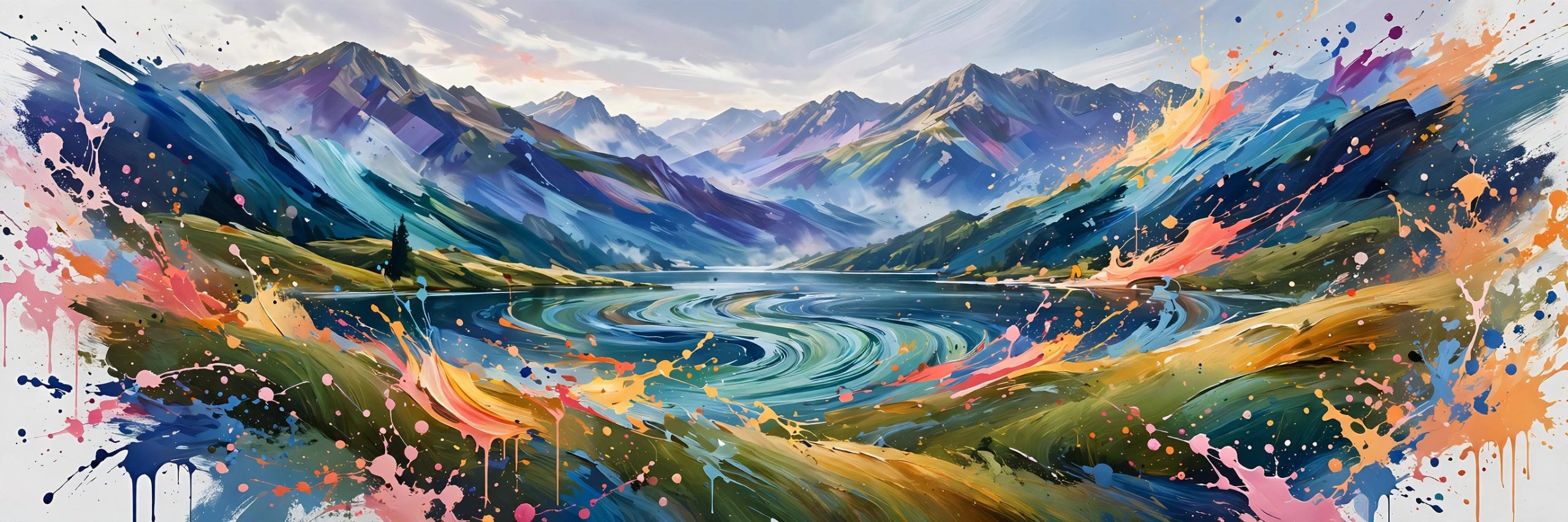
MAD PAINTER 1.4.11 for Mac
Mac UtilitiesMAD PAINTER covers your footage in animated brush strokes, turning an ordinary clip into a moving painting. Strokes follow the shapes and colours in the shot, so a street scene can feel like an oil canvas that still breathes and moves. You control stroke size, style and texture, from a gentle wash to a wild canvas.
Updated Aug 16, 2026
Key Features
- Paints animated brush strokes directly over live footage
- GPU powered rendering keeps the painterly preview responsive
- Controls for brush size, style and texture shape the final look
- Strokes follow the content of the shot for a natural painted feel
- Great for music videos, titles and stylised social clips
How to Download
- Open the official product page for MAD PAINTER and check the current version and price details there.
- Use Download from the official site to reach the vendor site, then follow the purchase or download steps shown on that page.
- Run the installer on your Mac, open your host app, and apply the tool from the effects panel to test it on a short clip.
System Requirements
You need a Mac with After Effects or Premiere Pro installed, a recent version of macOS and a GPU suited to effects work.
FAQs
Does the painting animate or stay still?
It animates with your footage. The strokes are generated from the moving image, so the painted look flows from frame to frame.
Can I make the effect more gentle?
Yes. Larger soft strokes and lower intensity settings give a calm wash, while small rough strokes create a bold canvas feel.
Is it only for art projects?
Mostly it shines on creative work, but editors also use a light touch of it to give plain footage a warm hand made character.







Leave a Reply