Voxel Sorter 1.15.2 for Mac
Mac UtilitiesUpdated Aug 16, 2026
Mac Utilities • Updated Aug 16, 2026
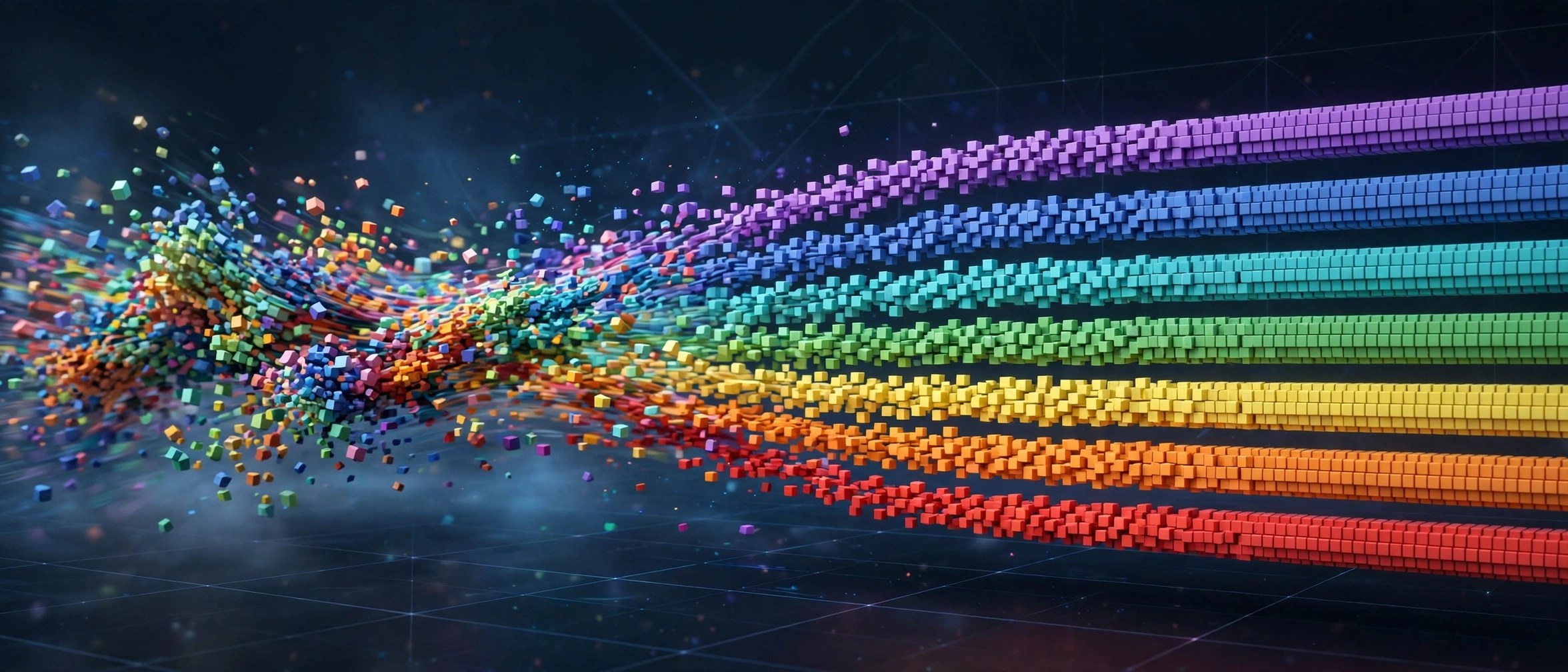
Voxel Sorter rebuilds your footage as a world of small 3D blocks. Each pixel becomes a cube with depth, so a flat clip turns into a tiny voxel scene you can tilt, light and push around in space.
Updated Aug 16, 2026
Key Features
- Converts footage into thousands of small 3D voxel blocks
- Adds depth and lighting so flat clips gain a real sense of space
- Pixel sorting controls streak and shift blocks for glitch style results
- Camera friendly output lets you tilt and move around the voxel scene
- GPU powered processing keeps block heavy scenes responsive while you design
How to Download
- Open the official product page for Voxel Sorter and check the current version and price details there.
- Use Download from the official site to reach the vendor site, then follow the purchase or download steps shown on that page.
- Run the installer on your Mac, open your host app, and apply the tool from the effects panel to test it on a short clip.
System Requirements
You need a Mac with After Effects installed, a recent version of macOS and a GPU that can handle 3D style effects.
FAQs
Is Voxel Sorter only for glitch looks?
No. It can make clean voxel art scenes with soft light and gentle depth, and the sorting tools are there when you want a wilder result.
Can I move a camera around the voxels?
Yes. The blocks exist in 3D space, so you can change the view angle and explore the scene from new positions.
Does it need a strong GPU?
Higher block counts ask more of your graphics card. Start with a modest grid, find the look, then raise detail for the final render.







Leave a Reply