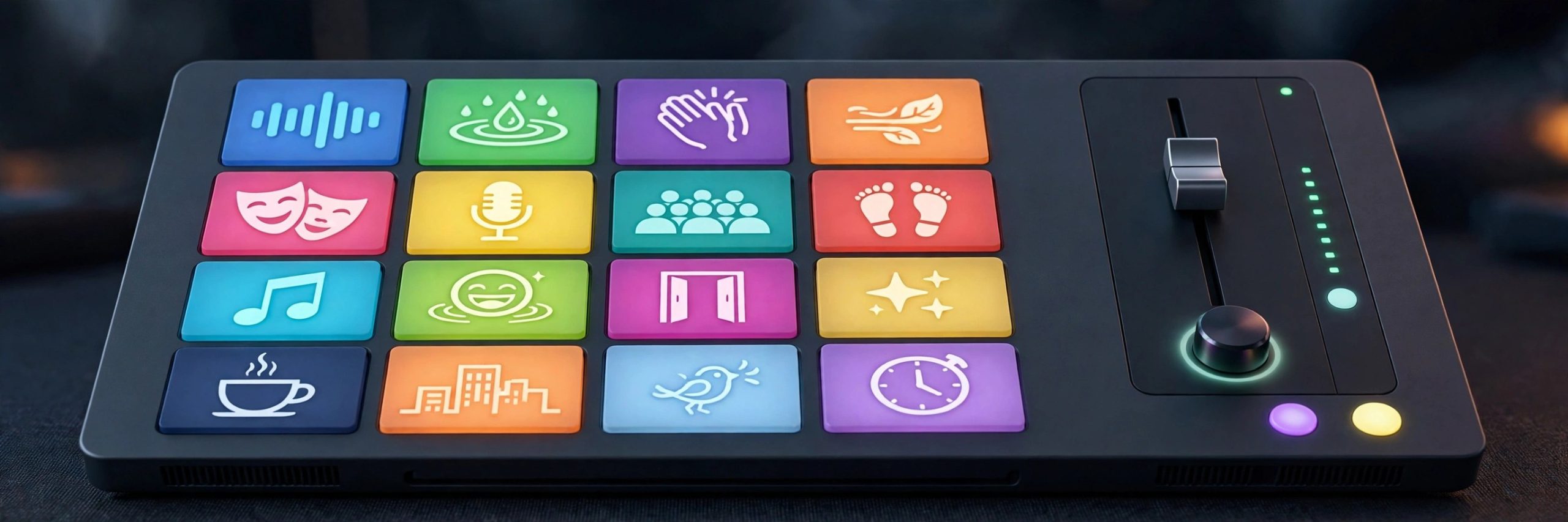
Farrago 2.2.0 for Mac
Mac UtilitiesFarrago is a soundboard built for moments when timing matters. Podcasters use it to fire an intro theme, a laugh, or a sponsor sting at the exact second it is needed, while theatre teams use it to run cues through a whole show. Sounds sit on tiles in tidy sets, and a single key press or mouse click plays them at once. It feels simple on the surface, yet there is enough depth underneath for people who run audio live every week.
Key Features
- Trigger sounds instantly from a grid of tiles using keyboard, mouse or MIDI control
- Organise clips into sets for different shows, episodes or scenes
- Edit clips inside the app with trimming and fades for clean starts and ends
- Search a large free sound library from inside the app to find new effects fast
- Control playback with Shortcuts, Stream Deck and a master volume with limiting
How to Download
- Download from the official site and open the app, or use the download button on this page.
- Move Farrago into your Applications folder and launch it.
- Add your first sounds to a set and assign them to tiles.
System Requirements
Farrago runs on modern versions of macOS and the vendor lists support for recent systems including the latest macOS releases. Check the official site for the minimum version that matches your Mac before you install.
FAQs
Who is Farrago made for?
It suits podcasters, streamers, teachers and theatre crews who need reliable instant playback of short audio clips during recording or performance.
Can I edit a clip without another app?
Yes. Basic editing lives inside each tile, so you can trim a clip and add fades without leaving Farrago.
Can I try Farrago before paying?
The vendor offers a trial download from its site. Trial limits and current pricing are explained there, so read them before you decide.







Leave a Reply