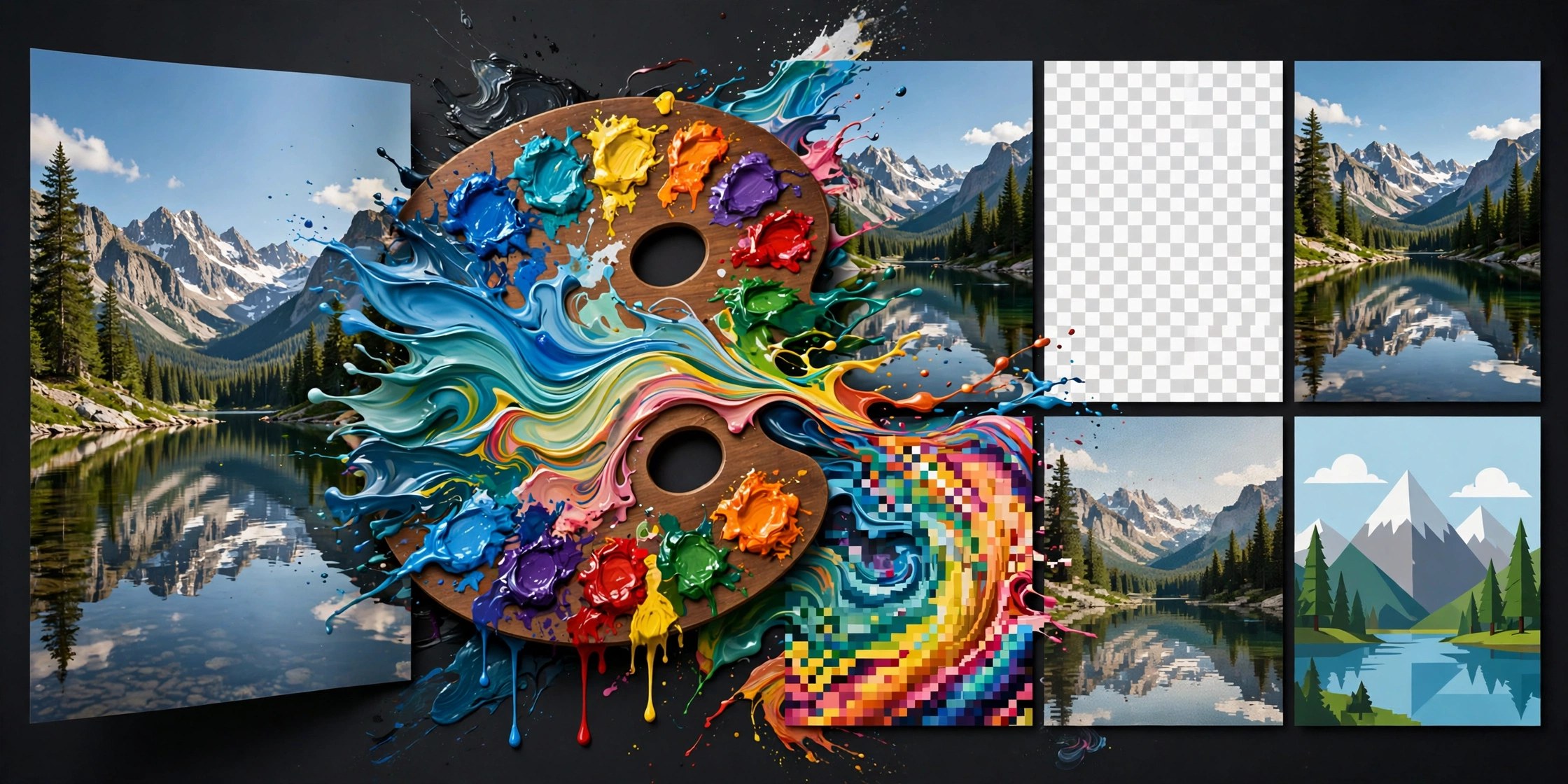
Picmal 1.9.0 for Mac
Mac UtilitiesPicmal gathers the media jobs most people scatter across websites into one calm Mac app. Drop in a folder of iPhone photos, a video clip, or a stack of PDFs and it converts or compresses them right on your machine. Nothing is uploaded, so private family pictures and client work stay where they belong. The window shows each file with its expected new size before you commit, which makes it easy to hit an email limit or a website upload limit on the first try.
Key Features
- Convert images between formats such as HEIC, JPG, PNG, WebP, AVIF and RAW
- Compress images, video, audio and PDF files while keeping the original format
- Process hundreds of files at once by dropping whole folders into the window
- Remove backgrounds, upscale small images and strip location metadata from photos
- Merge and split PDFs and work from Finder, Shortcuts, Raycast or watched folders
How to Download
- Download from the official site and open the app, or use the download button on this page.
- Move Picmal into your Applications folder and launch it.
- Drop in your first files, pick a format and press convert.
System Requirements
Picmal needs a recent version of macOS and the vendor states macOS 15 or later for the current app. It runs on Apple Silicon and Intel Macs. Check the official site for the exact requirement before you install.
FAQs
Does Picmal upload my files anywhere?
No. Conversion and compression happen on your Mac, and the app works offline once installed.
Can Picmal handle more than images?
Yes. Alongside images it converts and compresses video and audio files and can merge, split and reorder PDF documents.
Is Picmal a subscription app?
The vendor sells it as a single payment with a free trial period. Check the official site for current terms before you buy.







Leave a Reply