Snap Art 4.1.6 for Mac
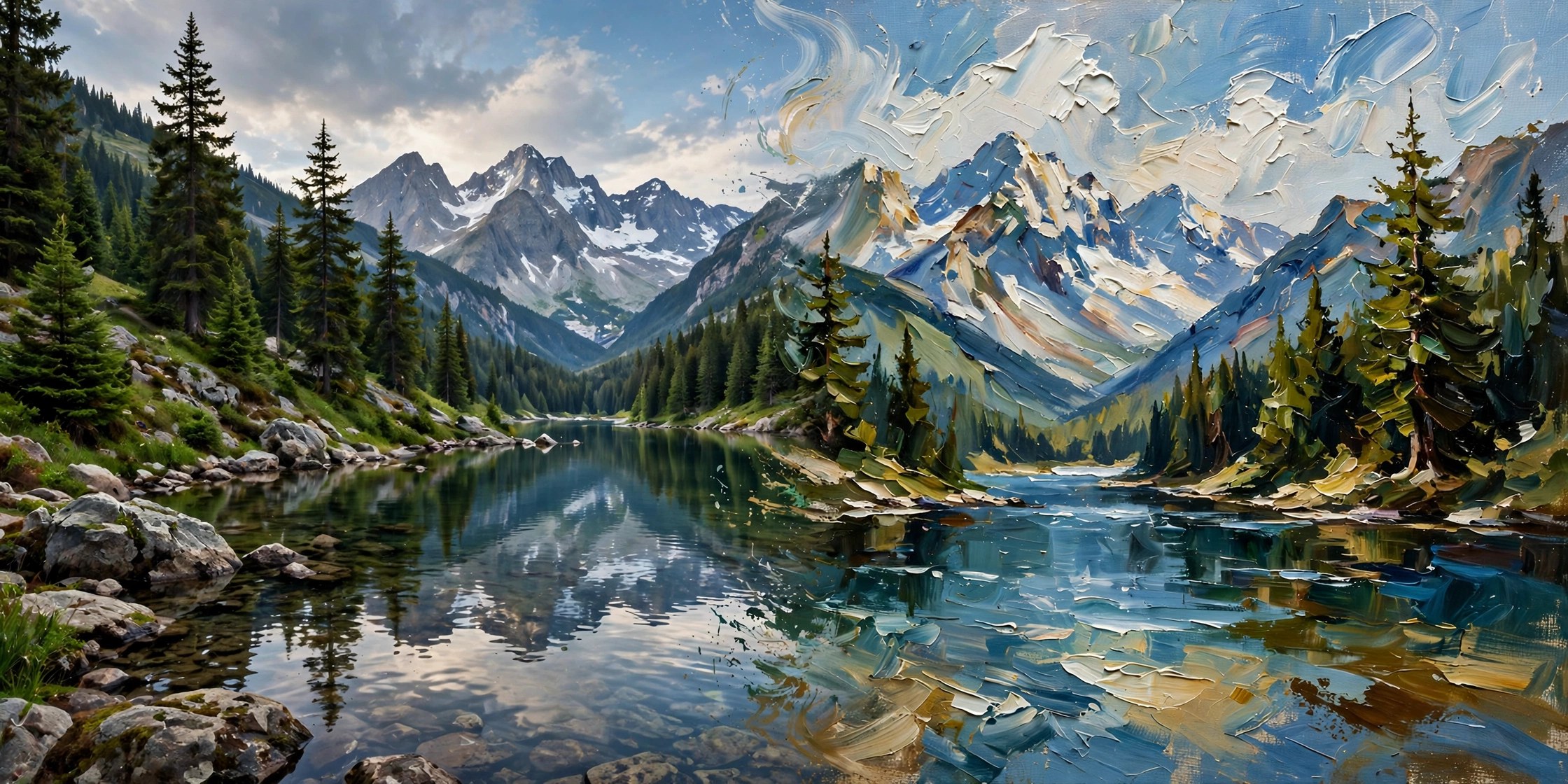
Mac UtilitiesSnap Art from Exposure Software turns a normal photo into artwork that looks made by hand. Pick a style and it rebuilds your image with brush strokes, pencil lines or paint texture that follow the real shapes in the photo. Portraits become soft painted pieces, landscapes turn into watercolour scenes, and street shots suit pencil or comic styles. It runs on its own and fits Photoshop, Lightroom and Exposure workflows. You get a strong look in one click, then fine tune faces, edges and texture.
Key Features
- Styles including oil paint, watercolour, pencil sketch, pastel and crayon
- Detail masking to keep faces and key areas clearer
- Visual preset browser with search, favourites and recent looks
- Save tuned looks as presets for single photos or batches
- Works standalone and as a plug in for major photo editors
How to Download
- Download from the official site and get Snap Art from Exposure Software.
- Install the app, then open it alone or from your photo editor.
- Open a photo, choose a preset, adjust masking and effect, then save the artwork.
System Requirements
A Mac that meets the needs of your host photo editor will run Snap Art well. Keep free space for rendered artwork, and use a larger screen when comparing fine brush details.
FAQs
Does the result look hand made?
It can get close, because strokes follow image detail. Try a few styles, as results vary a lot by photo.
Can I protect a face from heavy effects?
Yes. Detail masking reduces the effect on faces while the background carries a stronger painterly look.
Can I use it without Photoshop?
Yes. Snap Art works as a standalone app with batch processing and no host app required.







Leave a Reply