NoMachine 10.2.3 for Mac
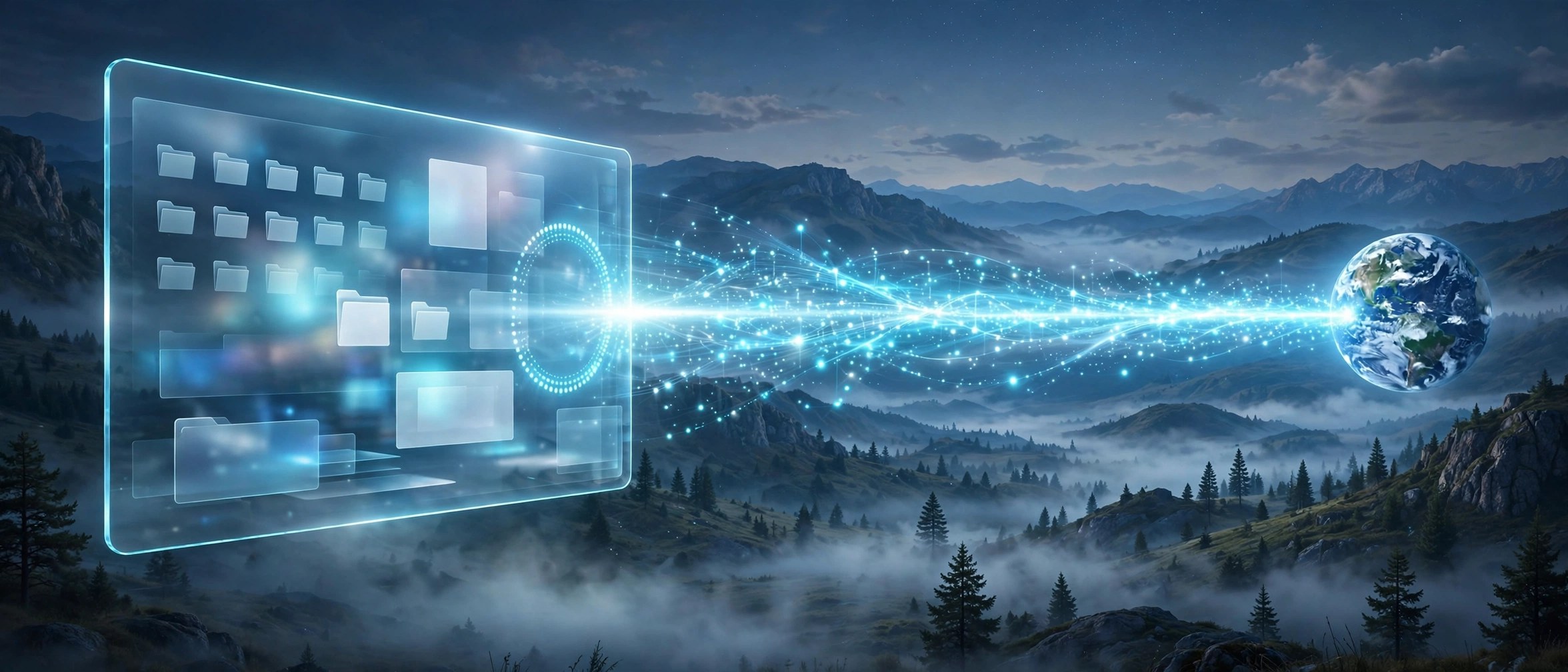
Mac UtilitiesNoMachine is remote desktop software that lets you reach another computer as if you were sitting right in front of it. Install it on the Mac you use and on the machine you want to reach, then connect over your home network or the internet. People use it to work on an office computer from home or help family with tech problems from far away.
Key Features
- Fast remote desktop sessions with smooth video and sound streamed from the host computer
- File transfer between the two computers during a session, without extra tools
- Remote terminal access in version 10 for shell work without opening a full desktop
- One client that connects to Windows, Linux and Mac hosts from the same app
- Single sign on support in version 10 for simpler and safer company logins
How to Download
- Download from the official site and choose the macOS package.
- Open the disk image, run the installer and allow the macOS permissions it requests.
- Install NoMachine on the other computer too, then connect with its address and login.
System Requirements
NoMachine needs a Mac on a recent macOS, with the software installed on both computers. A stable network link matters more than raw power. On a Mac host, macOS asks you to grant screen recording and accessibility permissions first.
FAQs
Is NoMachine still free?
Version 10 replaced the old free edition with a Personal Edition model, with evaluation options for new users. Check the official site for current trial terms.
Can I connect from a Mac to a Windows computer?
Yes. A Mac can reach Windows and Linux machines, and those machines can reach your Mac in return.
Is a NoMachine session secure?
Sessions run over encrypted connections. A strong password and current software on both computers keep remote access well protected.







Leave a Reply