MenuBar Stats 3.9.916 for Mac
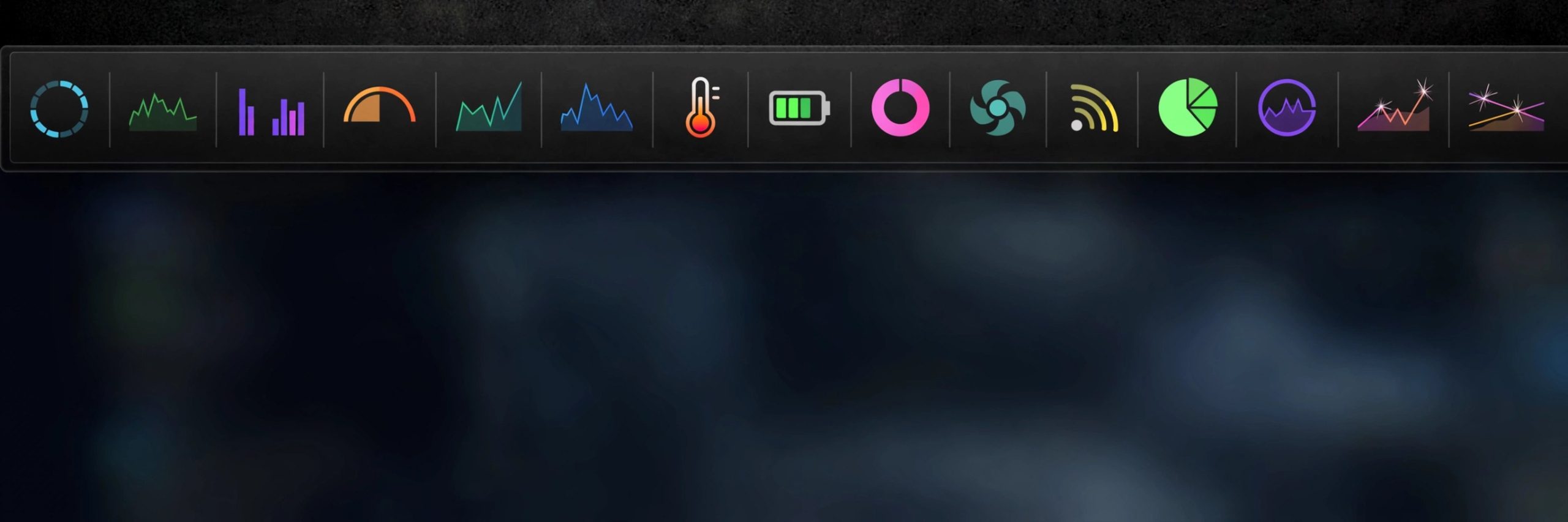
Mac UtilitiesOpening Activity Monitor every time your Mac feels slow gets old fast. MenuBar Stats gathers the numbers you actually check and parks them in the menu bar: CPU load, memory use, disk space, network speeds and battery state. Each stat lives in its own module, a click opens the detail view, and widgets plus Shortcuts actions carry the same readings further.
Key Features
- CPU module shows user, system and idle load along with uptime
- Memory module breaks down wired, active, inactive and free RAM
- Disk module tracks used and free space on your drives
- Network module shows live upload and download speeds and IP addresses
- Battery module reports charge state and health on Mac laptops
How to Download
- Use the download button on this page to get the current build of MenuBar Stats.
- Open the package, move the app to your Applications folder and launch it.
- Open the preferences, choose which modules sit in the menu bar and set how often readings refresh.
System Requirements
MenuBar Stats runs on current versions of macOS and works on Apple Silicon and Intel Macs. It is a light app that lives in the menu bar and uses very few resources of its own.
FAQs
Which stats can I see at a glance?
CPU, memory, disk, network and battery readings sit in the menu bar. Click any module for the deeper numbers behind the headline figure.
Can I choose what appears in the menu bar?
Yes. Modules can be turned on or off in the preferences, and you can set the refresh interval from every second to every thirty seconds.
Can it free up memory too?
The memory module includes a purge option that can release inactive memory when you ask it to, which can help when a big app has just closed.







Leave a Reply