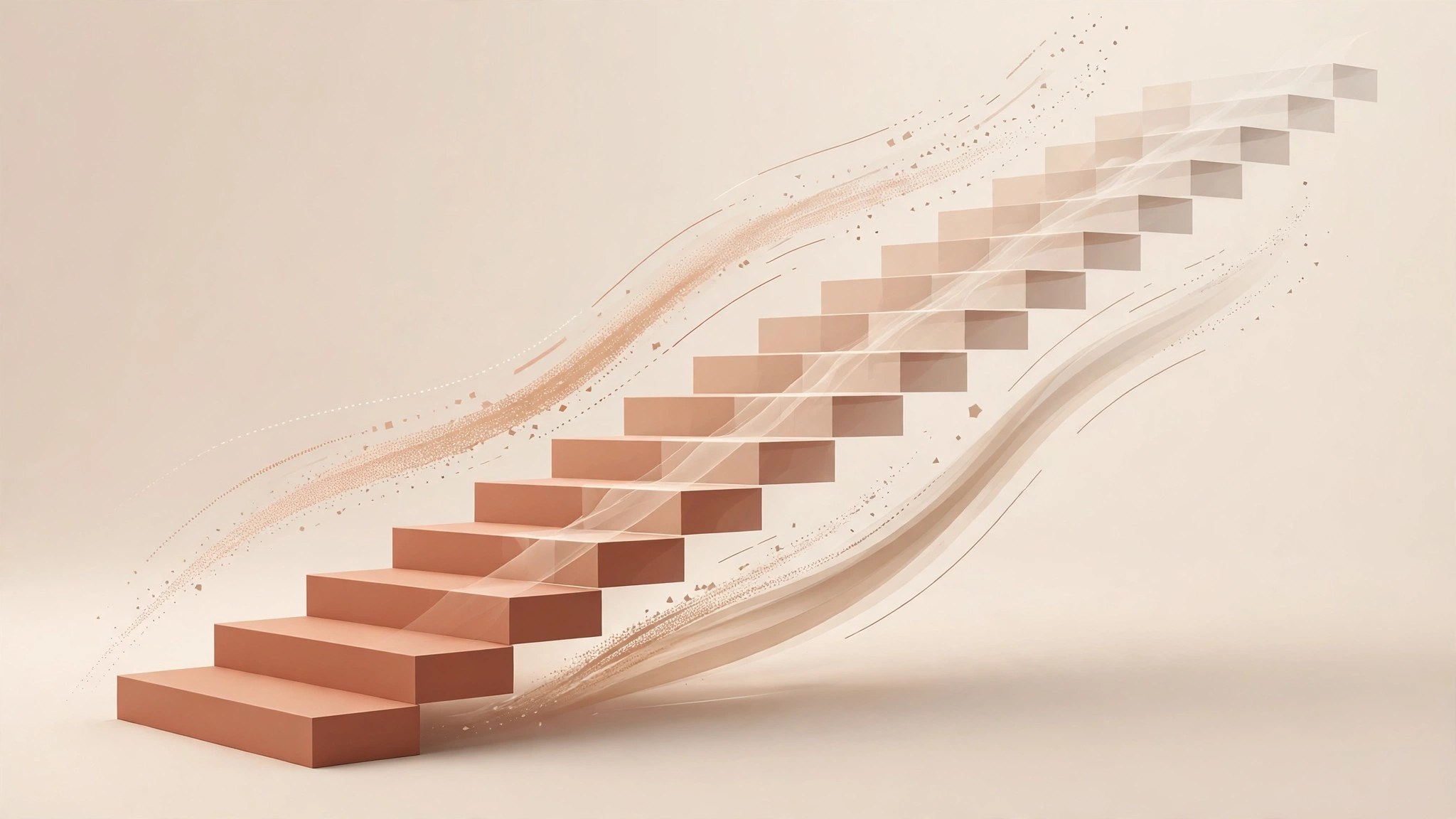
Staircase 1.05 for Mac
Mac UtilitiesStaircase is a small script panel for Adobe After Effects that saves a tedious job: offsetting layers in time. Anyone who has built a title sequence knows the drag of nudging dozens of layers by hand. Staircase groups layers into blocks, then staggers, sequences or randomizes them in a click or two.
Key Features
- Stagger blocks of layers in selection order or by their position
- Split layers into blocks by block size, or group them by label color
- Sequence layers or whole blocks end to end, with fades between blocks
- Add easing inside blocks, outside blocks, or across all selected layers
- Randomize blocks forward in time, or forward and backward, up to your limit
How to Download
- Download from the official site or use the button on this page for Staircase
- Install it with the free aescripts manager app, or use the ScriptUI Panels folder
- Restart After Effects, open Staircase from the Window menu and select layers
System Requirements
Staircase works with After Effects CC 2014.2 and later on macOS, per the developer. As a script panel, it asks very little of your Mac beyond After Effects itself.
FAQs
Can I try Staircase before buying?
Yes. The trial lasts 7 days and limits you to 6 layers at a time, enough to test stagger, sequence and easing on a real project.
What exactly is a block?
A group of layers treated as one unit. Layers inside keep relative timing while the block moves or fades as a single piece.
Can it work in frames, not seconds?
Yes. Units can be frames, seconds or minutes, and eased results can round to the nearest frame to keep offsets tidy.







Leave a Reply