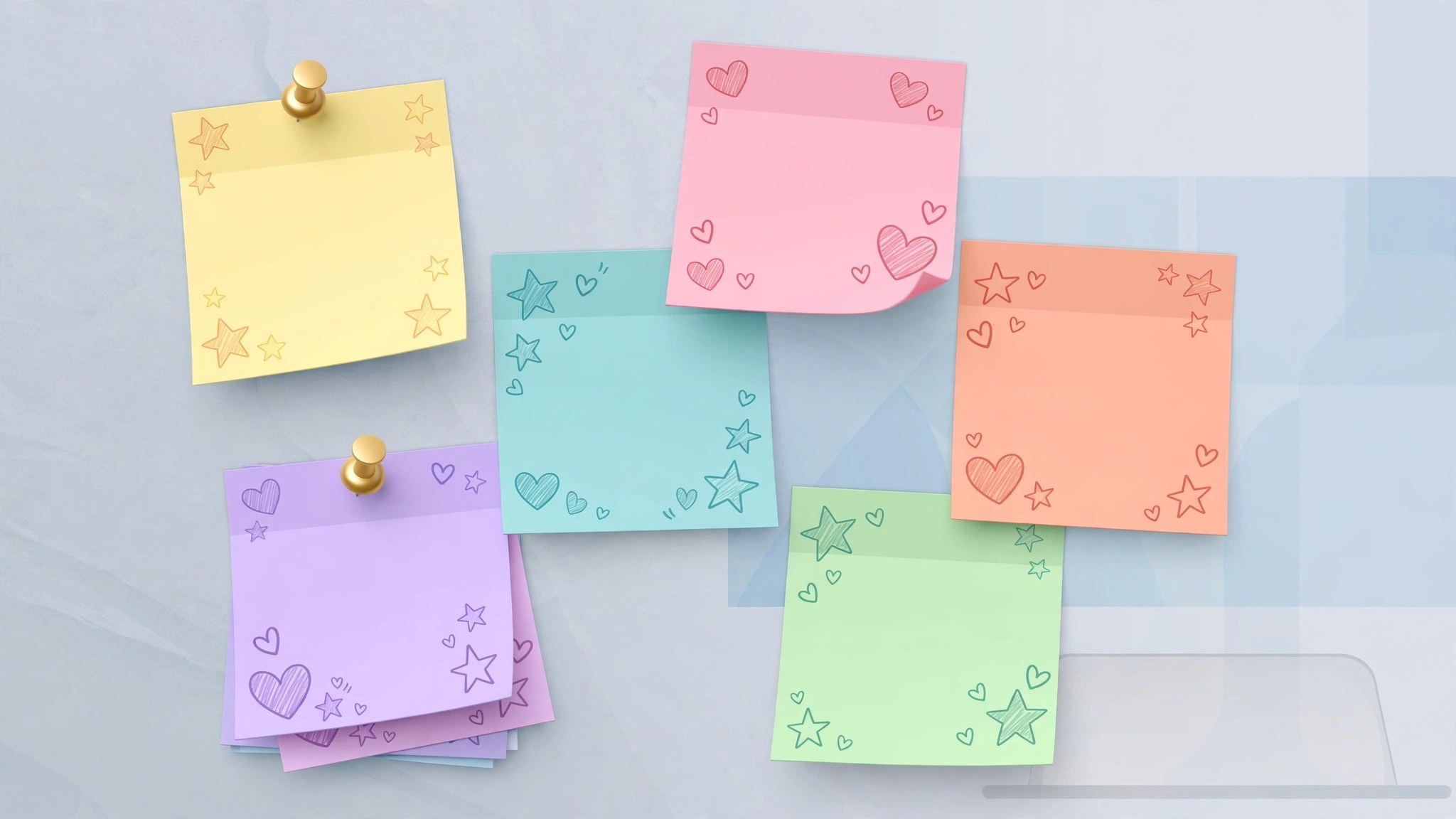
Desktop Stickers 2.97 for Mac
Mac UtilitiesDesktop Stickers puts short, kind reminders where you cannot miss them: on your desktop. Pick a sticker with an affirmation, place it on screen, and it greets you each time you sit down at your Mac. Your own favorite photos can become stickers too.
Key Features
- Choose from a ready library of motivational stickers and affirmations
- Pin stickers to the desktop so chosen words stay in view
- Turn photos of family, trips and happy moments into stickers
- Grow a small board of good memories over time
- Stay private, since the App Store listing states the developer collects no data
How to Download
- Download from the official site or use the button on this page to reach the listing
- Install Desktop Stickers from the Mac App Store and open it
- Browse the library, pick your stickers, and confirm to place them
System Requirements
Desktop Stickers needs macOS 10.15 or later, as its App Store page lists. It is a light app that sits quietly on the desktop beside your normal work apps.
FAQs
Can I use my own photos as stickers?
Yes. Alongside the built in affirmations, you can add custom photos and pin them to the desktop: family, pets, places and good moments.
What is the point of desktop affirmations?
Repetition. Reading a short positive line in passing, several times a day, helps many people steady their self talk and start tasks calmer.
Does the app collect my data?
No. Its App Store privacy section states the developer collects no data from the app, so photos and choices stay on your Mac.







Leave a Reply