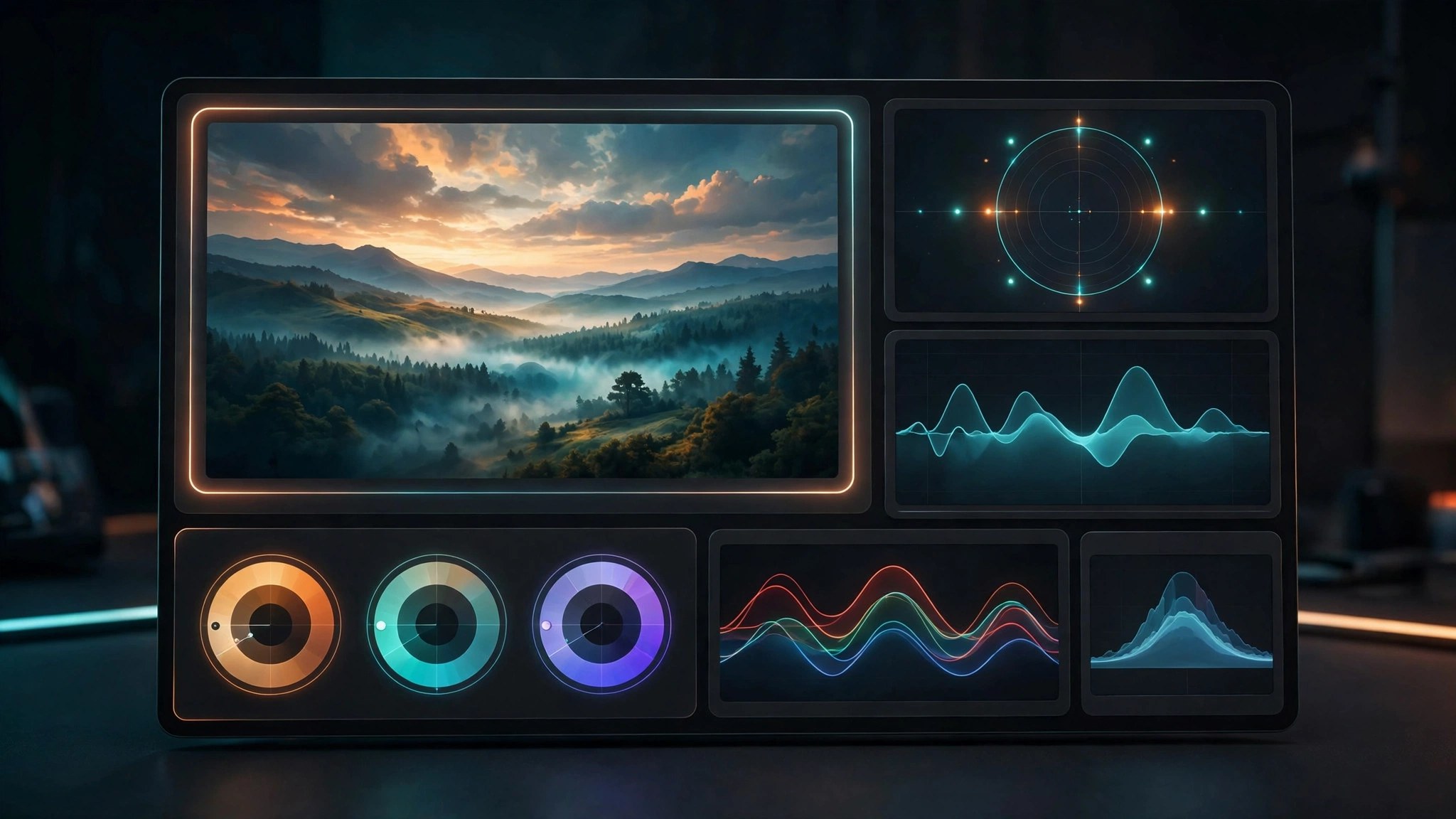
PixelTools DCTLs Plug Ins for DaVinci Resolve for Mac
Mac UtilitiesPixelTools is a family of DCTL plug ins for DaVinci Resolve, built by a working colorist for people who grade for a living. Instead of one giant tool, you get focused instruments. One handles exposure in real photographic stops. Another shapes hue and saturation with unusual care. Others cover primaries, split toning and film style contrast.
Key Features
- A growing family of tools covering exposure, primaries, hue work and split toning
- Each tool runs inside a Resolve node, so grades stay flexible and editable
- Built for color managed workflows such as DaVinci Wide Gamut and ACES
- Included PowerGrades show how each grade is built, node by node
- An installer app places the files in the correct Resolve folder
How to Download
- Click the download button on this page, or Download from the official site if you prefer to go direct.
- Run the installer to place the DCTL files in the right folder.
- Restart Resolve, add a node on the Color page, and apply the tool from the DCTL list.
System Requirements
DCTL plug ins require DaVinci Resolve Studio on macOS and do not run in the free edition. Many current tools ask for Studio 19.1 or Studio 20 or later.
FAQs
Do these plug ins work in the free version of Resolve?
No. DCTLs are a Studio only feature, so the paid Studio edition must be installed before these tools will appear or run.
What exactly is a DCTL?
It is a small program in the DaVinci Color Transform Language that processes your image directly and offers custom controls native to Resolve.
Can I try any of the tools first?
Yes. PixelTools offers a free grading toolkit with sample DCTLs and a PowerGrade when you join the mailing list, a sensible way to test the tools.







Leave a Reply