PDF Squeezer 4.9 for Mac
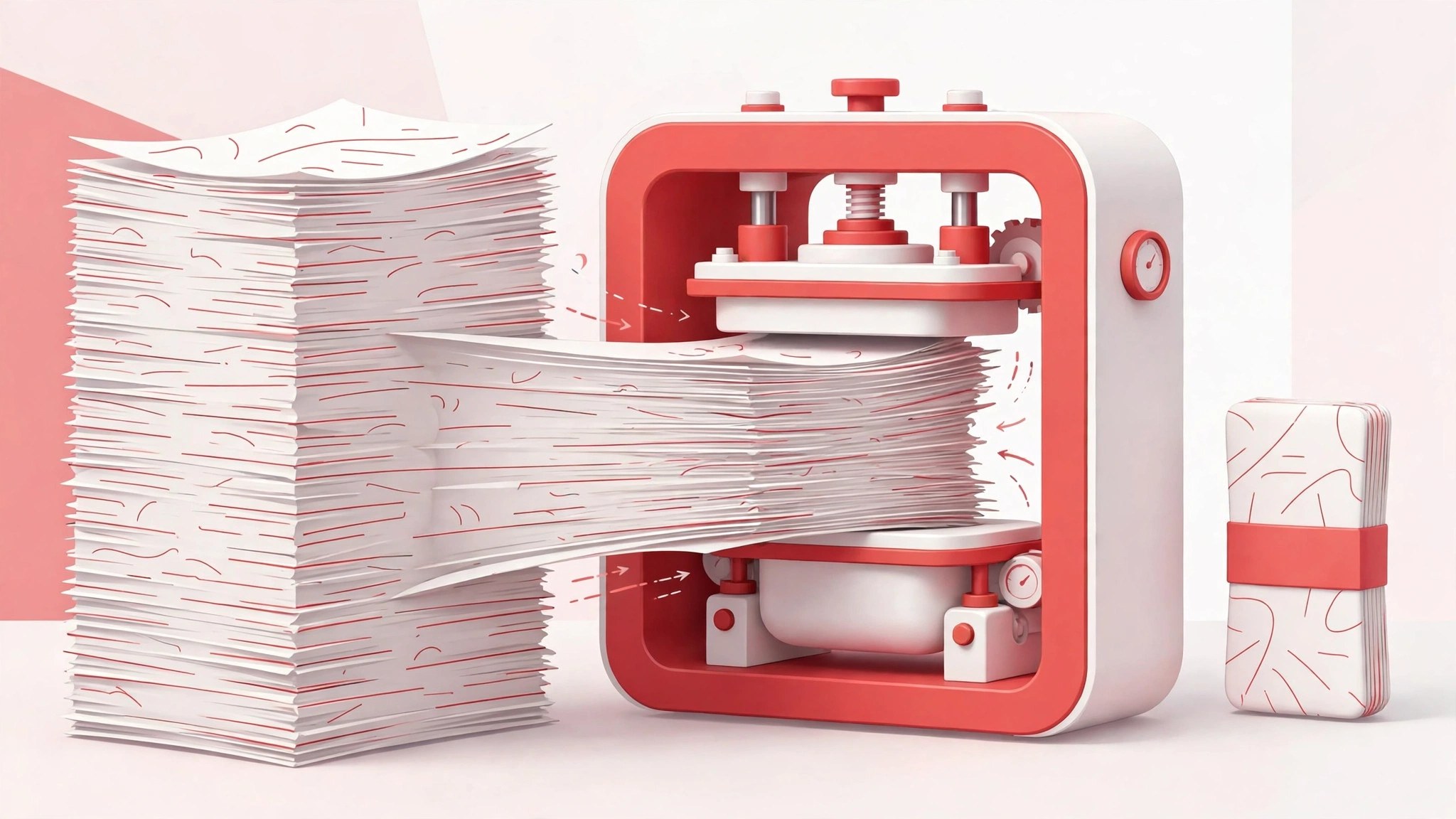
Mac UtilitiesPDF Squeezer does one job and does it well. When a report, portfolio or scanned contract grows too large to send by email, you drop the file into the window, pick a compression profile and save a much smaller copy. Everything runs on your Mac, so private documents never leave your machine. The original file stays untouched while you compare sizes before saving.
Key Features
- Drop files or whole folders into the window and compress them in one pass
- Choose ready made profiles for light, medium or strong compression, or build your own
- Preview results and compare original and reduced sizes before you save
- Process password protected files while keeping their protection in place
- Works fully offline, with support for modern PDF versions including PDF 2.0
How to Download
- Click the download button on this page, or Download from the official site if you prefer to go direct.
- Open the downloaded file and move the app into your Applications folder.
- Launch the app, drop in a PDF and save your first smaller copy.
System Requirements
PDF Squeezer needs macOS 13 or later, on Apple Silicon or Intel. It needs no internet connection for daily use.
FAQs
Does PDF Squeezer lower image quality?
It can, depending on the profile. Light settings keep images close to the original, while strong settings trade some sharpness for a much smaller file.
Can I compress many files at once?
Yes. Drop a folder into the window and the app works through every PDF inside it, including files in subfolders.
Does it upload my documents anywhere?
No. All compression happens locally on your Mac, which makes the app a sensible choice for contracts, invoices and other documents you would rather keep private.







Leave a Reply