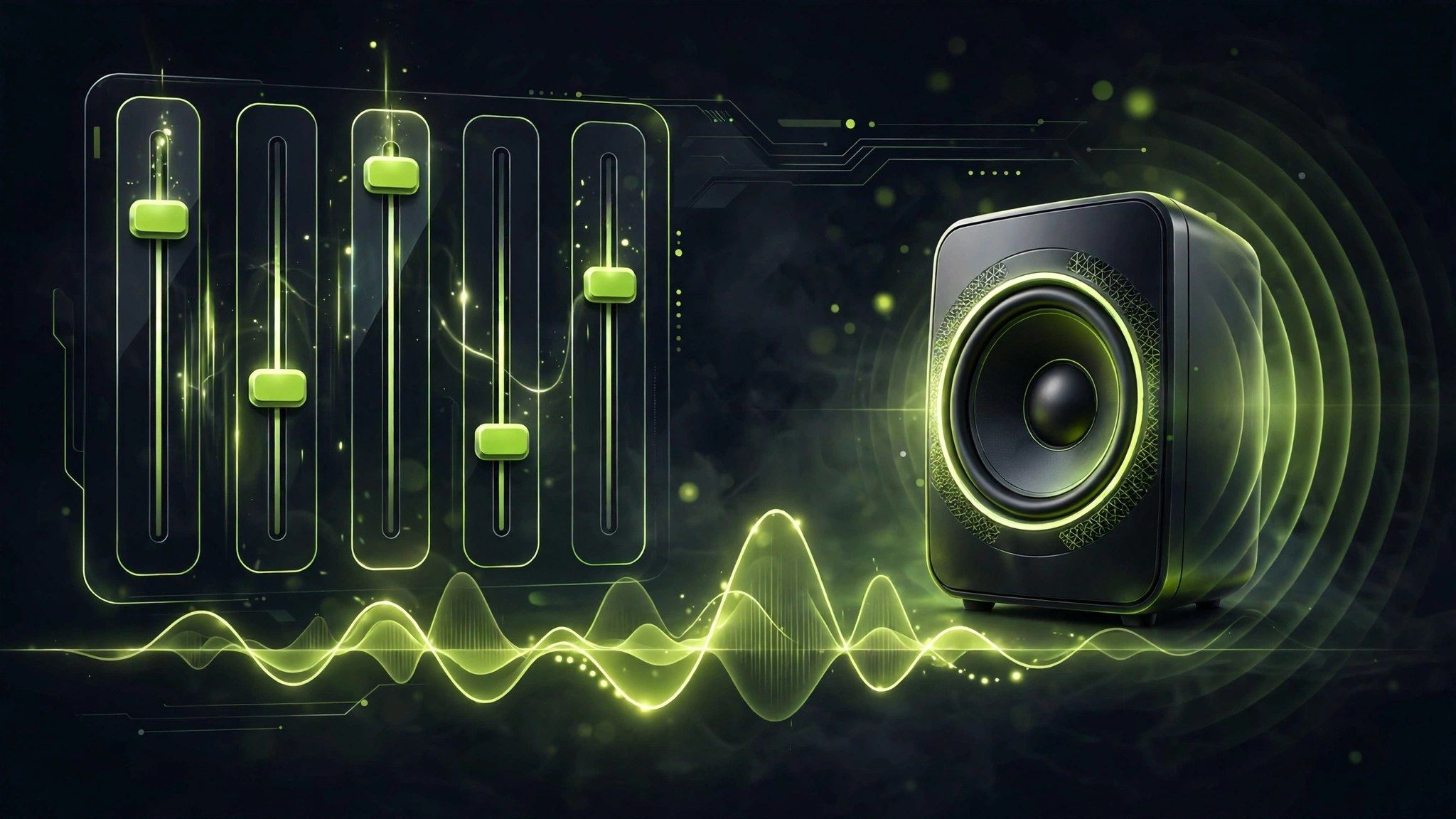
eqMac 1.9.2 for Mac
Mac UtilitiesmacOS gives every app the same flat sound, whether that suits your headphones or not. eqMac sits between your apps and your speakers and fixes that. It is a system wide equalizer and volume mixer: the free tier offers bass, mid and treble controls plus a fixed ten band equalizer and a large library of headphone presets. Version 1.9.2 added a per device choice of capture method on newer macOS releases.
Key Features
- System wide equalization that applies to music, video, calls and games alike
- Ten band equalizer in the free tier, with basic bass, mid and treble controls
- Thousands of headphone presets through AutoEQ integration for a fast starting point
- Volume booster and balance support, including control for HDMI output devices
- Optional Pro tier with unlimited EQ bands, a spectrum analyzer and per app volume
How to Download
- Use the download button on this page, or Download from the official site to get eqMac.
- Open the downloaded file, install eqMac and approve its audio driver when macOS asks.
- Play some music, open eqMac from the menu bar and adjust the equalizer to taste.
System Requirements
eqMac supports macOS 10.13 and later on Intel and Apple Silicon Macs. It installs its own audio driver, so an administrator password is needed during setup.
FAQs
Is eqMac free?
The core equalizer is free with no time limit. A Pro edition adds expert EQ tools, per app volume and Audio Unit hosting for those who want more.
Does eqMac work with every app?
Yes. Because it processes system audio, the equalizer applies to all apps at once, from browsers to music players.
Will it work with my headphones?
Very likely. eqMac includes thousands of AutoEQ presets for popular headphone models, and you can still tune the bands by hand.







Leave a Reply