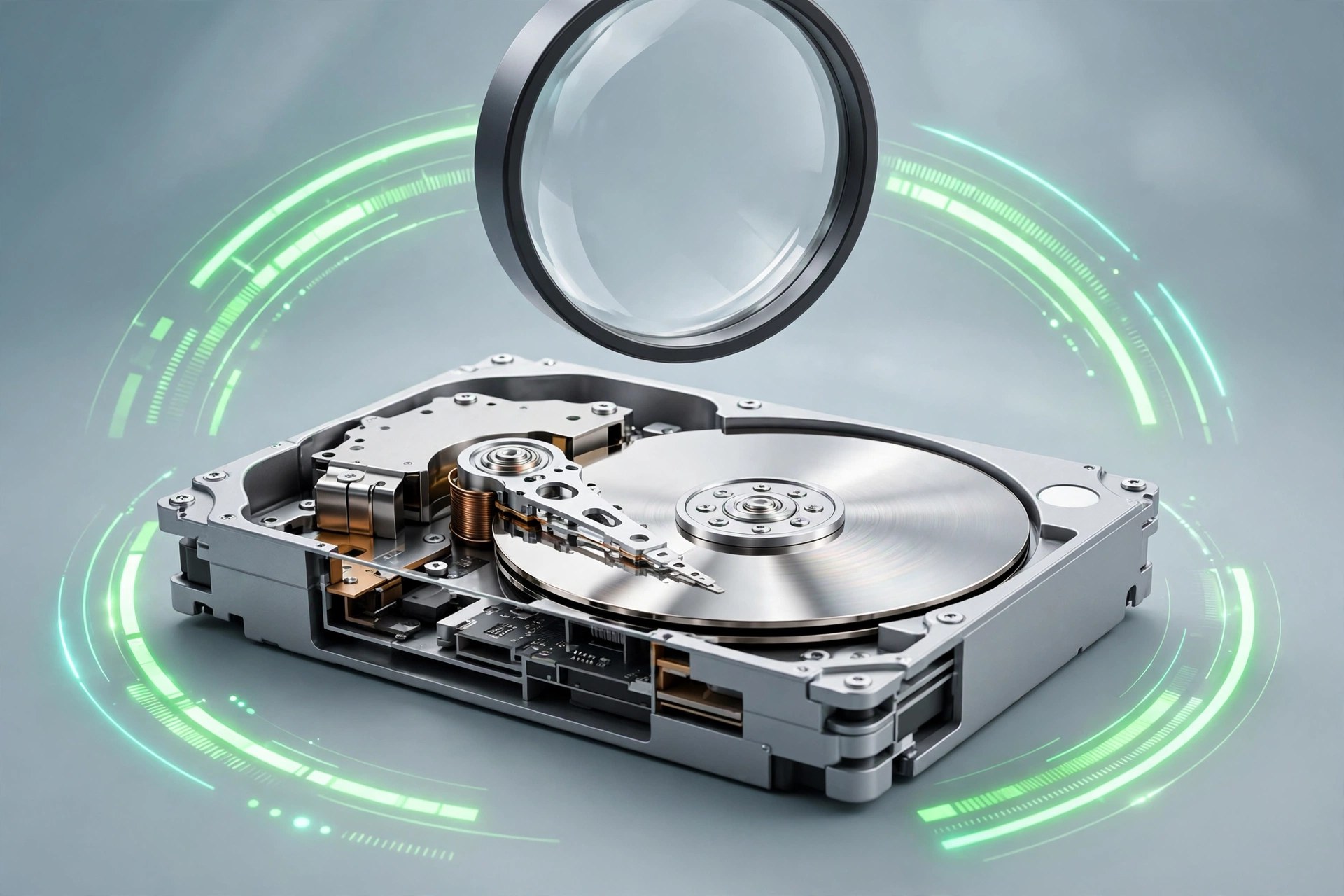
Drive Scope 2.1.1 for Mac
Mac UtilitiesDrive Scope from Micromat is an early warning system for the drives inside and attached to your Mac. Most drives record their own health data through a system called SMART, but macOS shows almost none of it. Drive Scope reads that data in detail, watches it in the background and warns you when signs point towards failure, giving you time to back up before a tired drive stops working.
Key Features
- Continuous background monitoring of SMART health for supported disks
- Early warning alerts when a drive shows signs of coming failure
- Detailed SMART views separating failure related signs from general information
- NVMe support for modern Apple drives, plus a SAT SMART driver for USB drives
- Menu bar status and a desktop widget on macOS 14 or later
How to Download
- Use the download button on this page and save the Drive Scope installer.
- You can also Download from the official site to read the Micromat details.
- Install the app, enable background monitoring and check each drive report.
System Requirements
Drive Scope 2 needs macOS 13.5 Ventura or greater, on Apple silicon and Intel based Macs, with support listed up to the newest macOS releases.
FAQs
What is SMART data?
It is health information a drive records about itself, such as errors and wear, which Drive Scope presents clearly.
Can Drive Scope repair a failing drive?
No. It monitors and warns only. If it reports serious problems, back up at once and plan a replacement.
Does it work with USB drives?
It reads many USB drives with its SAT SMART driver installed, though some models refuse to share health data.







Leave a Reply