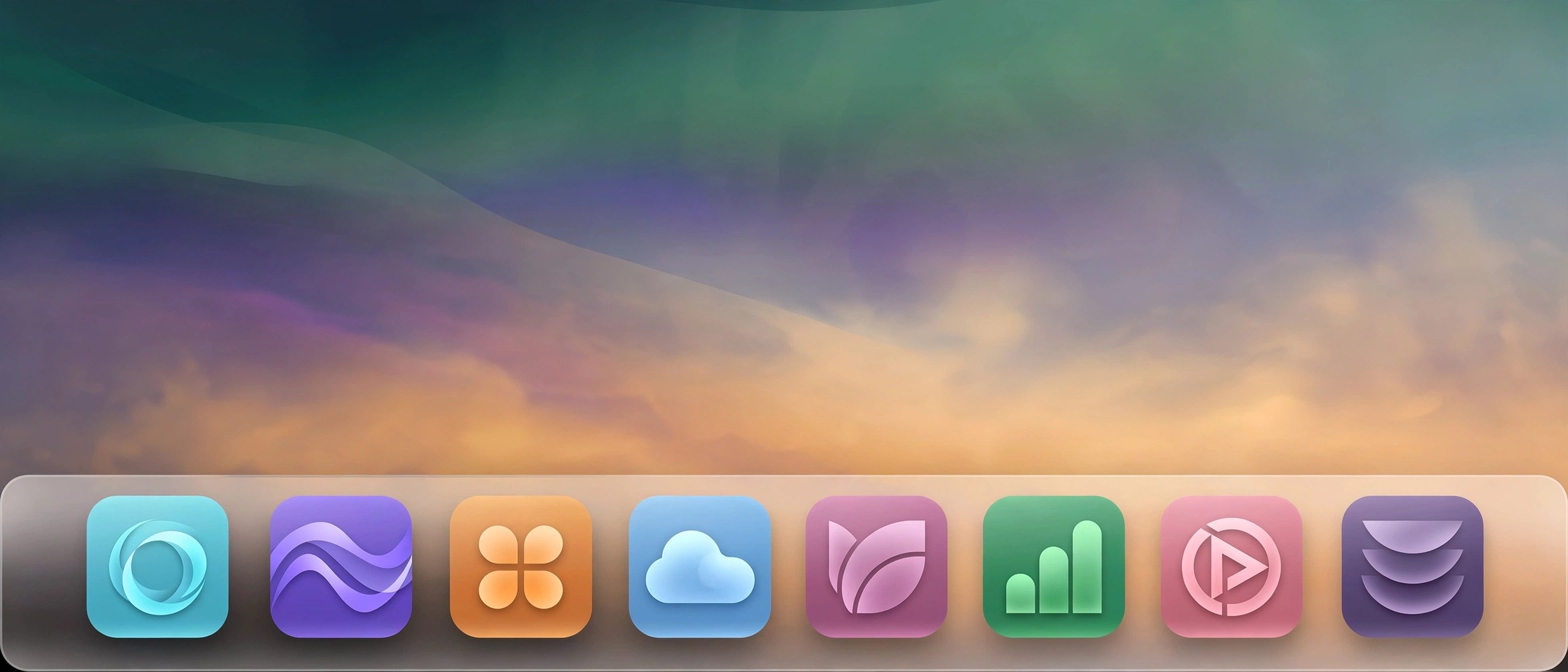
uBar 5.0.5 for Mac
Mac UtilitiesuBar replaces the macOS Dock with a taskbar that behaves more like a window manager. Instead of hunting through stacked icons, you see open windows laid out in a bar, with live previews on hover, readable badges and progress on the app tiles. It suits people who switch between many windows all day, and people arriving on Mac from Windows. Version 5 adds Command, for opening apps and arranging windows by typing or voice.
Key Features
- Every open window in the bar, with live previews on hover
- Works as a Dock or a taskbar, on any screen edge, at several sizes
- One bar per monitor in a multi monitor setup, or one mirrored bar
- Command opens apps and arranges windows by typing or voice
- Badges, media progress and app activity on tiles, plus clock and calendar
How to Download
- Use the download button on this page and save the uBar installer.
- You can also Download from the official site and start the vendor trial.
- Install the app, grant its permissions and set position, size and grouping.
System Requirements
uBar 5 needs macOS 26 Tahoe or later, with macOS 27 also supported. Macs on older macOS versions can stay on the uBar 4 line.
FAQs
Can I try uBar before buying?
Yes. The vendor offers a 14 day free trial. After that, uBar 5 is a one time purchase, with uBar Cloud optional.
Does uBar replace the Dock completely?
It is built to. Most people hide the Dock and work from uBar alone for launching, switching, favorites and the clock.
Can each screen show different windows?
Yes. Each monitor can show only its own windows. A Mirror mode shows the same bar on every screen instead.







Leave a Reply