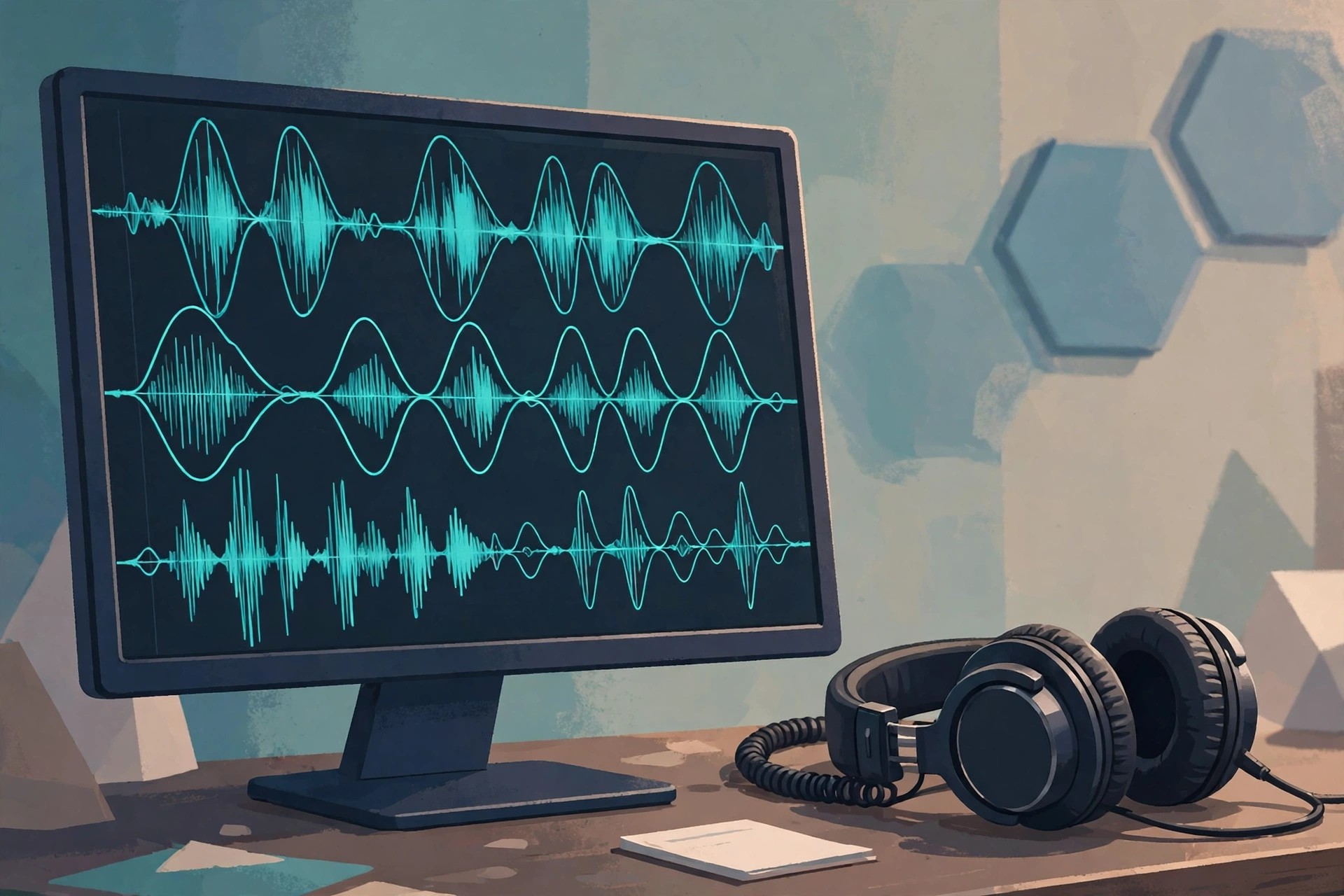
Adobe Audition 25.6.4 for Mac
Mac AudioAdobe Audition 25.6.4 for Mac is Adobe's professional digital audio workstation for recording, editing, mixing and restoring sound. It combines a multitrack editor, a detailed waveform view and a spectral frequency display, so you can cut dialogue precisely, repair problem recordings and build polished mixes for video, podcasts and music.
It is aimed at podcasters, video editors, voice artists and sound designers, and it integrates tightly with Premiere Pro, sending timelines back and forth without rendering. Audition is subscription-only software, sold on its own or inside the Creative Cloud All Apps plan. New users can start with a 7-day free trial, after which the paid subscription begins automatically unless cancelled.
Key Features
- Multitrack, waveform and spectral editing in one workspace
- Noise reduction, de-reverb and restoration tools for cleaning dialogue
- Essential Sound panel with loudness matching for broadcast and podcasts
- Built-in effects, EQ, compression and third-party plug-in support
- Direct round-trip workflow with Premiere Pro timelines
How to Download
- Download from the official site
- Start the 7-day free trial or sign in with the Adobe account that holds your subscription, then install the Creative Cloud desktop app.
- Install Audition from the Apps tab, launch it and sign in to activate it on your Mac.
Is Adobe Audition free?
No. Audition is paid subscription software. The 7-day trial is the only no-cost option, and there is no free full version from Adobe.
Does Audition work on Apple Silicon Macs?
Yes. Current Audition releases run natively on Apple Silicon as well as Intel Macs, and Adobe lists the exact macOS requirements on the official product page.







Leave a Reply