JixiPix PuzziPix Pro 1.0.27 for Mac
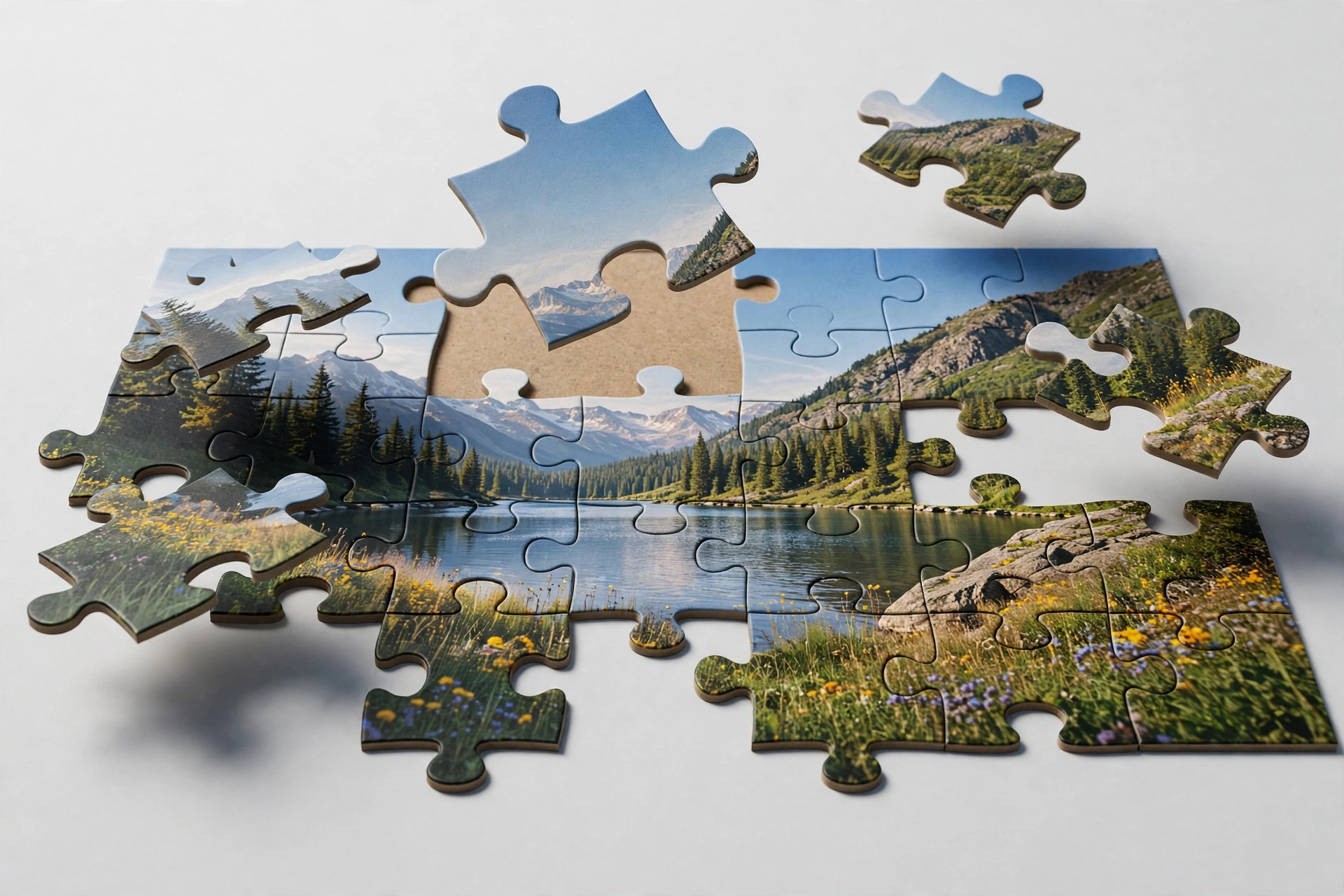
Mac UtilitiesPuzziPix Pro turns a normal photograph into a jigsaw puzzle scene that you can pull apart, rearrange and style. Every photo you open becomes a puzzle right away, and from there the fun is in moving pieces, lifting a few away and cutting shapes into the picture. It is a playful tool for designers, advertisers and anyone making social posts that need to stand out.
Key Features
- Six puzzle designs with four classic styles plus hexagon and round puzzles
- Move, resize and rotate single pieces or groups of pieces freely
- Shape library plus custom shapes and logo cutouts for branded designs
- 3D edges and 3D lighting that give pieces real depth and shadow
- Plugin included for Photoshop, Elements, Lightroom and Affinity Photo
How to Download
- Press the download button on this page and save the installer file.
- Open the file on your Mac and finish the install steps on screen.
- For the vendor demo and purchase details, Download from the official site instead.
System Requirements
The vendor lists Mac OS X 10.9 or later in 64 bit for the stand alone app. Confirm your version under About This Mac, and note the App Store build does not include the plugin.
FAQs
Can I put a different photo inside one piece?
Yes. You can import a photo into a single piece or into a group of pieces for collage style effects.
What can I do with custom shapes?
You can cut a shape into the puzzle, conform pieces to a shape, or use a logo as a cutout for marketing artwork.
Does it work with large photos?
Yes. Like other JixiPix apps it supports high resolution images and output, with multiple undo while you experiment.







Leave a Reply