JixiPix Rip Studio Pro 1.1.27 for Mac
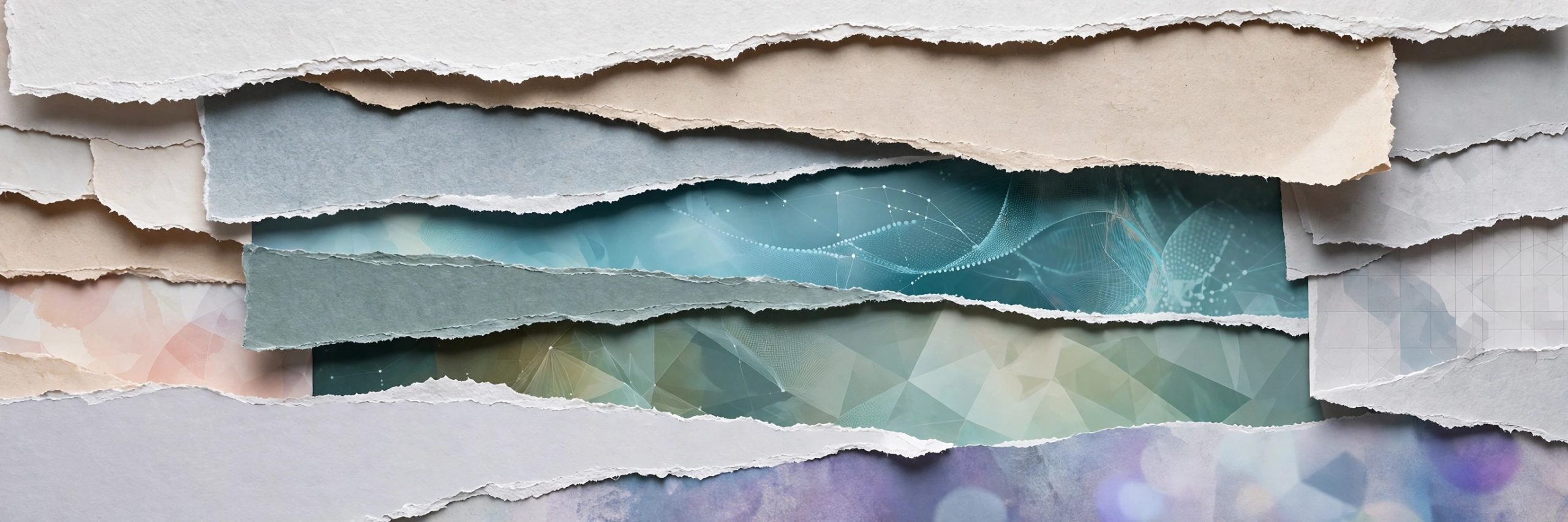
Mac UtilitiesJixiPix Rip Studio Pro is a collage studio built around one convincing illusion: paper that looks genuinely ripped, cut, folded and taped. You draw around a photo or a piece of text and the app tears it out with fibrous edges, curled corners and realistic shadows. It suits designers, scrapbookers and photographers making covers, cards and ads.
Key Features
- Rip, tear and cut edges drawn freehand around images, shapes and text
- Edge controls for width, roughness, fibre amount and fibre length
- Tape, creases, folds and curled edges with a 3D light engine for shadows
- Full layer system with multiple selection, paper styles and objects like pins
- Photoshop and Lightroom plugin included with the standalone version
How to Download
- Use the download button on this page to get the Mac version of Rip Studio Pro.
- You can also Download from the official site and try the Mac demo there.
- Run the installer, open the app and start a project with a background style.
System Requirements
JixiPix lists the standalone app for Mac OS X 10.9 or later on a 64 bit Mac. Check About This Mac in the Apple menu to confirm your system before installing.
FAQs
Does Rip Studio Pro work inside Photoshop?
Yes. The standalone version includes a plugin for Photoshop, Elements and Lightroom. The Mac App Store edition does not include the plugin.
Can beginners use Rip Studio Pro?
Yes. Although it was built for professional work, the basic flow is simple: add a picture, draw around it and adjust the torn edge.
What can I make with Rip Studio Pro?
People use it for scrapbook pages, music covers, invitations, posters and social graphics that need a handmade paper look.







Leave a Reply