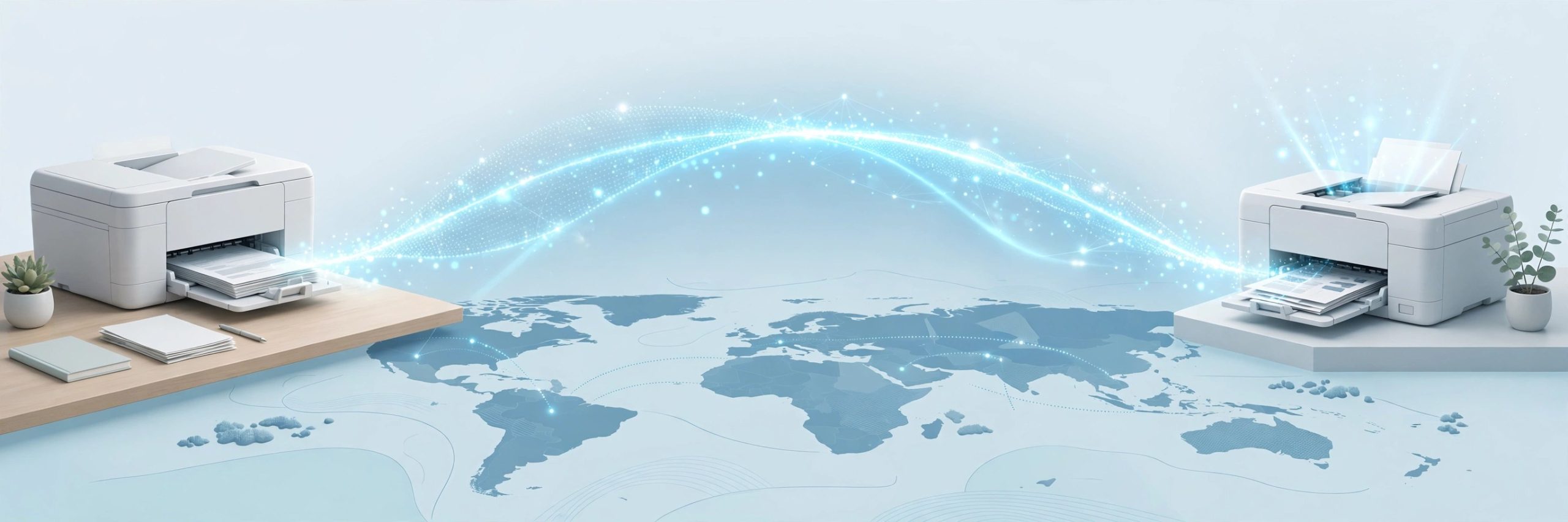
Epson Remote Printer Driver 1.2.6.4 for Mac
Mac UtilitiesEpson Remote Printer Driver lets your Mac print to an Epson printer that sits somewhere else, perhaps at home while you work from another town. It suits people who share a printer across two places, small teams, and families who like documents waiting on the tray when they return.
Key Features
- Prints to an Epson Connect printer over the internet from almost any Mac app
- Works through the normal Mac print dialog like a local printer
- Adds the remote printer by name so you can pick it when printing
- Handles everyday documents and photos in common file formats
- Lets you review basic print settings before a job is sent
How to Download
- Use the download button on this page to get the driver installer for your Mac.
- Open the downloaded file and follow the setup prompts until the install finishes.
- Register the printer with Epson Connect, add it in the setup tool, and select it to print.
System Requirements
Your Mac needs an internet connection and a macOS version your Epson model supports, which you can confirm in About This Mac. The printer must be on, online, and registered with Epson Connect before remote jobs reach it.
FAQs
Does this driver work with every Epson printer?
No. It works with Epson models that support Epson Connect and Remote Print. Check your model support page on the Epson site if you are unsure.
Do I need to be on the same network as the printer?
No, and that is the point of this driver. Your Mac and the printer each need an internet connection, and the printer must be registered first.
Why does my remote printer not appear when I print?
Check that the printer is on and online, then confirm its Epson Connect registration.







Leave a Reply