PDF Reader Pro 6.5.0 for Mac
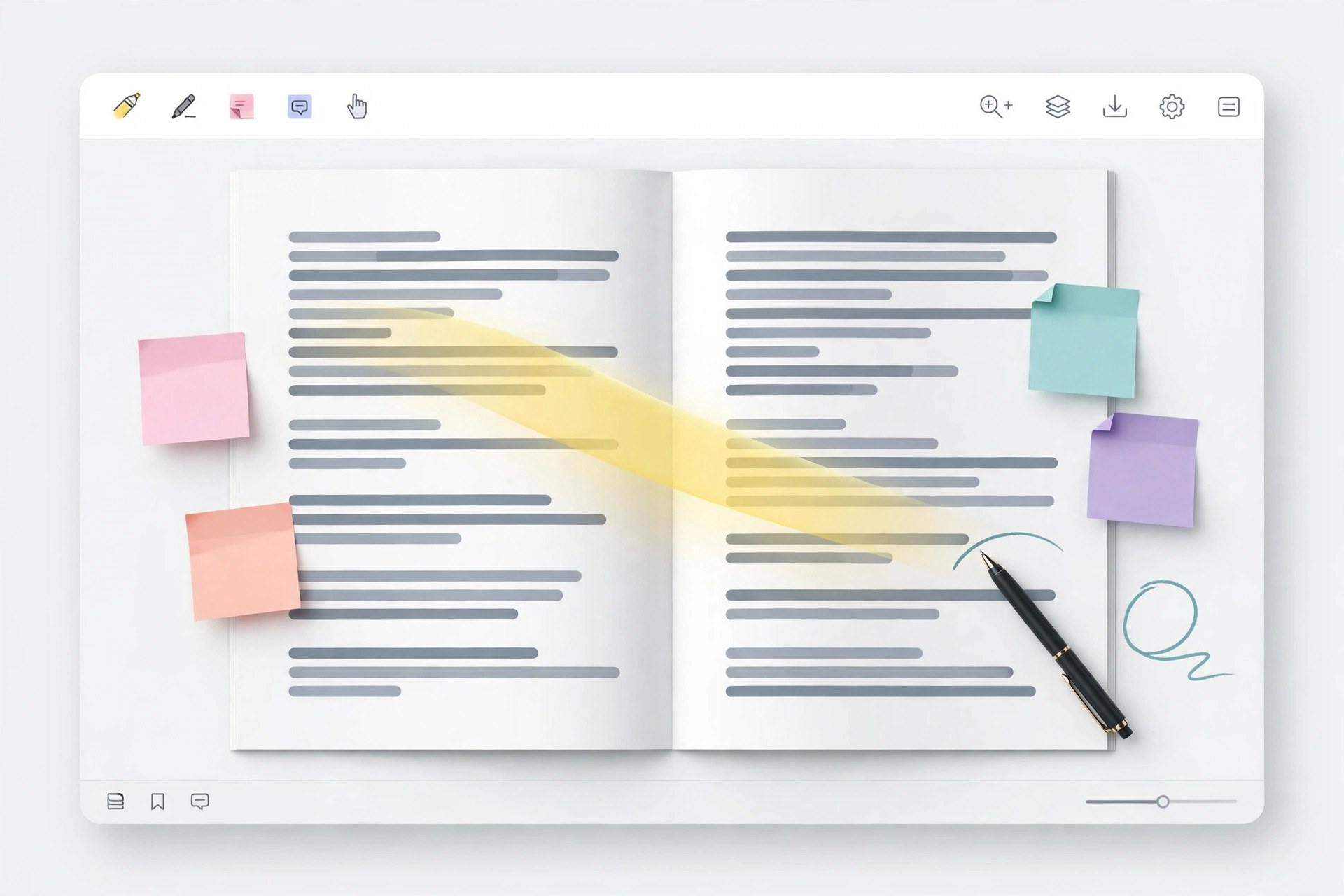
Mac UtilitiesPDF Reader Pro is an all in one PDF app for Mac that covers reading, editing, annotation, conversion and signing in a single window. It suits students, office teams and freelancers who handle contracts, reports and forms every week and want fewer separate tools.
Key Features
- Edit text and images inside a PDF and annotate with comments, highlights and stamps
- Convert PDF to and from Word, Excel, PowerPoint and other common formats
- OCR turns scanned pages into text you can search, copy and edit
- Fill forms and sign documents, with AI tools to summarize, translate, rewrite and proofread
- Organize pages by merging, splitting and rearranging, plus batch work on many files
How to Download
- Use the download button on this page to get the Mac installer, or Download from the official site
- Open the downloaded file and move the app into your Applications folder
- Launch the app, open a PDF and pick the tool you need from the toolbar
System Requirements
The app runs on current macOS releases on both Intel and Apple silicon Macs. Check your version under About This Mac, and note that AI features need an internet connection.
FAQs
Can it edit the text in a scanned PDF?
Yes, after OCR runs on the scan. The recognized text can then be searched and edited like a normal document.
Does one license cover other platforms?
The vendor sells plans that span Mac, Windows, iOS and Android, with terms that vary by plan. Check the plan details before buying.
Is there a free trial?
The vendor offers a free trial with no card required, so you can test the main tools on your own files first.







Leave a Reply