EdgeView 5.9.7 for Mac
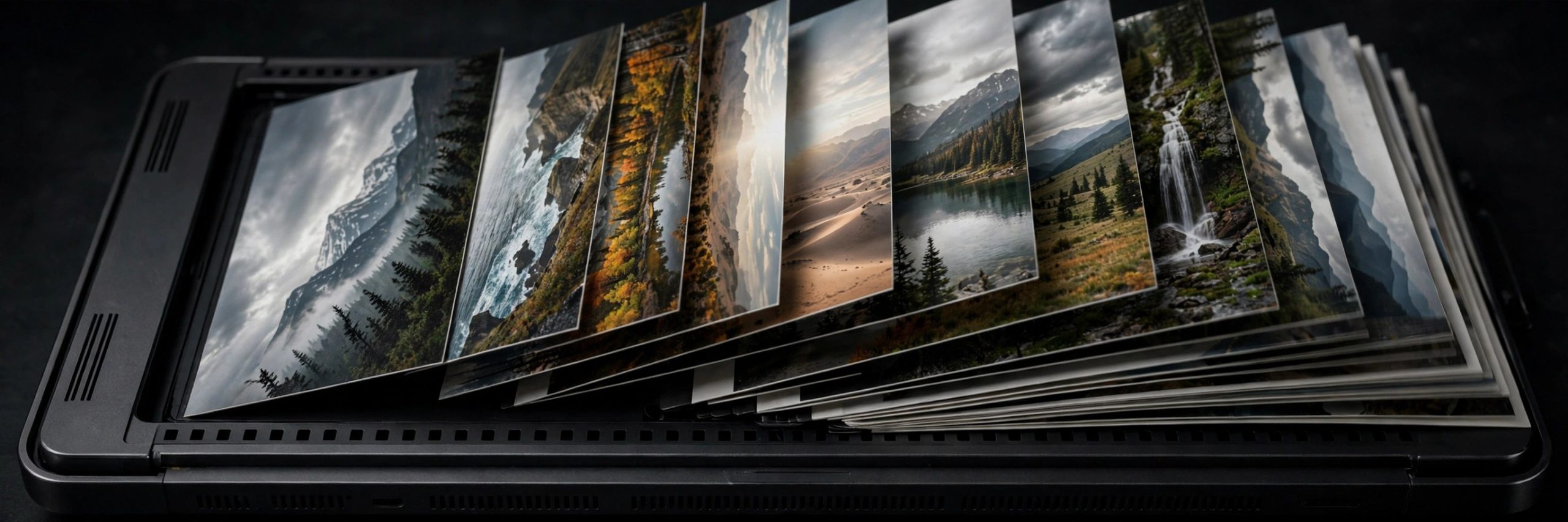
Mac UtilitiesEdgeView is a fast image viewer built for modern macOS. It opens a wide range of picture formats and lets you move through large folders without waiting around. It fits photographers checking shoots, comic readers, and anyone with big picture collections who wants something quicker than a full photo editor.
Key Features
- Open JPEG, PNG, TIFF, BMP, RAW, WebP, AVIF and PDF files in one viewer
- Browse images inside archives directly without extracting the files first
- View one image, two pages side by side, or a vertical flow for web comics
- Use the built in file browser to open, rename and organise files and folders
- Check EXIF information, play animated GIF and WebP files, and adjust image effects
How to Download
- Go to the vendor page and Download from the official site or follow its App Store link.
- Install the app on your Mac and move it into your Applications folder if asked.
- Open EdgeView, point it at a folder of images, and start browsing with the arrow keys.
System Requirements
EdgeView is designed for current versions of macOS and runs on modern Mac hardware. Check the App Store listing for the minimum macOS version for this release.
FAQs
Can EdgeView open images inside zip files?
Yes. EdgeView can open image files stored in archives directly, so you can read comic sets without unpacking them first.
Is EdgeView a photo editor?
No. EdgeView focuses on viewing and browsing. It offers simple effects and rotation tools, but detailed editing is better done in a dedicated photo editing app.
Can I view two pages side by side?
Yes. The app can show two images side by side like an open book, which suits comics and magazines, plus a vertical view for web comics.







Leave a Reply