JixiPix Hallows Eve 1.20 for Mac
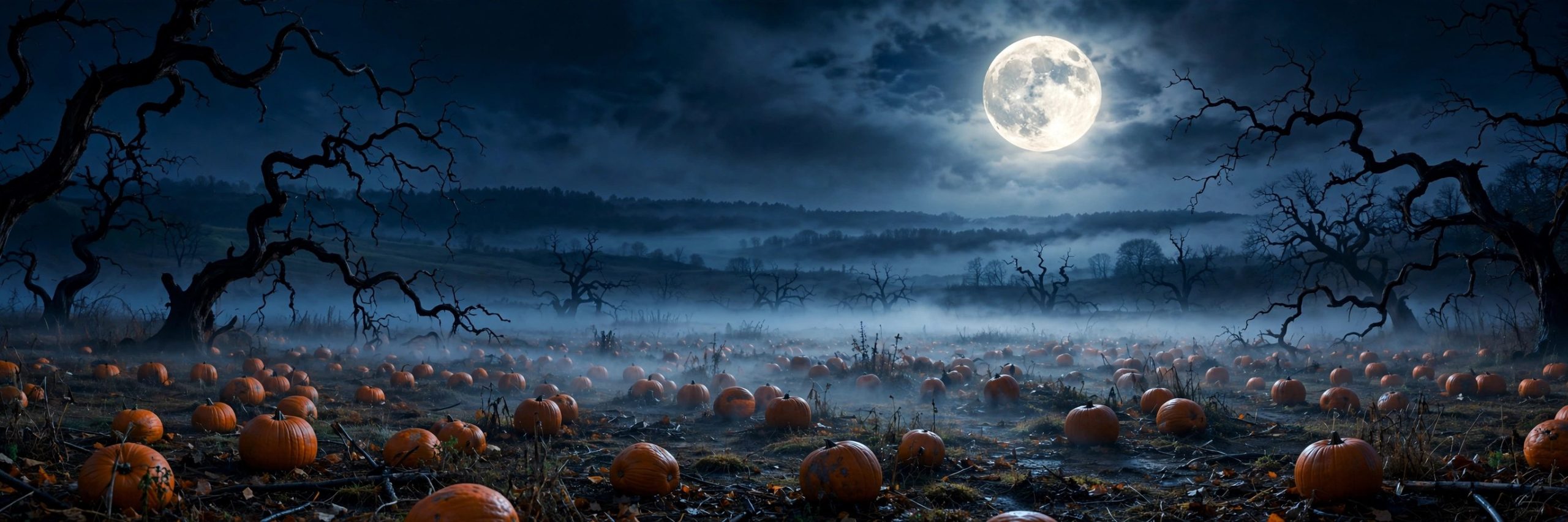
Mac UtilitiesJixiPix Hallows Eve is a playful photo effects app for anyone who loves Halloween. It takes an ordinary portrait or family photo and lets you build a haunted scene around it, adding ghosts, tombstones and glowing eyes over moody toned backgrounds. It is made for seasonal fun, party invitations and social sharing rather than serious photo repair work.
Key Features
- Library of 137 Halloween objects including skulls, ghosts, tombstones and pumpkins
- Twenty soft cloud and mist effects that add fog and atmosphere to a scene
- Eighteen ready arranged scenes you can move, resize or replace piece by piece
- Dark thrilling photo toning that gives images a haunted night time mood
- Randomize button, quick previews and multiple undo steps while you experiment
How to Download
- Read the product details and check the examples to see the style of scenes it creates.
- Download from the official site and complete the steps shown in the JixiPix store.
- Install the app on your Mac, open a photo and start placing objects from the library.
System Requirements
Hallows Eve runs on macOS 10.13 or later. It works with high resolution images, so a Mac with ordinary memory handles typical photos comfortably, and more memory helps with very large files.
FAQs
Can I build a scene from scratch?
Yes. You can start with a blank photo and place each object yourself, or begin with a ready scene and adjust every element to taste.
Does it support large photos?
Yes. Like other JixiPix apps it supports high resolution images and output, so finished scenes stay suitable for printing and sharing.
Is it only useful in October?
Halloween is its theme, so most people use it in autumn, but the toning and mist effects can suit spooky projects at any time of year.







Leave a Reply