JixiPix NIR Color 1.32 for Mac
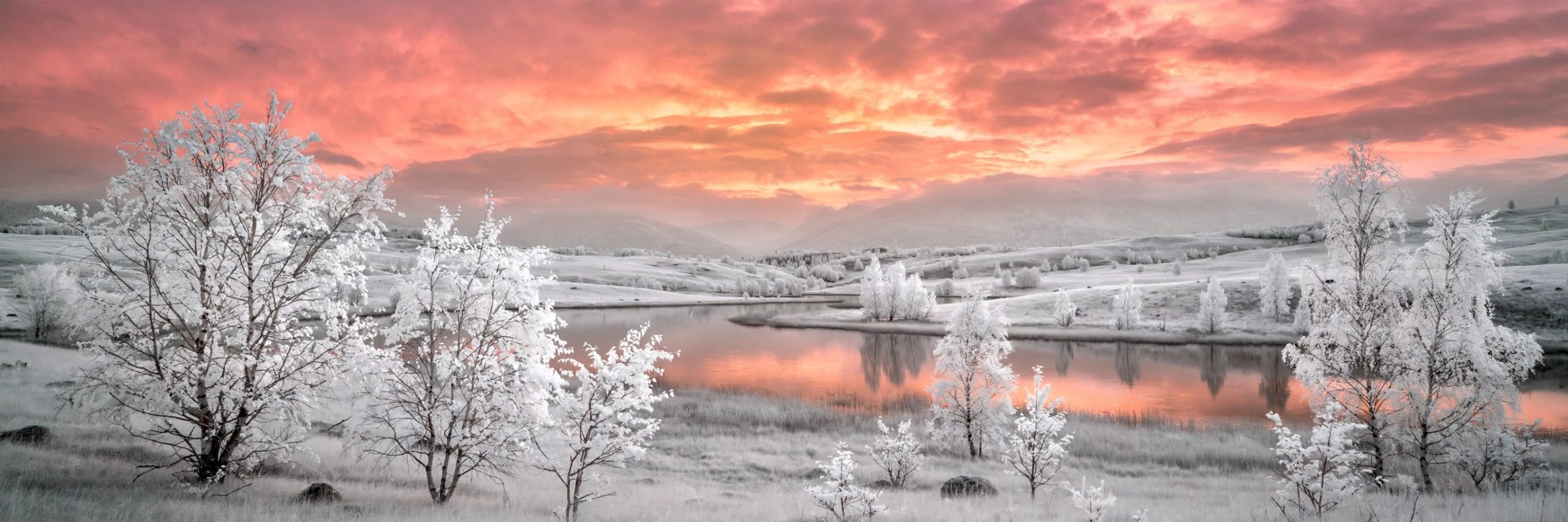
Mac UtilitiesNIR Color from JixiPix gives your photos the strange, dreamlike look of near infrared photography without a converted camera. Real infrared images strip colour away, so the app applies its near infrared effect first and then adds colour back with filters in violet, blue, green, yellow, orange and red. Ordinary landscapes turn pale and surreal, skies deepen and foliage glows. It is made for photographers and hobbyists who want a fresh creative direction.
Key Features
- Near infrared effect that transforms normal photos into surreal scenes
- Colour filters that add violet, blue, green, yellow, orange and red tones
- Ready made presets that give you strong starting points in one click
- Fine controls to adjust the effect strength and colour balance yourself
- Save and share finished images in the sizes your projects need
How to Download
- Open the official JixiPix products page and find NIR Color in the range. Download from the official site
- Choose the Mac edition and complete the purchase or demo download offered there.
- Install the app, open a landscape photo and apply your first infrared preset.
System Requirements
NIR Color runs on Macs with a recent version of macOS. Photo editing is happiest with a few gigabytes of free space for your image library, and larger photos benefit from more memory, as with any photo app.
FAQs
Do I need an infrared camera?
No. NIR Color creates the infrared look from ordinary photos, which is the whole point of the app.
Which photos suit NIR Color best?
Landscapes with sky, water and green foliage respond beautifully, because those areas change the most under the infrared effect.
Is NIR Color also in a bundle?
Yes. JixiPix includes NIR Color in its Premium Pack, which gathers eighteen of the company photo effect apps in one package.







Leave a Reply