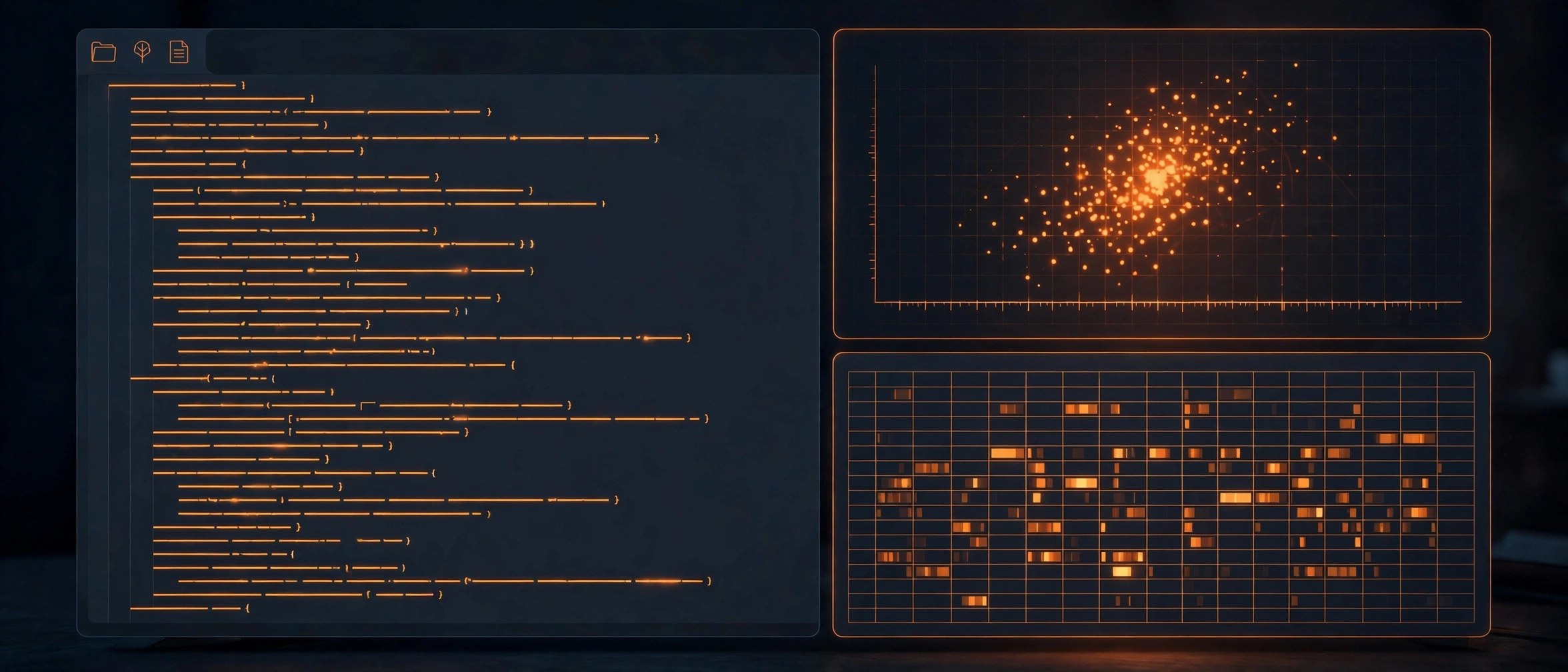
Spyder IDE 6.1.8 for Mac
Mac UtilitiesSpyder is a free development environment written in Python and built for scientific work. It brings an editor, an interactive IPython console, a variable explorer and a plots view together in one window, so you can write code, run it in pieces and inspect your data without switching apps. It is a natural fit for data analysts, researchers, engineers and students who are moving from MATLAB style tools to Python.
Key Features
- Editor with code completion, code analysis and go to definition tools
- IPython consoles that run code by line, cell or whole file
- Variable explorer for viewing and editing arrays, tables and data frames
- Plots pane that shows charts inline or in their own windows
- Debugger, profiler and find in files for larger projects
How to Download
- Open the official site and download the standalone Mac installer. Download from the official site
- Open the downloaded file and move Spyder into your Applications folder.
- Launch Spyder and run a few lines in the console to confirm your setup works.
System Requirements
Spyder runs on current macOS versions on Intel and Apple silicon Macs. The standalone installer brings its own Python, so you do not need a separate Python install to begin. Extra libraries for your own projects can be added with standard Python package tools.
FAQs
Is Spyder free?
Yes. Spyder is free and open source, developed by a community project and supported by donations and sponsors.
Do I need Anaconda to use Spyder?
No. Anaconda is one way to install it, but the standalone Mac installer from the official site works on its own.
Is Spyder only for data science?
It is designed for scientific Python, but any Python code can be written and run in it, from small scripts to larger projects.







Leave a Reply