Enolsoft PDF Compressor 5.0.0 for Mac
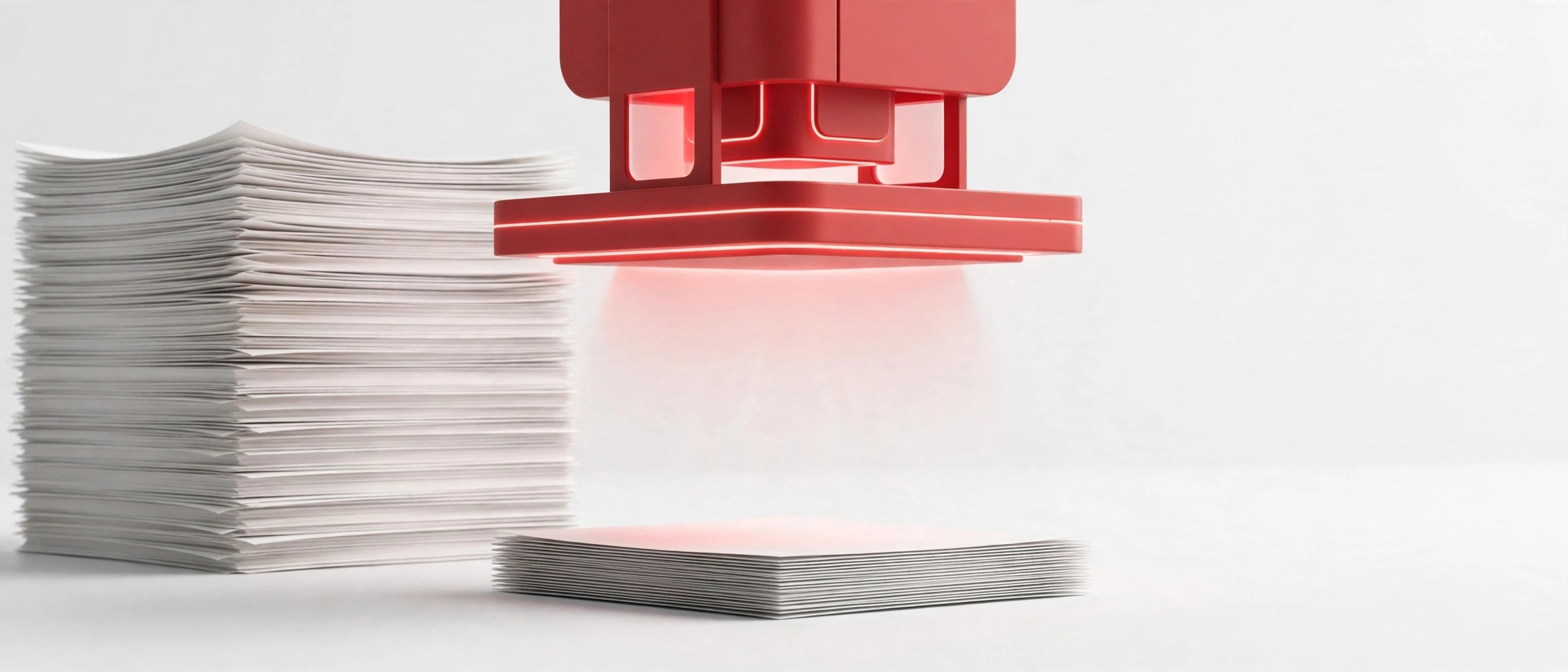
Mac UtilitiesEnolsoft PDF Compressor is a small Mac utility for making large PDF files easier to share and store. Big reports, scanned documents and portfolios often grow too large for email or upload limits. This app reduces that file size in a few clicks while keeping the document readable. Office staff, students and anyone who sends PDFs often will find the simple window and batch processing handy for daily work.
Key Features
- Reduce PDF file size for easier emailing, uploading and storage
- Compress many PDF files together with batch processing
- Add files with drag and drop into a clear, simple window
- Balance output quality and file size with compression options
- Preview file details before and after each compression job
How to Download
- Use the download button at the top of this page to get the app.
- Open the downloaded file and follow the steps shown on screen.
- Move the app to Applications, launch it and add your first PDF.
System Requirements
Enolsoft PDF Compressor runs on current macOS versions on Intel and Apple silicon Macs. It works fully on your Mac, so your documents stay on your own machine.
FAQs
Will compression reduce the quality of my PDF?
Compression always trades some quality for size, mainly in images. Choosing a gentler setting keeps text and pictures looking sharp while still saving space.
Can I compress several files at once?
Yes. Batch processing lets you add a group of PDFs and compress them together, which saves time when you prepare a whole set of documents.
Does the app change my original files?
The app creates compressed output files for sharing. Keep your original PDFs stored safely if you need the untouched full quality versions later.







Leave a Reply