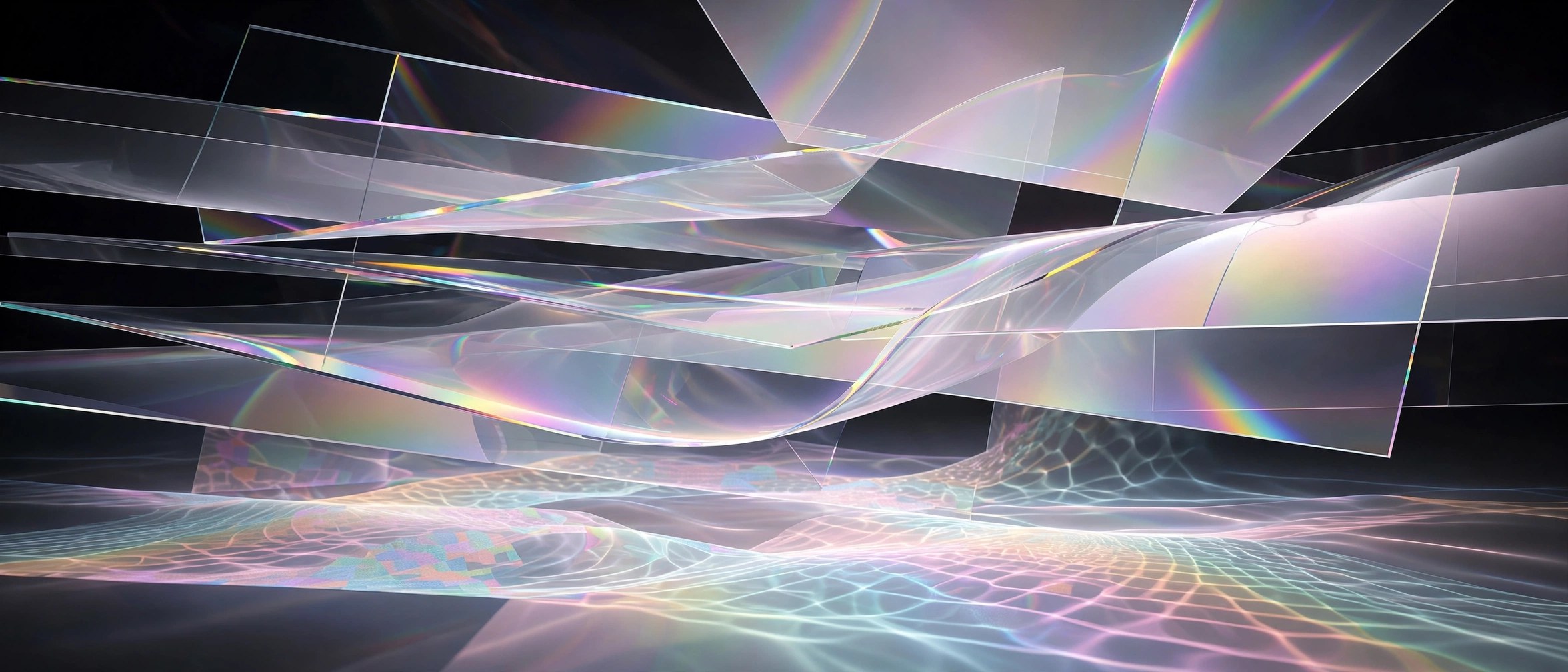
Glassary 1.8 for Mac
Mac UtilitiesGlassary is an After Effects plugin for motion designers who need convincing glass without building it from layers of effects. Its panel turns almost any shape into glass and gives you live sliders for the look, which makes it handy for titles, interface mockups, logos and product shots on a Mac workstation.
Key Features
- Creates glass from any shape layer you draw or import
- Live control over blur and refraction so the background bends through the glass
- Distortion and noise controls for frosted or uneven glass surfaces
- Lighting and colour controls to match the glass to your scene
- Support for precomps and 3D layers inside your compositions
How to Download
- Use the download button on this page to get the plugin package.
- Close After Effects, then install the plugin using the instructions inside the package.
- Open After Effects again, apply Glassary to a shape, and shape the glass with the panel sliders.
System Requirements
Glassary needs a Mac with a supported version of Adobe After Effects installed. Check the listing notes for the exact After Effects versions before you rely on it for client work.
FAQs
What kinds of shapes can become glass?
The plugin is built around shape based work, so drawn shapes are the natural starting point. Precomps are also supported, which widens what you can feed into the effect.
Can I animate the glass look over time?
The panel controls are presented as live parameters, and designers typically keyframe values such as blur and refraction in After Effects to evolve the look across a shot.
Does Glassary work outside After Effects?
No. It is an After Effects plugin, so it runs inside that host app on your Mac rather than as a standalone program.







Leave a Reply