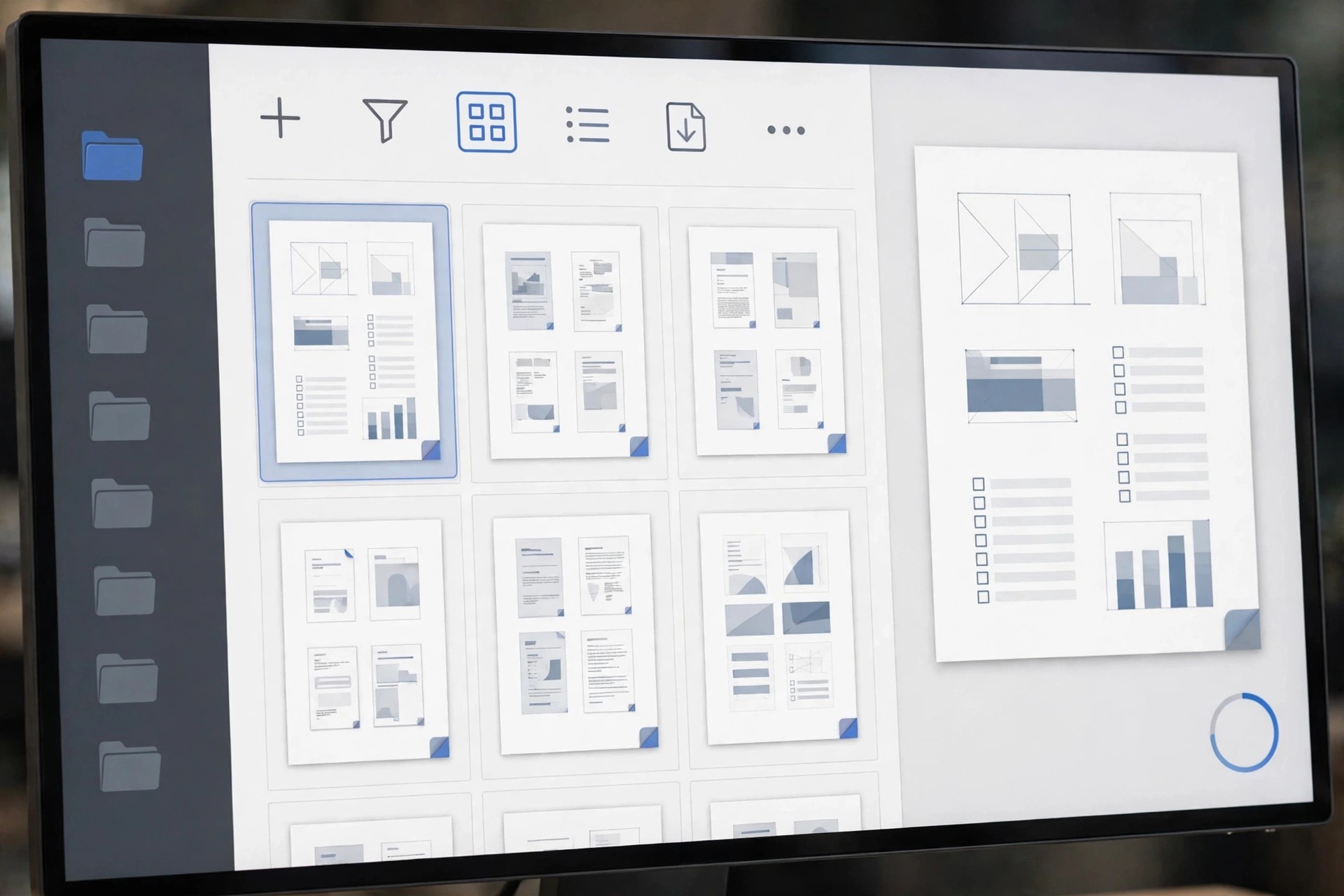
Adobe Acrobat Pro 2015.023.20056 for Mac
Mac BusinessAdobe Acrobat Pro 2015.023.20056 for Mac is Adobe's full PDF editor for professional document work. Where the free Reader only opens files, Acrobat Pro lets you create PDFs from almost any source, edit text and images directly inside them, and fix mistakes without going back to the original document or asking whoever sent it for a new version.
It is built for business workflows: convert PDFs to editable Word, Excel and PowerPoint files, turn scans into searchable text with OCR, build fillable forms, and collect legally binding e-signatures. You can also compare two versions of a document, redact sensitive information permanently, and protect files with passwords and permissions before sharing them outside your organisation.
Key Features
- Create and edit PDFs, fixing text, fonts and images directly in the document
- Convert PDFs to and from Word, Excel and PowerPoint while keeping layout intact
- OCR turns scanned pages into searchable, editable text in seconds
- Fill, create and sign forms, and request e-signatures from other people
- Compare files, redact sensitive content and protect PDFs with passwords and permissions
How to Download
- Download from the official site
- Start the official free trial or sign in with the Adobe account that holds your subscription, then download the Mac installer.
- Run the installer, launch Acrobat Pro and sign in to activate it on your Mac.
Is Adobe Acrobat Pro free?
No. Acrobat Pro is paid software, available by subscription with a short free trial for new users. The free Adobe Reader is a separate, view-only app and is not a free full version of Acrobat Pro.
Is it safe to download Acrobat Pro from other sites?
No. Unofficial sites frequently bundle old, patched installers with malware and activation scams. For business documents especially, only install Acrobat from Adobe's official site.







Leave a Reply