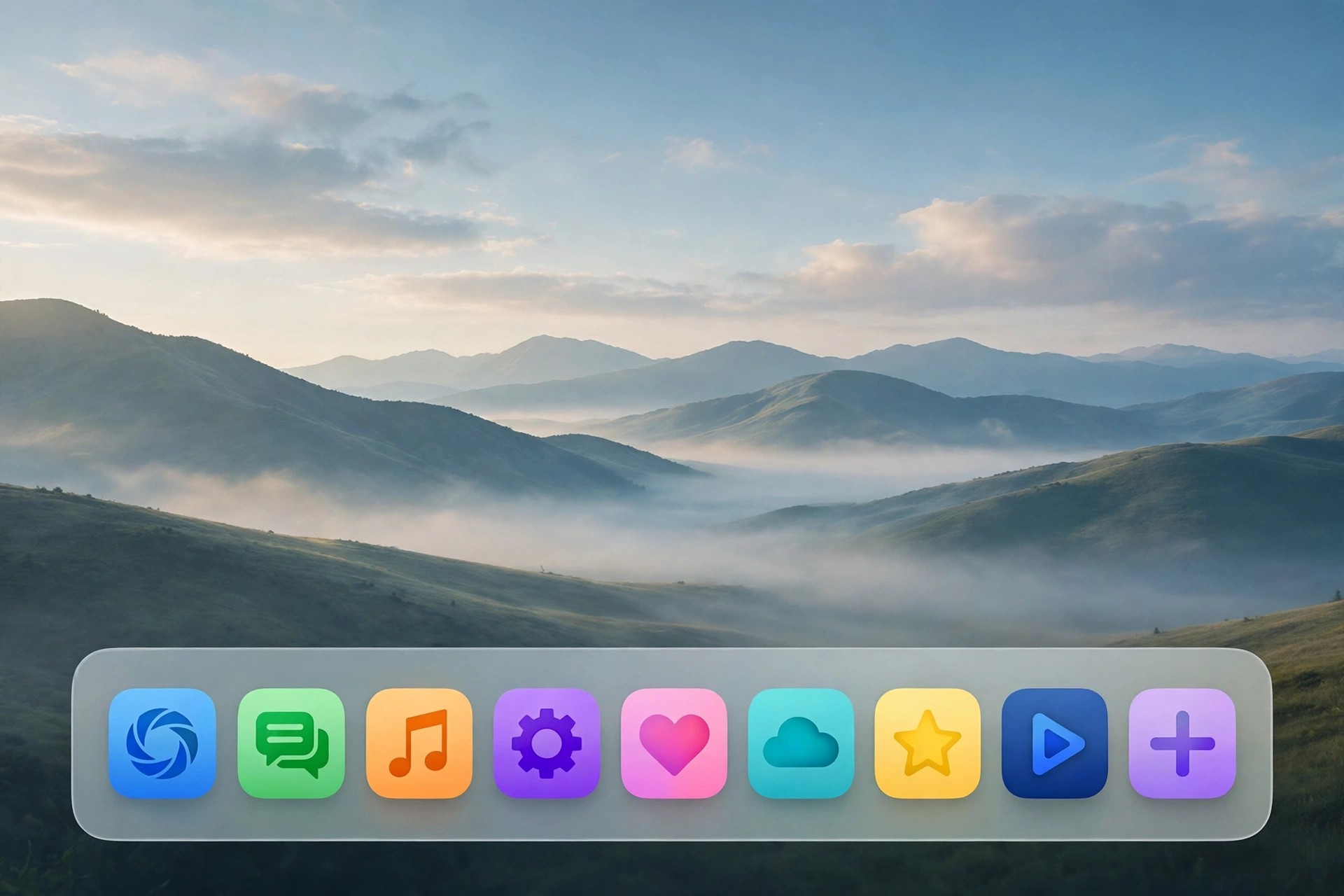
ActiveDock 2.810 for Mac
Mac UtilitiesActiveDock 2.810 for Mac, from MacPlus Software, replaces the standard macOS Dock with a far more capable launcher of its own. If you find Apple's Dock too limited — no real grouping, no window previews, little control over appearance — ActiveDock is built to fix exactly those frustrations while keeping a familiar Dock-style feel.
You can organise apps, documents and folders into groups, preview open windows before switching to them, and restyle the whole thing with custom themes and icons. It also adds a Start-menu-style launcher, making it a practical alternative to tools like uBar or cDock for users who live in the Dock all day.
Key Features
- Full Dock replacement with live window previews for running apps
- Groups and folders for organising apps, files and documents together
- Custom themes, icons and appearance settings to match your desktop
- Start-menu-style launcher for quick access to apps and system areas
- Works without replacing system files or disabling SIP
How to Download
- Download from the official site to get the current MacPlus Software installer.
- Open the downloaded DMG and move ActiveDock into your Applications folder.
- Launch the app, follow the setup prompts, and customise your new Dock's groups and theme.
Is ActiveDock free?
No. ActiveDock is paid software sold as a one-time licence, but a free trial is available from the official site so you can test the Dock replacement before buying.
Can I trust ActiveDock downloads from other sites?
Stick to the official MacPlus Software page. Copies on unofficial download sites may be outdated or modified, and a Dock replacement runs at the heart of your desktop, so a clean installer matters.







Leave a Reply