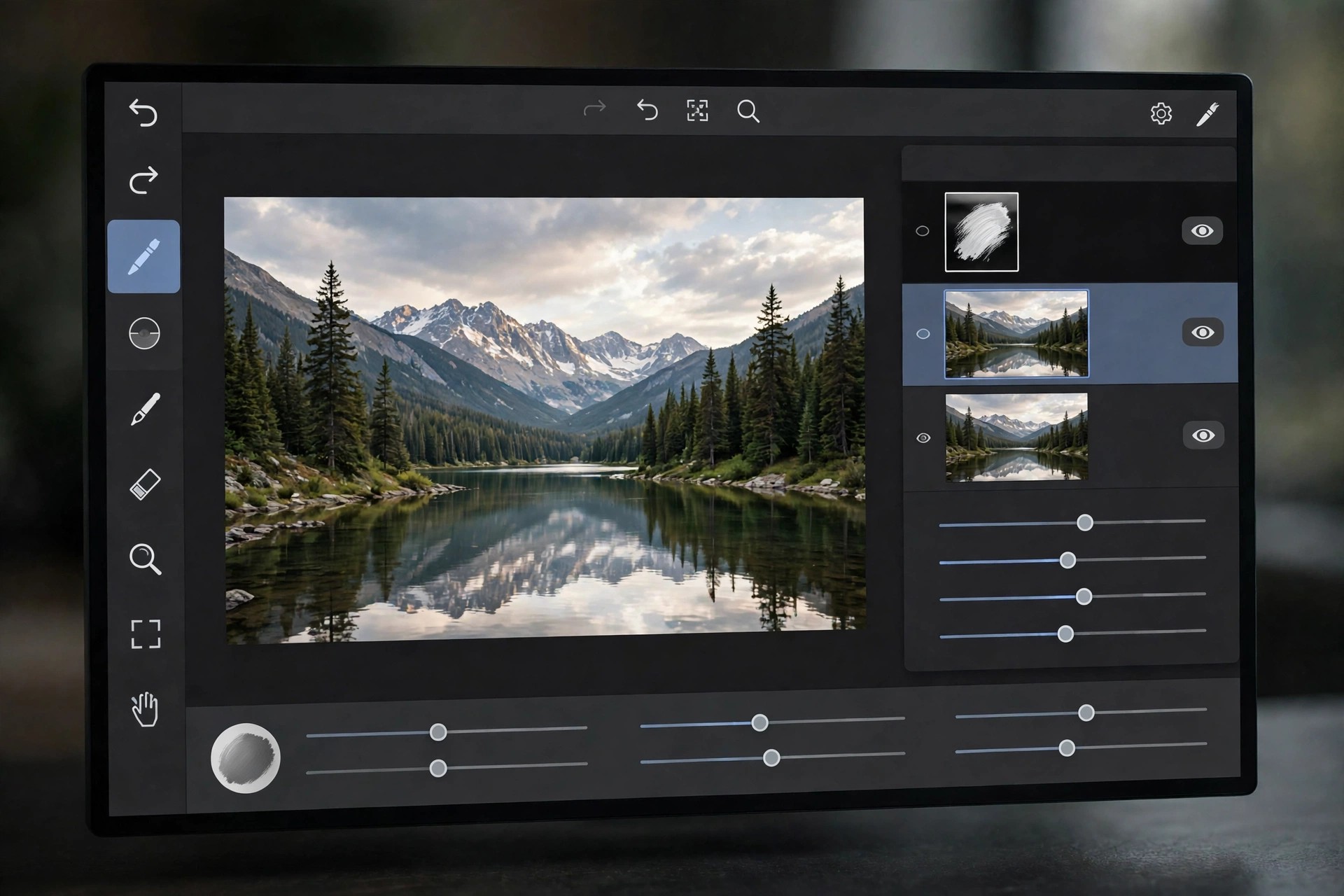
Acorn 8.7.1 for Mac
Mac Photo & DesignAcorn 8.7.1 for Mac is a capable image editor from Flying Meat, built only for macOS and designed to feel quick and approachable from the first launch. It handles everyday photo touch-ups, screenshots, collages and original artwork in one tidy window, without the steep learning curve of larger professional suites.
This release runs natively on Apple Silicon and Intel Macs and needs macOS 14 Sonoma or later. Work is organised in layers, so you can combine photos, text and shapes, adjust each part separately, and export a finished copy while keeping your editable original safe for later changes.
Key Features
- Layer-based editing with masks, blend modes and non-destructive filters you can revisit at any time
- Photo tools for retouching, colour correction, curves and RAW image import
- Vector shapes and editable text for posters, social graphics and annotated screenshots
- Machine-learning selection helpers and a fast Metal-powered brushing engine
- Automation support through Shortcuts, AppleScript and JavaScript for repeat jobs
How to Download
- Download from the official site
- Open the downloaded file and drag Acorn into your Applications folder.
- Launch the app, try it out, and enter a licence key if you decide to buy.
Is Acorn 8.7.1 free?
No. Acorn is paid software sold as a one-time licence with no subscription, and Flying Meat offers a free trial so you can test it on your own photos before paying.
Is it safe to download Acorn from other sites?
Stick to Flying Meat or the Mac App Store. Unofficial download sites often bundle old or modified copies with unwanted software, and you would miss genuine updates and support.







Leave a Reply