Calibre 9.18.0 for Mac
Mac UtilitiesUpdated Aug 2, 2026
Mac Utilities • Updated Aug 2, 2026
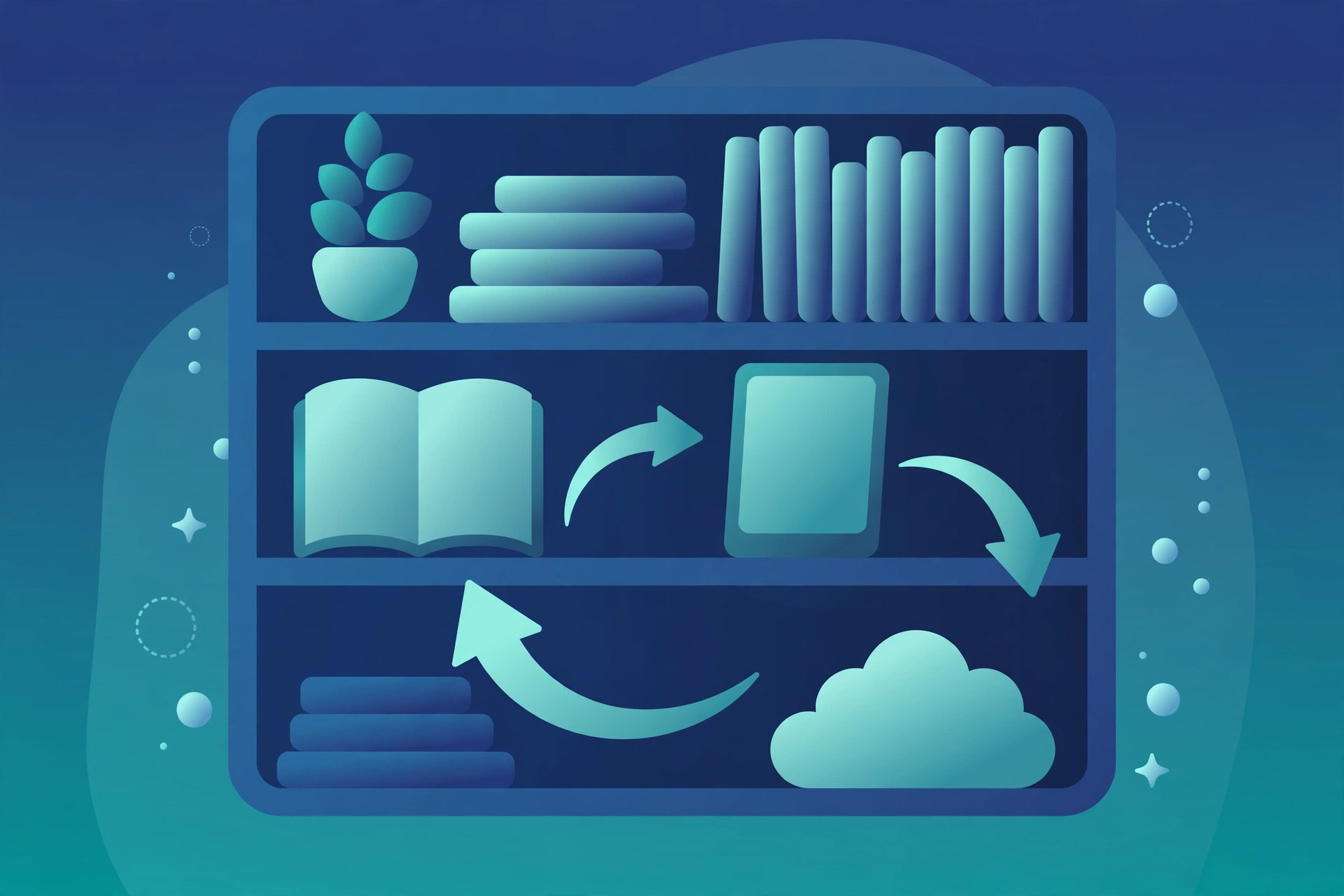
Calibre is a free ebook library manager for people who collect books in many formats and want one calm place to keep them all. It gathers your ebooks into a searchable library, tidies their details and converts them for the device you actually read on, whether that is a dedicated reader, a tablet or your Mac itself.
Key Features
- Build a searchable library with covers, authors, series and tags for every book
- Convert ebooks between common formats such as EPUB, PDF and AZW3
- Edit book details by hand or fetch fresh details from online sources
- Read books in the built in viewer with bookmarks and reading settings
- Send books to many popular ebook readers and manage what sits on them
- Run your own content server to browse your library from a web browser
How to Download
- Visit the vendor page here: Download from the official site and choose the macOS option.
- Open the downloaded disk image and drag the Calibre app into your Applications folder.
- Launch Calibre, point it at the folder where your ebooks live and let it build your library.
FAQs
Is Calibre free to use?
Yes. Calibre is free and open source software, so you can download it and use its full library and conversion tools without paying.
Can Calibre convert a book for my reader?
In most cases, yes. Pick the book, choose convert, select the format your reader prefers and then send the finished file to the device.
Does Calibre work without the internet?
Reading, organising and converting books you already own works fully offline. The internet is only needed for tasks like fetching book details.







Leave a Reply