OnlySwitch 3.6.0 for Mac
Mac UtilitiesUpdated Aug 1, 2026
Mac Utilities • Updated Aug 1, 2026
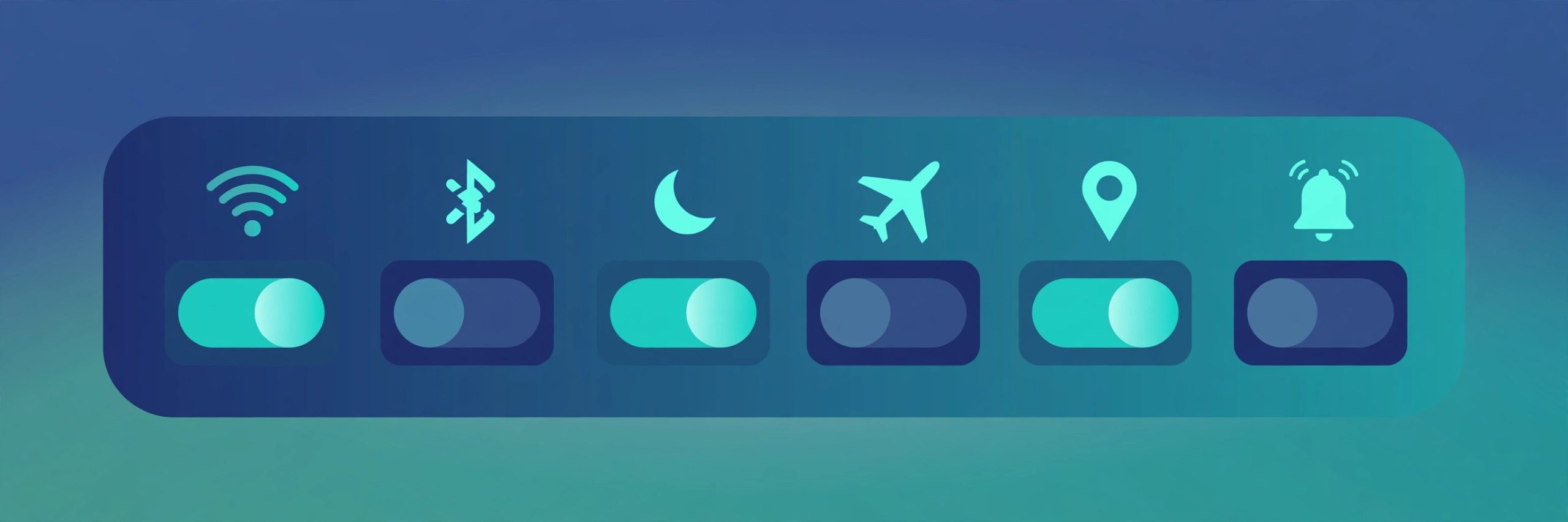
OnlySwitch is a free and open source menu bar app by developer jacklandrin that gathers dozens of everyday Mac controls into one panel. Instead of digging through Settings again and again, you click one menu bar icon and flip the switch you need. It suits Mac owners who like a tidy desktop, presenters who hide icons before sharing a screen, and anyone who changes system settings often during the day.
Key Features
- One panel with switches for dark mode, hidden desktop icons and keeping your Mac awake
- Can hide the notch on MacBook Pro models that have one
- Controls for AirPods, screen capture, screen recording and other daily tools
- Lets you import Siri Shortcuts and build custom Evolution switches with scripts
- Only Agent can turn a plain English request into a script and run it for you
- You choose which switches appear, so the panel stays short and personal
How to Download
- Use the download button on this page or open the project page on GitHub.
- Download from the official site and get the latest disk image from the releases area.
- Open the disk image, move OnlySwitch to your Applications folder and launch it.
FAQs
Is OnlySwitch free?
Yes. OnlySwitch is free and open source under the MIT license, and anyone can view its code on GitHub.
Does it work on Intel and Apple silicon Macs?
Yes. Current builds work on both Apple silicon and Intel Macs, according to the project listings.
Can I hide switches I never use?
Yes. The switch list is customizable, so you can keep only the controls you reach for every day.







Leave a Reply