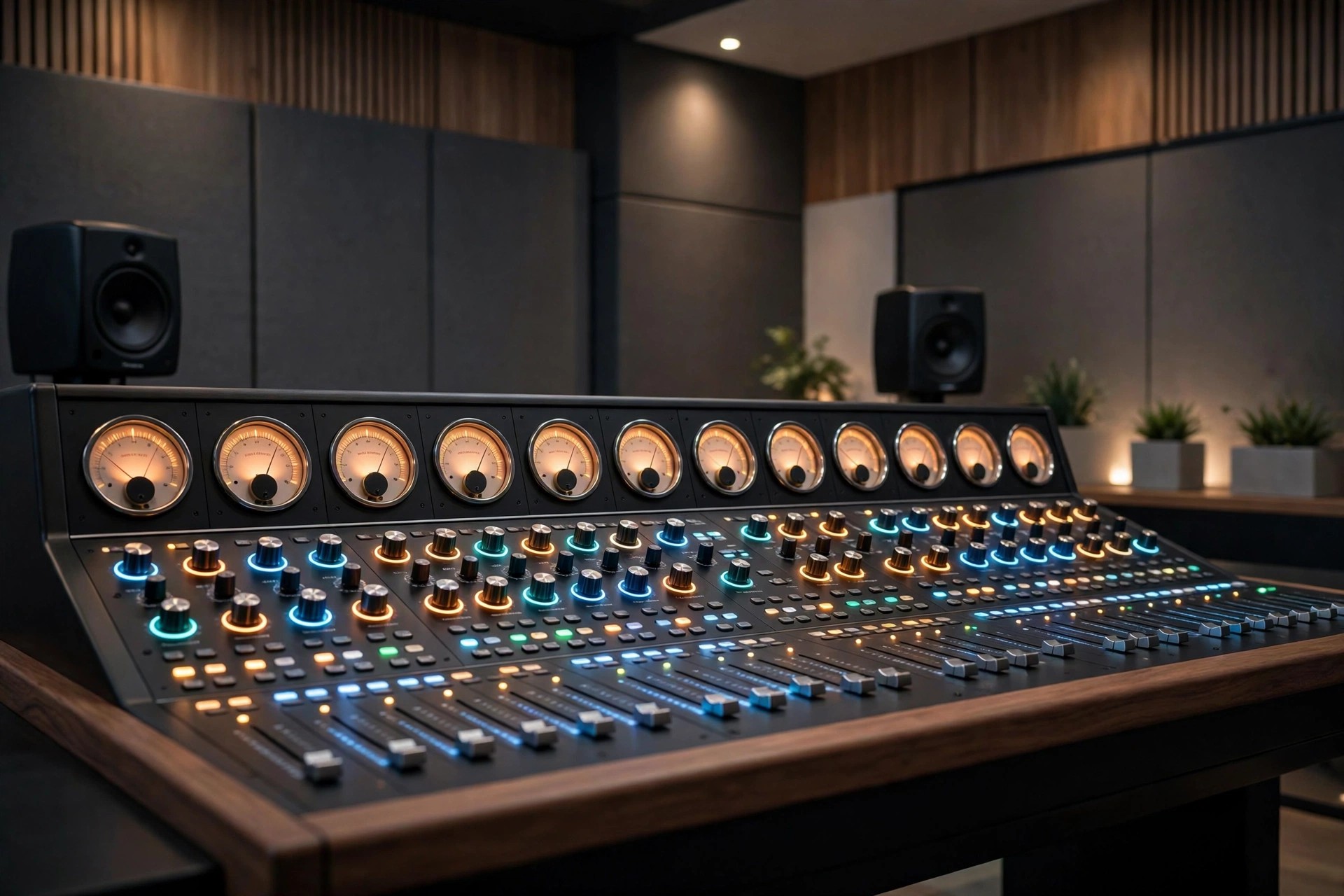
Acon Digital Mastering Suite 1.1.4 for Mac
Mac AudioAcon Digital Mastering Suite 1.1.4 for Mac is a focused bundle for the final stage of a production: mastering. Now presented by Acon Digital as the Mix & Mastering Suite, it gives Mac producers a transparent set of tools to polish a finished mix without changing its character.
The idea behind the suite is clarity rather than colour. Its five classic plug-ins handle equalisation, compression, multiband control, peak limiting and dithering, each designed to stay clean even at strong settings, so loudness and balance come from careful processing, not distortion.
Key Features
- Equalize parametric EQ with freely adjustable filter slope per band
- Dynamics works as a compressor, expander or gate with look-ahead
- Multiband Dynamics for dynamic control in up to four frequency bands
- Limit transparent limiter for clean loudness and true-peak control
- Dither with flexible perceptual noise shaping for bit-depth conversion
How to Download
- Check your Mac DAW supports VST, VST3, AAX or Audio Units plug-ins.
- Download from the official site and try the suite on a finished mix.
- Install the plug-ins, build a simple mastering chain, and compare at matched loudness.
Is Acon Digital Mastering Suite free?
No, the suite is a paid bundle. Acon Digital offers a free trial with no credit card required, so you can master a track before buying.
Do I still need a DAW to use Mastering Suite?
Yes, these are plug-ins, not a standalone app. They run inside a compatible Mac host such as Logic Pro, Cubase, Studio One or Reaper.







Leave a Reply