Batteries 3.1.1 for Mac
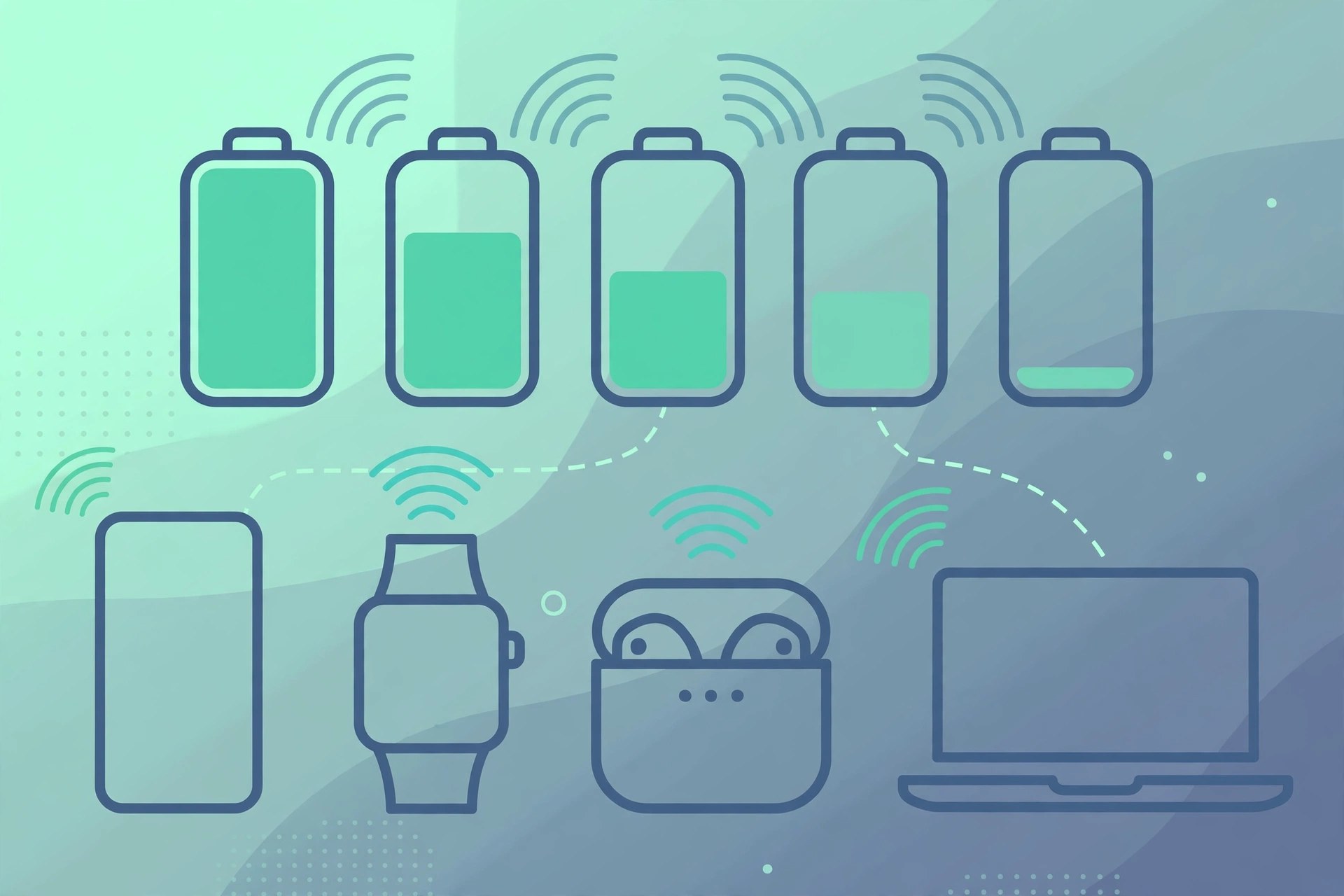
Mac UtilitiesBatteries for Mac, by developer Rony Fadel, puts every battery you own in your Mac's menu bar. Your iPhone, iPad, AirPods, Beats headphones and Bluetooth accessories appear next to your Mac's own battery, so you can see what needs charging without picking each device up. It also warns you before a device runs flat, rather than after.
Key Features
- Battery level and charging state for all your devices in the menu bar
- Tracks iPhone and iPad over Wi-Fi, plus AirPods, Beats and Bluetooth accessories
- Low-battery notifications at a level you choose yourself
- Desktop and Notification Center widgets in three sizes
- Pay once and use it on up to five Macs
How to Download
- For iPhone or iPad tracking, connect the device once and turn on 'Show this device when on Wi-Fi' in Finder.
- Download from the official site and run the installer or open the download in the Mac App Store.
- Open Batteries, add its widget if you want it, and set the low-battery level for your alerts.
System Requirements
The developer lists macOS 12.4 Monterey or later for Batteries. It runs on Apple silicon and Intel Macs, and your iPhone or iPad must be on the same Wi-Fi network for its level to appear.
FAQs
Is Batteries a subscription?
No. The developer sells it for a one-time payment covering up to five Macs, and it is also available through Setapp. Check the official site for current pricing.
Why doesn't my iPhone appear?
The one-time Finder setting 'Show this device when on Wi-Fi' has to be enabled, and the iPhone needs to be on the same network as your Mac.







Leave a Reply