ACCDB MDB Explorer 2.4.7 for Mac
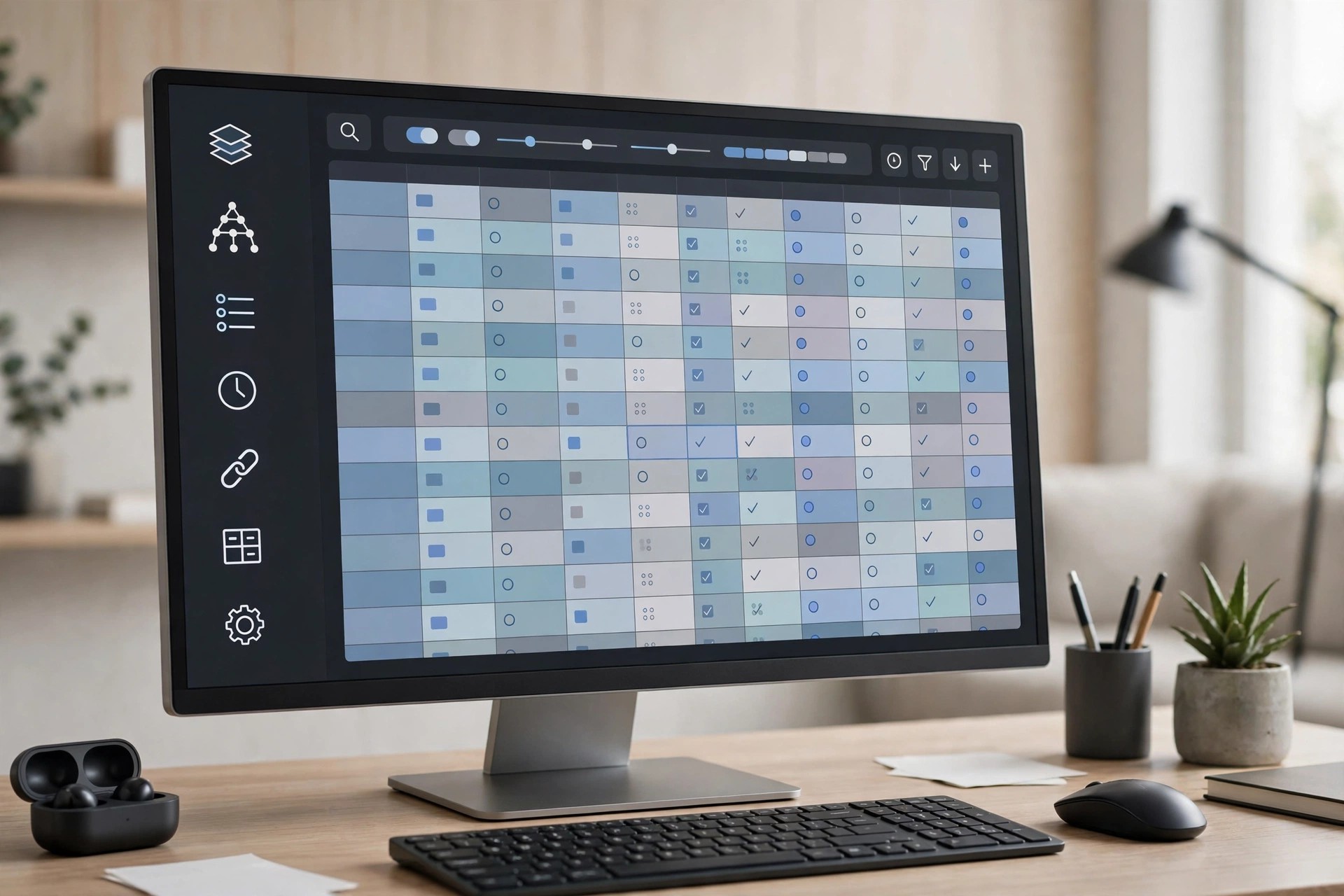
Mac UtilitiesMicrosoft Access has never been released for macOS, which leaves Mac users stuck when a client, colleague or old archive arrives as an .accdb or .mdb file. ACCDB MDB Explorer 2.4.7 solves that narrow but common problem: it opens Access databases directly on your Mac so you can browse the data inside without installing Windows or owning an Access license.
The app is built purely for viewing and extracting data. You can open tables from several databases, inspect each table's structure in terms of columns, relations and indexes, and then export the contents into formats that Mac software can actually work with. It is a practical bridge between legacy Windows databases and modern Mac workflows.
Key Features
- Opens ACCDB, MDB, ACCDE and MDE files without a Microsoft Access license
- Displays table structure, including columns, relations and indexes
- Lets you open and explore tables from multiple databases
- Exports data to TXT, CSV, XLS and XLSX for use in spreadsheets and other apps
- Lightweight, focused viewer that does not require a virtual machine or Windows installation
How to Download
- Open the downloaded file and move the app into your Applications folder.
- Launch the app, open your .accdb or .mdb file, and browse or export the tables you need.
Is ACCDB MDB Explorer free?
No. It is a paid utility, although trial listings have historically been offered through software directories. There is no free full version, so be wary of any site promising one.
Can it edit my Access database?
No. This is a viewer and exporter, not an editor. It will not run Access forms, reports, macros or VBA code, and password-protected databases may not open. For full editing, you would still need Microsoft Access on Windows.







Leave a Reply