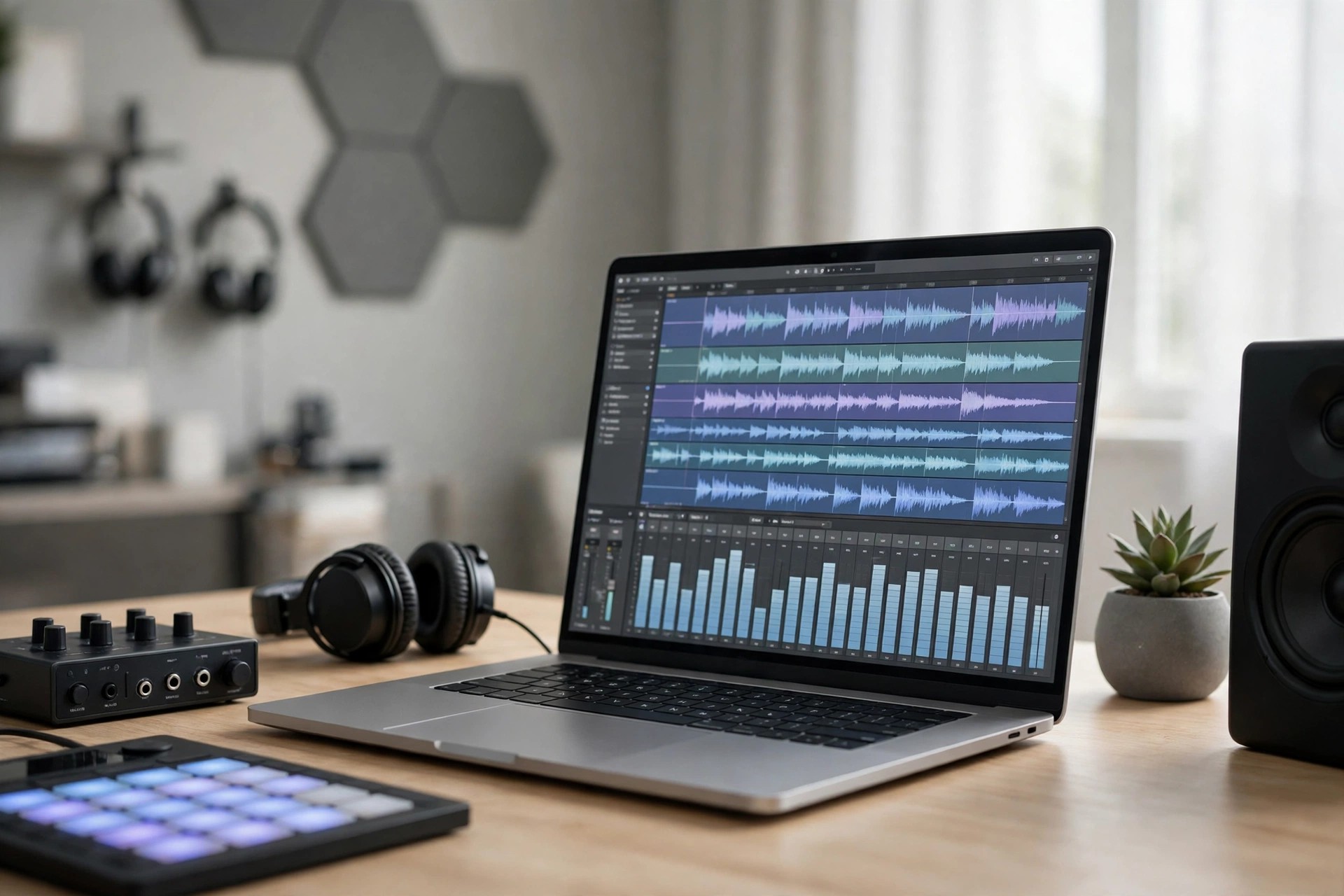
Ableton Live Suite 11.1.1 for Mac
Mac AudioAbleton Live Suite 11.1.1 for Mac is remembered as an important release for Apple silicon users, adding native support for M1 Macs. Instead of running through translation, Live could use the performance and efficiency of the M1 chip directly, which helped larger projects run more smoothly.
As a Suite edition, version 11.1.1 includes the full Live experience: both Session and Arrangement views, every Ableton instrument and effect, the large Suite sound library, and Max for Live for custom devices. If you own this version, Ableton still provides the installer through your account.
Key Features
- Native Apple silicon support for M1 Macs, plus Intel compatibility
- Session View for improvising and Arrangement View for song structure
- All Suite instruments, including Wavetable, Operator, Sampler and Drum Rack
- Max for Live included for custom instruments, effects and tools
- VST2, VST3 and Audio Unit plugin support, depending on plugin build
How to Download
- Download from the official site
- Sign in to your Ableton account, open Licences & Packs, and choose version 11.1.1 for macOS.
- Open the .dmg, drag Live to Applications, launch it and authorise it with your licence.
Is Ableton Live Suite 11.1.1 free?
No. Live Suite is paid software. Ableton offers a free trial of the current Live version, while owners of an 11 Suite licence can download 11.1.1 again from their account at no extra cost.
Should I download the M1 version from unofficial sites?
No. Unofficial copies may be modified, infected or impossible to authorise. Use only the installer from your Ableton account on ableton.com for a safe, working installation.







Leave a Reply