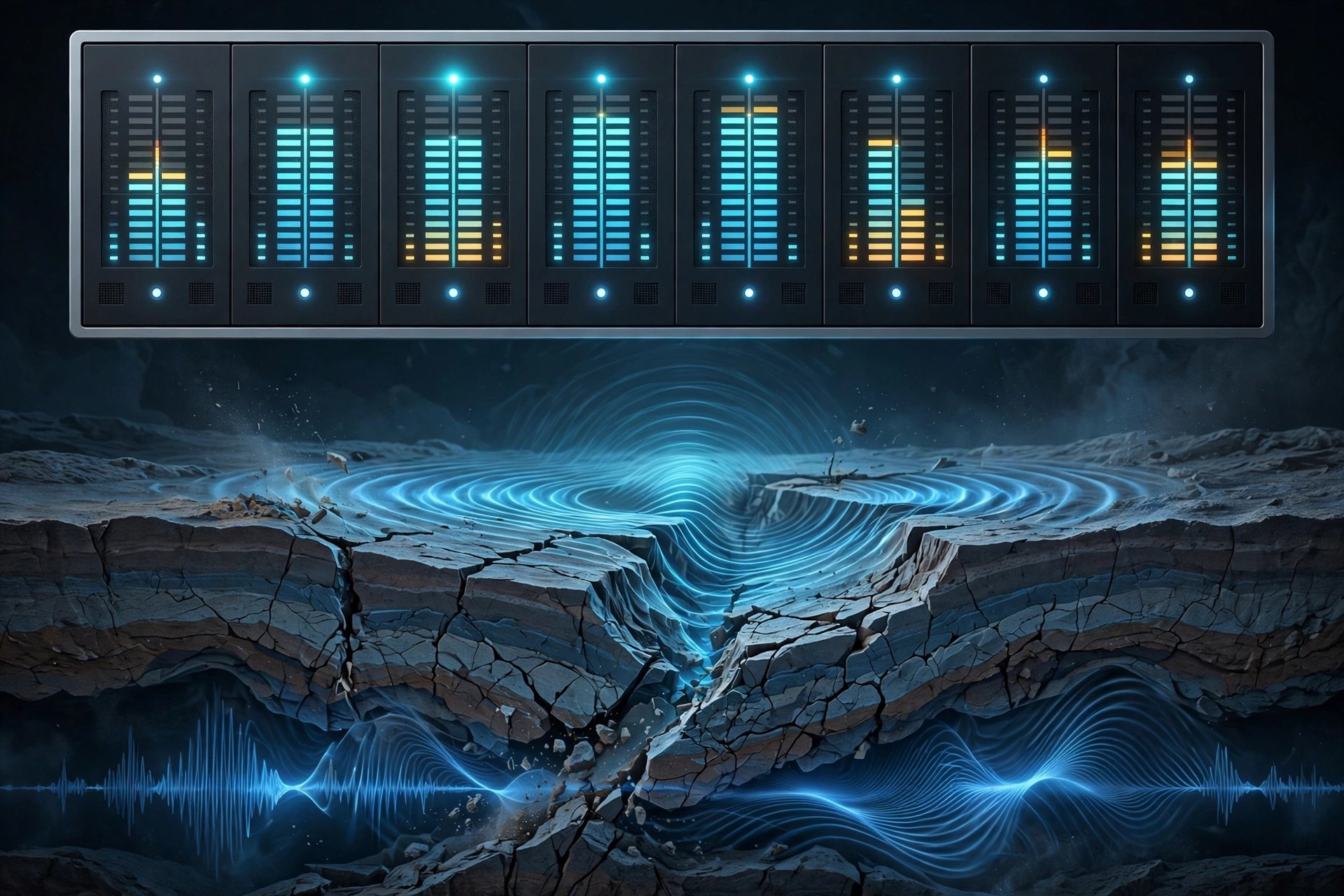
Aberrant DSP Tectonic 1.0 for Mac
Mac AudioTectonic from Aberrant DSP is a multi-band toneshaping channel strip that approaches EQ in a different way. Instead of simply boosting or cutting frequencies, each of its four bands applies upward and downward compression, so raising a band adds energy and movement while cutting it calms and controls that range.
For Mac producers it runs as AU, VST3 and AAX on Intel and Apple Silicon systems. It sits comfortably on individual tracks, buses or a mix, offering anything from subtle sweetening of a vocal to a complete tonal rebuild of a dull recording, all from one focused interface.
Key Features
- 4 bands of upward and downward compression with trim gain per band
- Selectable transition frequencies between neighbouring bands
- Per-band Mute, Solo, Bypass and Mid/Side stereo panner
- Six style selections that change the feel and intensity of processing
- 65 factory presets, plus master mix, input and output gain controls
How to Download
- Go to the official Tectonic page and try the macOS demo in your own session.
- Download from the official site
- Install the package, restart your DAW, and your files appear under My Account > Downloads after purchase.
Is Tectonic free?
No. It is a paid plugin with a fully featured demo that has brief periodic drop-outs and cannot save custom presets. There is no free full version.
Can I trust Tectonic copies on free download sites?
No. Those copies are unauthorised and can compromise a studio computer. Download the demo or the full version only from Aberrant DSP's official site.







Leave a Reply