AVTouchBar 3.0.7 for Mac
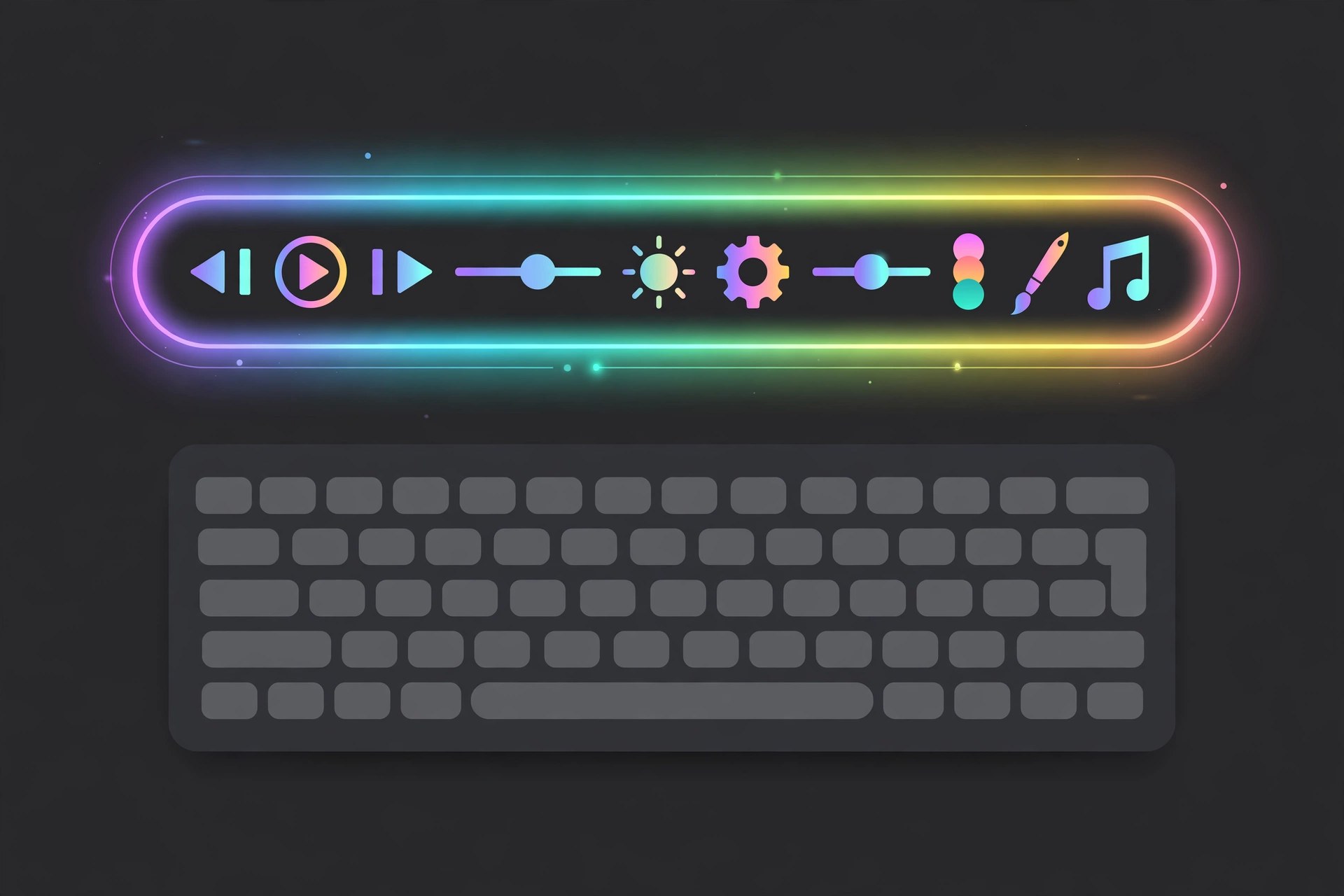
Mac UtilitiesAVTouchBar is a small, free Mac utility that turns the Touch Bar on a MacBook Pro into a live audio visualizer. Music and other audio playing through your Mac (or picked up by the microphone) is drawn as animated bars and colours on the Touch Bar itself. It is a fun, lightweight extra for Touch Bar machines, with gestures and colour options so you can make the display your own.
Key Features
- Real-time audio visualization drawn directly on the Touch Bar
- Works with system audio and the internal microphone
- Custom colour gradients you can create, save and share
- Touch Bar gestures to change colours, adjust volume and enter full-screen mode
- Automatically creates an aggregate audio device when one is needed
How to Download
- Check the system requirements below so the app fits your Mac and macOS version.
- Get the installer safely: use the green Download button on this page or visit the developer's website directly.
- Open the downloaded file, follow the installer steps, and launch the app from Applications.
System Requirements
AVTouchBar needs a MacBook Pro with a physical Touch Bar — Macs without one cannot show it. Version 3.0.7 was listed for macOS 10.15 and later; on newer macOS versions, check the developer's page for current compatibility notes.
FAQs
Is AVTouchBar free?
Yes, it has been distributed as a free utility. Download it only from the developer's own page or a reputable listing to avoid bundled extras.
Will it work on an Apple silicon Mac?
Only if that Mac has a Touch Bar. Most Apple silicon models have no Touch Bar, so on those machines there is nothing for the visualizer to draw on.







Leave a Reply