Audio Hijack 4.6.0 for Mac
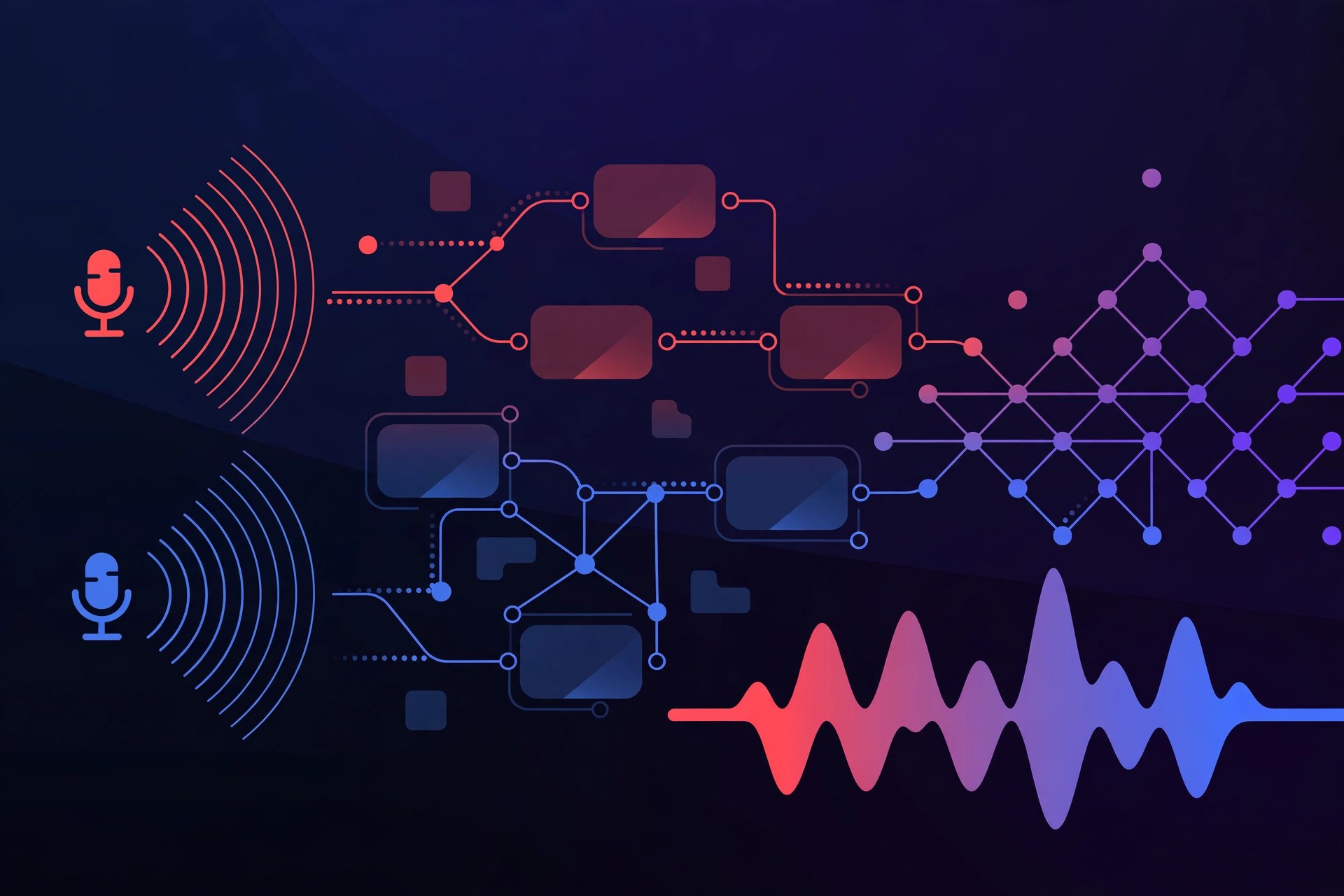
Mac AudioAudio Hijack, from Rogue Amoeba, is a Mac app for recording any audio your computer makes or hears. It can capture sound from a single application, a microphone, a web stream or a video call, then route that audio through effects and recorders using a simple drag-and-drop block system, all in one session.
Key Features
- Capture audio from any app, input device or combination of sources on your Mac
- Build sessions from blocks: sources, effects, outputs and recorders connected visually
- Record calls, streams, podcasts and broadcasts, with options to save in popular formats
- Built-in effects and Audio Unit support for cleaning up or shaping recordings
- Transcribe block that turns recorded speech into text, plus live stream and broadcast outputs
How to Download
- Check your macOS version first, as the current Audio Hijack release needs a recent system.
- Get the installer from the developer: Download from the official site
- Install Audio Hijack, build a simple session from an application source and a recorder, and make a test recording.
System Requirements
Audio Hijack 4.6 requires macOS 14.4 or later on an Intel or Apple silicon Mac, per Rogue Amoeba's release notes. Older macOS versions are served by earlier Audio Hijack releases listed on the developer's legacy page.
FAQs
Can I try Audio Hijack before buying?
Yes. Rogue Amoeba offers a free, fully functional trial from the official site. Trial recordings are limited in length until you buy a licence and unlock the full version.
Can Audio Hijack record a Zoom or Skype call?
Yes. Capturing calls from VoIP apps is one of its main uses: pick the app as your source, add your microphone if needed, and record both sides of the conversation, subject to your local recording laws.







Leave a Reply